Adaptive Outline
1.21.11SHADERby RodAnfatine
Preview
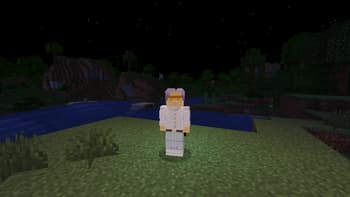
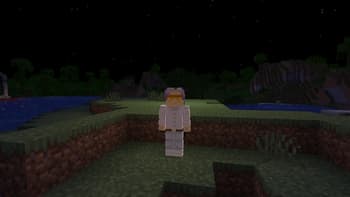
About
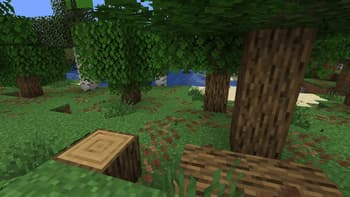
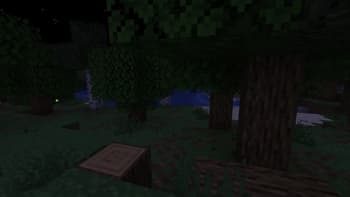
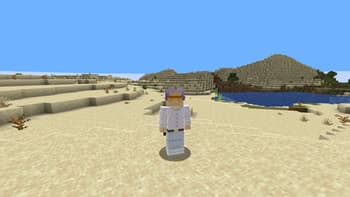
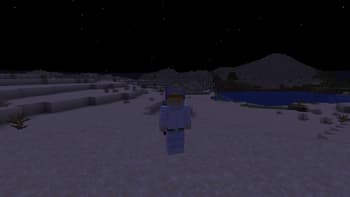
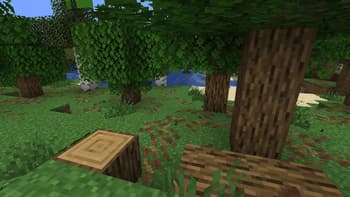
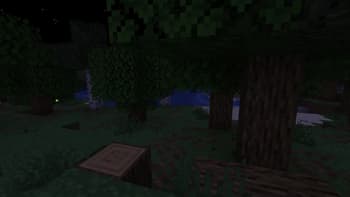
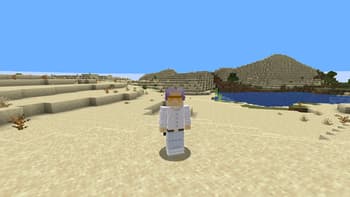
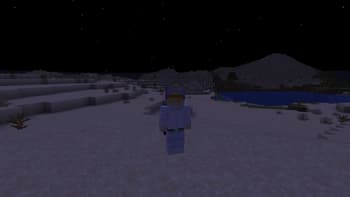
### This is a vanilla shader with a stroke. The stroke brightens the light areas and darkens the dark areas.  шейдер изменём только в final.fsh ``` #version 330 compatibility uniform sampler2D colortex0; uniform sampler2D depthtex0; in vec2 texcoord; layout(location = 0) out vec4 color; void main() { vec2 texel = 1.0 / vec2(textureSize(colortex0, 0)); vec4 scene = texture(colortex0, texcoord); float d_center = 1.0 - textureLod(depthtex0, texcoord, 0.0).r; vec2 offsets[2] = vec2[]( vec2(texel.x, 0), vec2(texel.x * 3.0, 0) ); float gradients[4]; for(int i = 0; i 2.0; bool is_real_edge_v = gradient_ratio_v > 2.0; ...
Read more on ModrinthPreview
Versions
1
6 months ago
Related Shaders

Complementary Shaders - Reimagined
Preserving the elements of Minecraft with exceptional quality, detail, and performance.

Complementary Shaders - Unbound
Transforming the visuals of Minecraft with exceptional quality, detail, and performance.

BSL Shaders
Shaderpack for Minecraft: Java Edition. It's bright, colorful, and distinct.

Solas Shader
A modern fantasy stylized shaderpack with colored lighting and stunning visuals