Aeon
1.21.11SHADERby slink
Preview
About
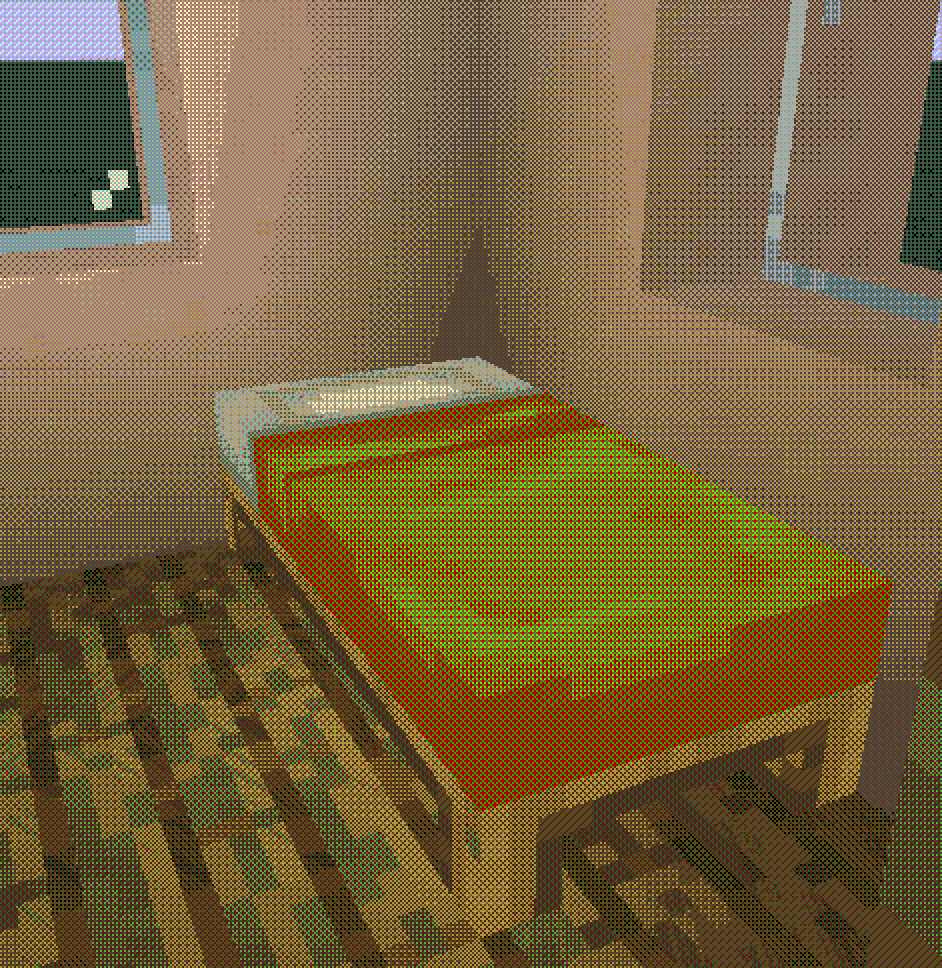
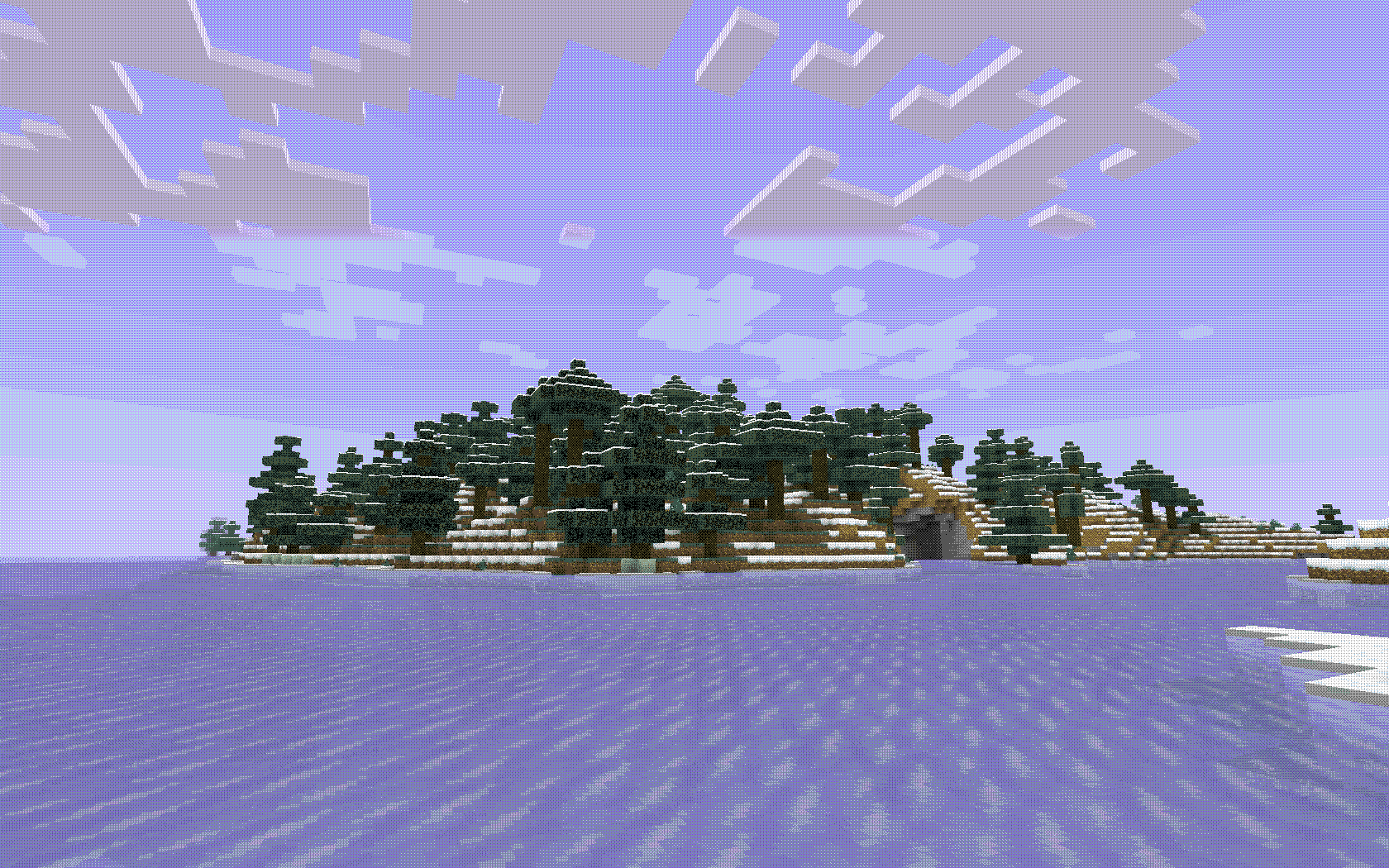
# AEON Minecraft shaders intended to emulate the graphic design style of early tech, as well as that of certain retro sci-fi, dithered, and other minimalist styles. Massive thanks to Alex Charlton for their webpage on "Dithering on The GPU". The code from there is the backbone of this shader. ## Gallery   
Preview
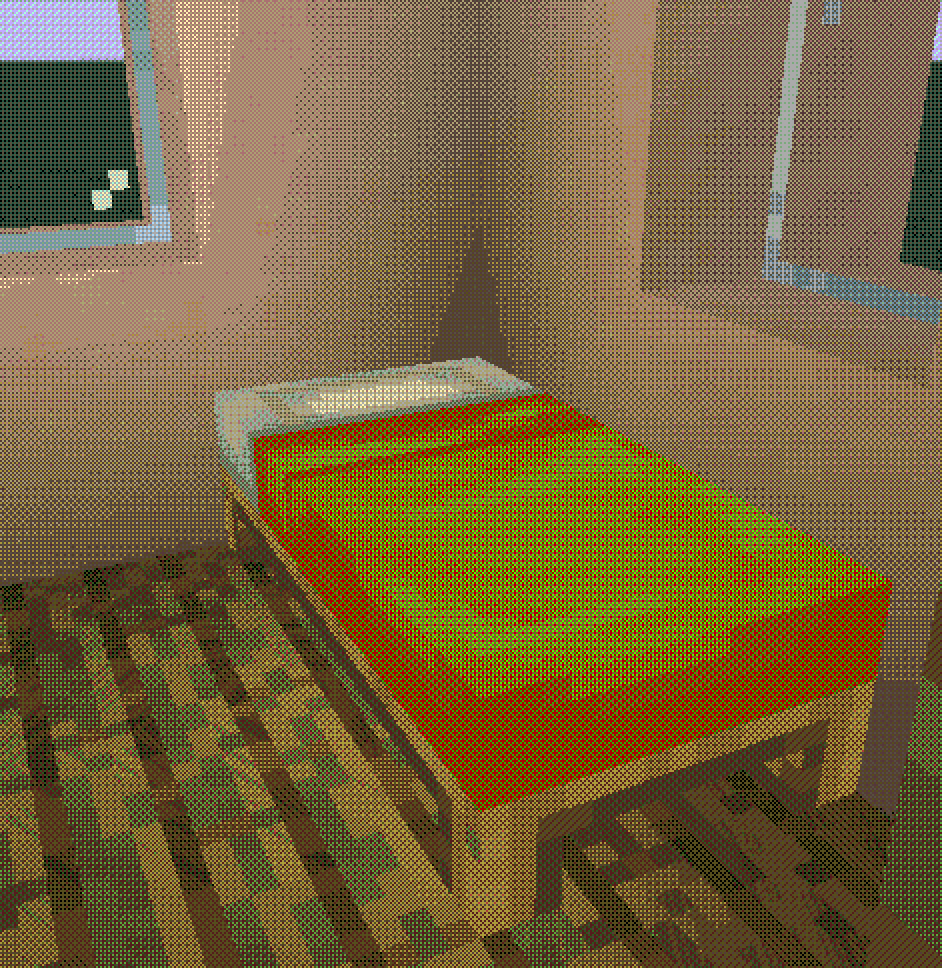
bed
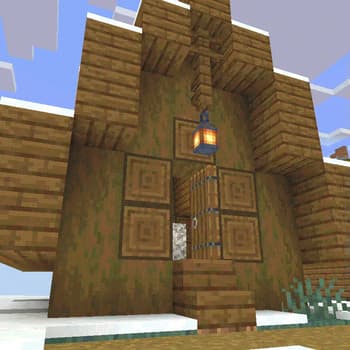
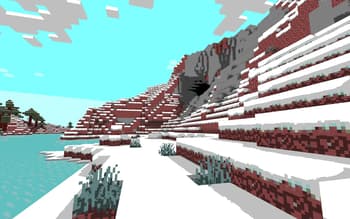
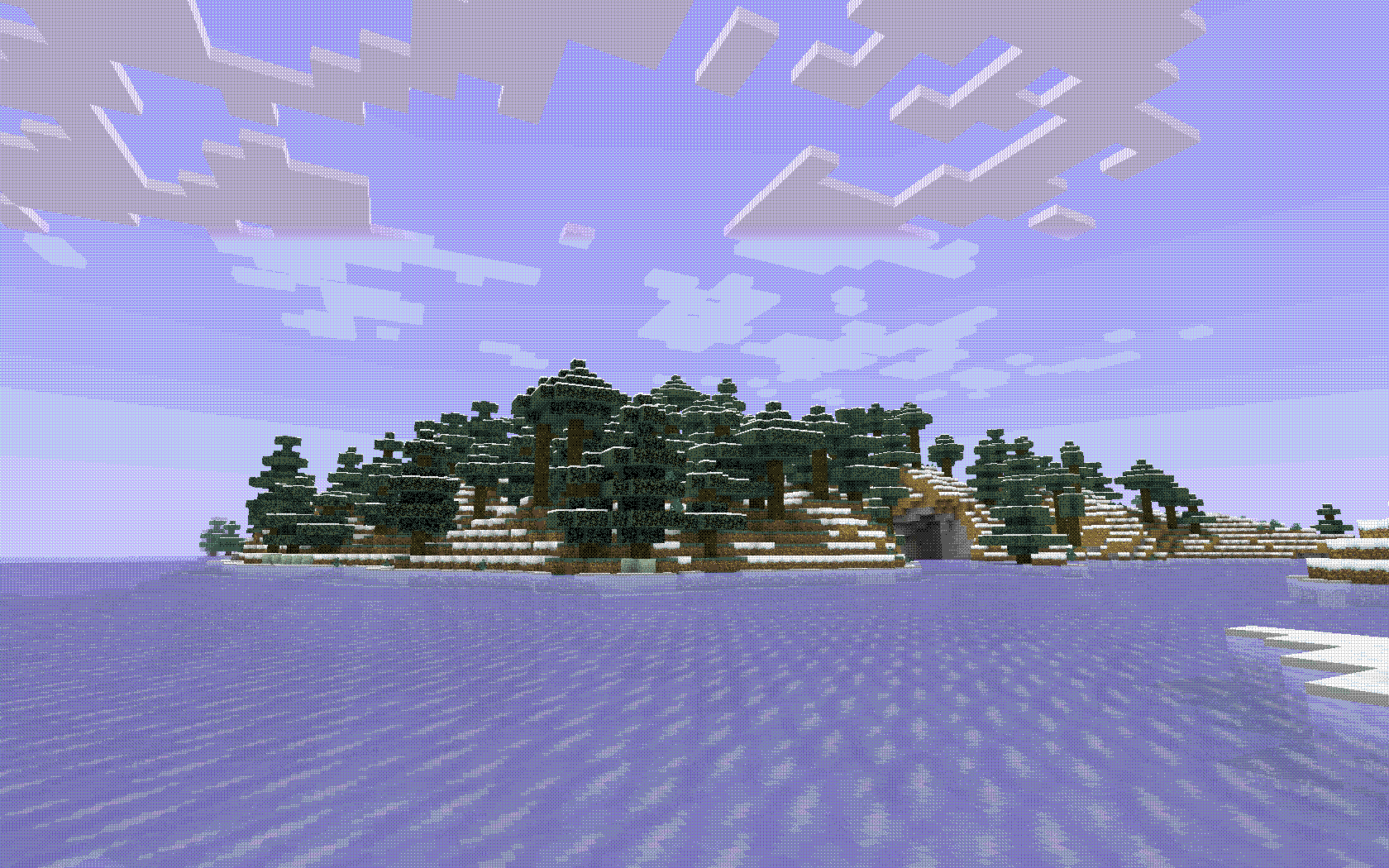
Aeon
Versions
Aeon 1.0
3 years ago
slink
Owner
Related Shaders

Complementary Shaders - Reimagined
Preserving the elements of Minecraft with exceptional quality, detail, and performance.

Complementary Shaders - Unbound
Transforming the visuals of Minecraft with exceptional quality, detail, and performance.

BSL Shaders
Shaderpack for Minecraft: Java Edition. It's bright, colorful, and distinct.

Photon Shaders
A gameplay-focused shader pack with a semi-realistic style