Anti Aliasing (TAA, FXAA)
1.21.11SHADERby LoLip_p
About
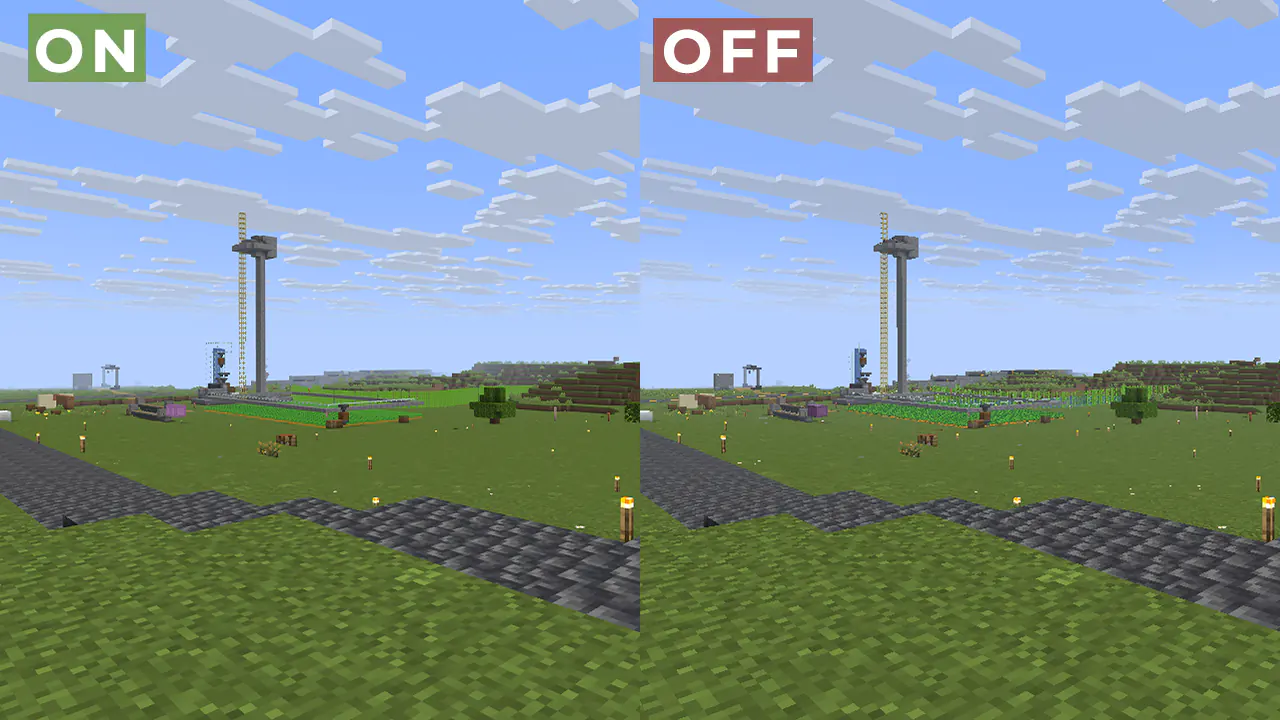
# ABOUT: Fix aliasing on textures and object boundaries. It is designed to smooth out visual artifacts. It has two modes: FXAA and TAA. The first mode is faster, while the second is more accurate. There is also support for Distant Horizons. ### Example 1: OFF/ON 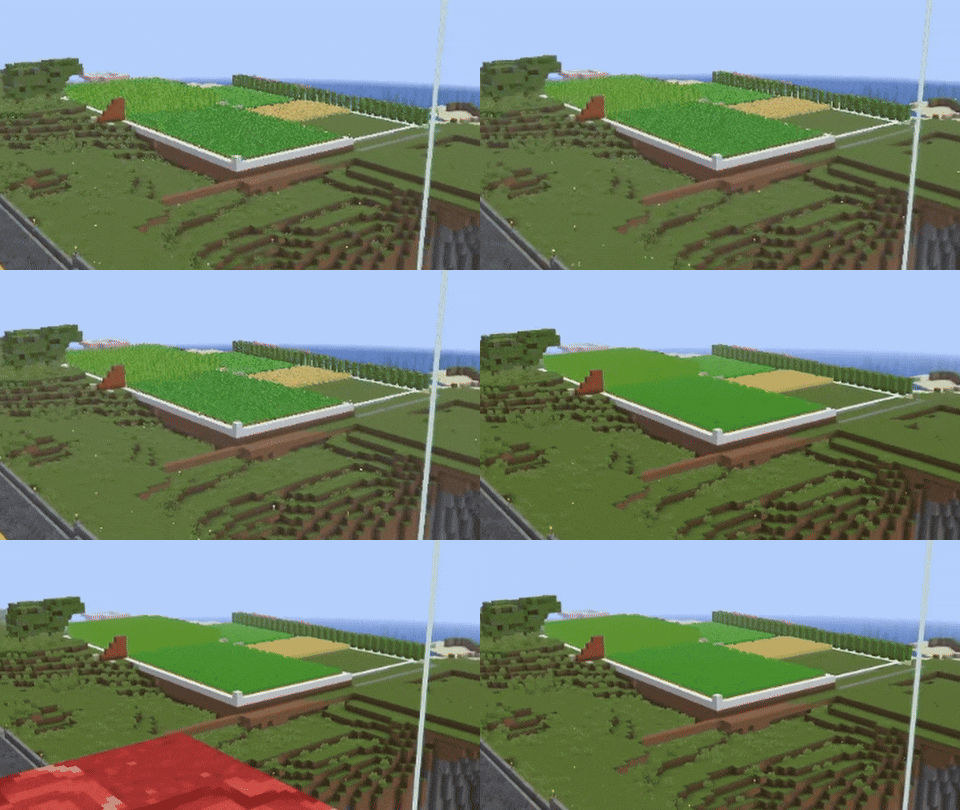 #### When turned off, the image ripples and everything twitches, when turned on, the artifacts disappear. ### Example 2: 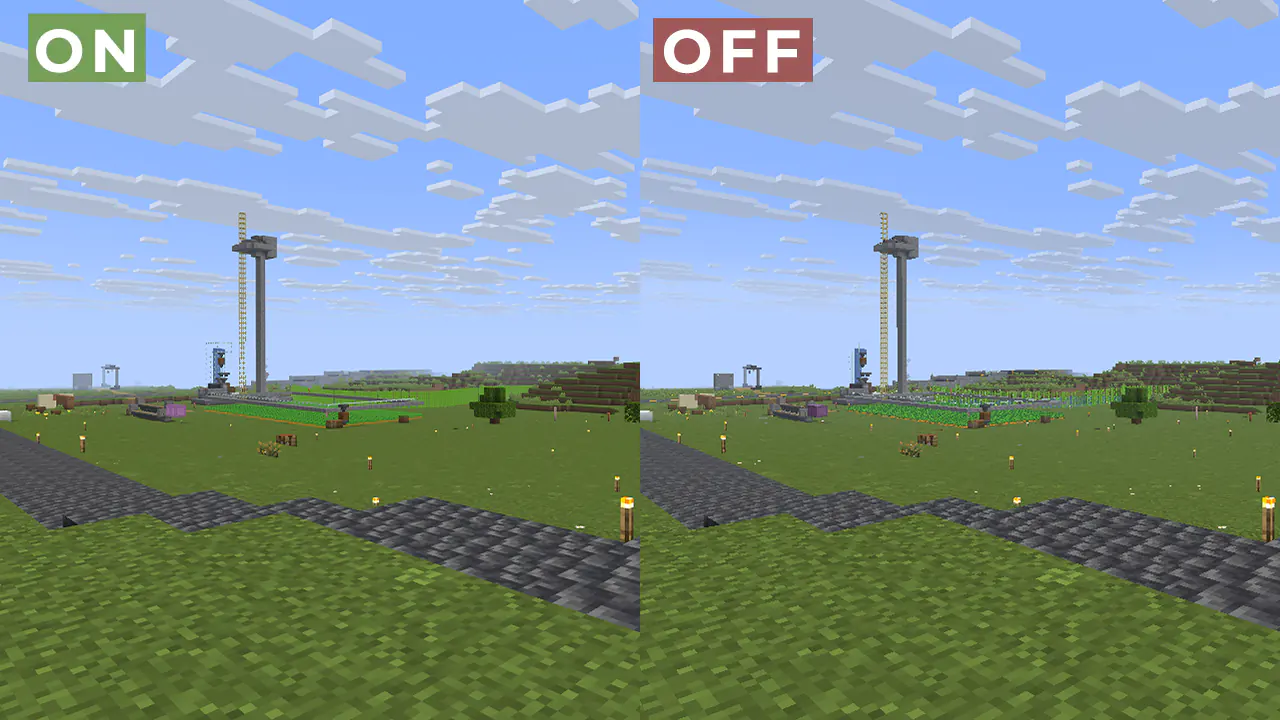 ## FAQ: How is it different from other projects? Fog support for all versions, new method FXAA and better performance than TAA Project. What is the difference between FXAA and TAA? FXAA is a simple and fast po...
Read more on ModrinthPreview
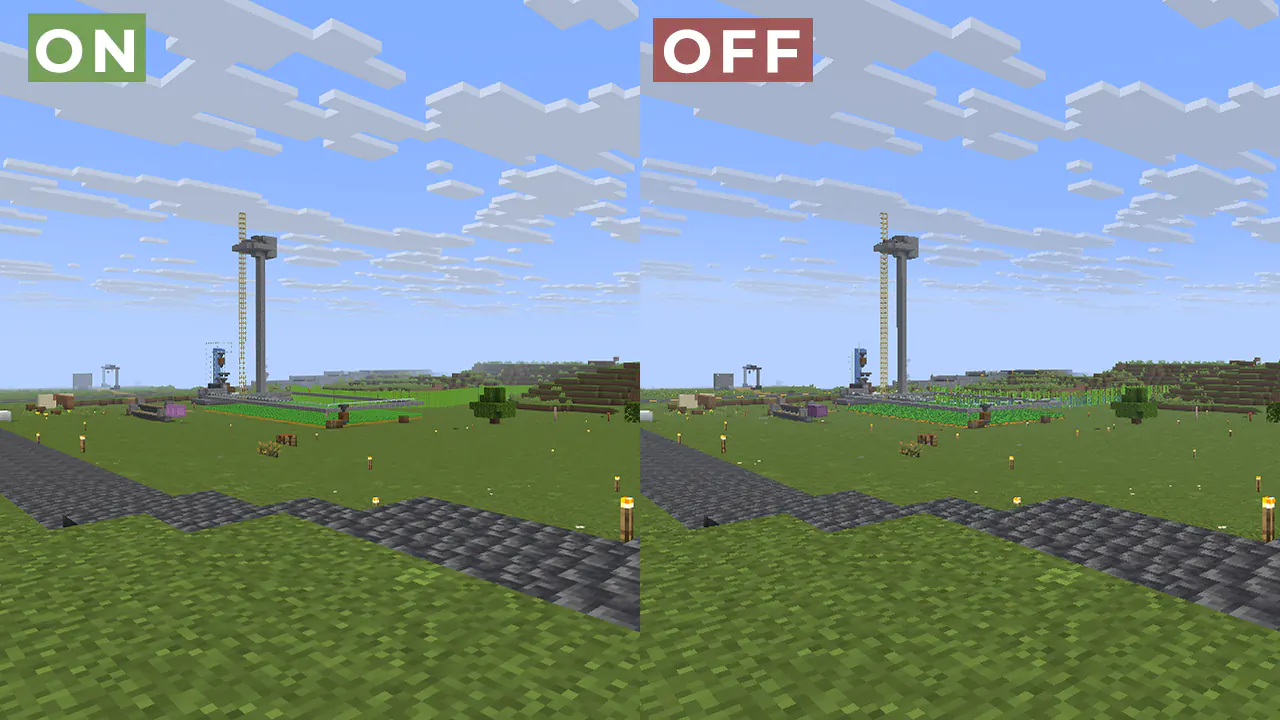
ON/OFF
Versions
More FPS!
6 months ago
Fix Light for new version Sodium
7 months ago
1.0.5
10 months ago
1.0.4
10 months ago
1.0.3
10 months ago
1.0.2
10 months ago

LoLip_p
Owner
Related Shaders

Complementary Shaders - Reimagined
Preserving the elements of Minecraft with exceptional quality, detail, and performance.

Complementary Shaders - Unbound
Transforming the visuals of Minecraft with exceptional quality, detail, and performance.

MakeUp - Ultra Fast
MakeUp aims to provide the best quality / performance ratio, building a shader that can be adapted to anyone's resources.

Mellow
Shaderpack with a painterly aesthetic made for people who want to actually play the game. It's easy on your eyes and on your computer!