

Arc
1.21.11SHADERby Null
Preview
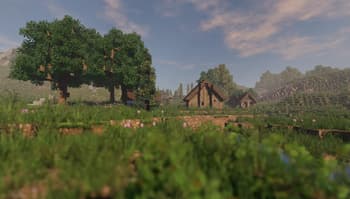
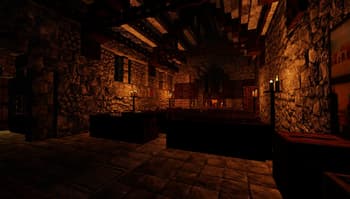

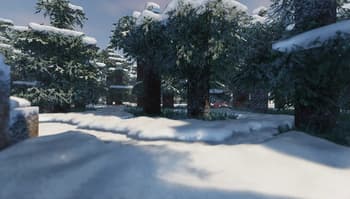

About
A shader for Iris & Optifine that aims to providing realistic visuals with very minimal performance loss. Almost every effect/feature can be fine-tuned for the ideal balance between performance and quality. This project is still in beta but will be reaching initial release very soon! ### Features - HDR - Full PBR support - Dynamic, direct, colored block lighting - Volumetric fog/lighting - Automatic exposure - Screen-space reflections - Water waves & refraction - Supports distorted and cascaded shadow mapping. - Depth-of-Field - Bloom Also contains special support for [PhysicsMod](https://www.curseforge.com/minecraft/mc-mods/physics-mod) ocean waves & snow! ### Resource Packs Supports LabPBR and OldPBR texture formats; The default setting for materials is "vanilla", which hard-codes a ...
Read more on ModrinthPreview

+PhysicsMod ocean
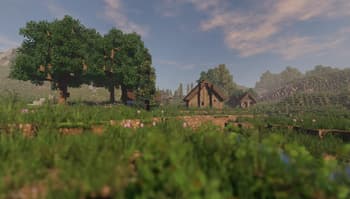
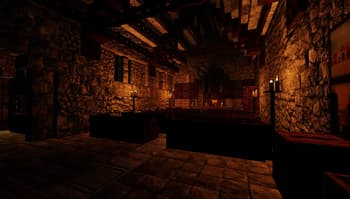
Dynamic Lighting

Volumetric Fog/Lighting
Versions
Arc_v0.15.2
3 years ago
Null
Owner
Related Shaders

Complementary Shaders - Reimagined
Preserving the elements of Minecraft with exceptional quality, detail, and performance.

Complementary Shaders - Unbound
Transforming the visuals of Minecraft with exceptional quality, detail, and performance.

BSL Shaders
Shaderpack for Minecraft: Java Edition. It's bright, colorful, and distinct.

Photon Shaders
A gameplay-focused shader pack with a semi-realistic style