
ASCII Shader
1.21.11SHADERby BouncingElf10
Preview
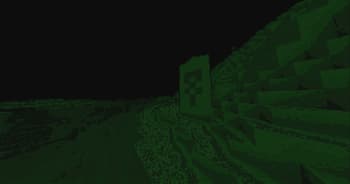
About
## ASCII Shader intends to make Minecraft render only with ASCII characters! Current features include: - Color Customisation for, background, dark, and light colors - Using the in world colors as the text color - Post proccesing effects like bloom, sharpness, and tonemapping - Line detection including multiple line detecting modes and performance settings - Premade color profiles There is maybe something I want to add to the customizability this (for now at least) should be enough! If you find any bugs or incompatibilities, you can always report them, it helps me and others out. 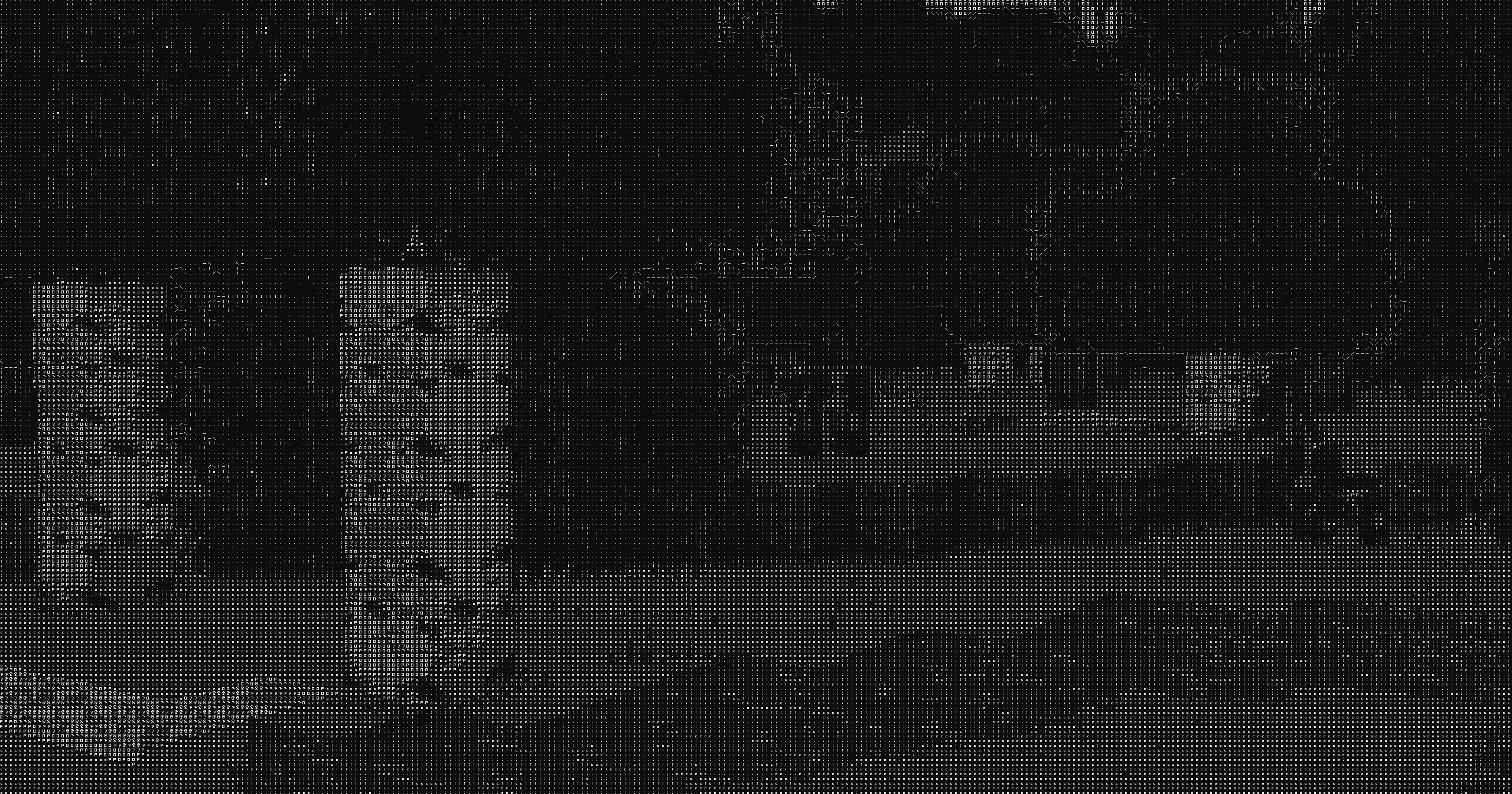 ### Installation First you need to install either OptiFine or the I...
Read more on ModrinthPreview
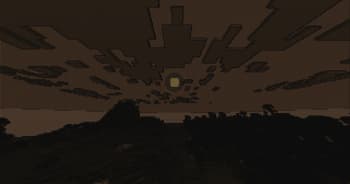
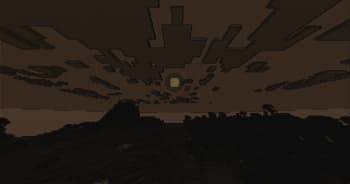
Sun Rise w/ Wood Profile
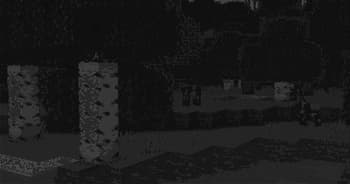
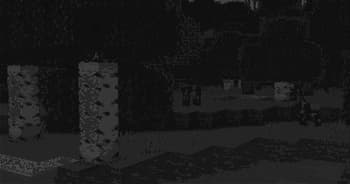
Birch Forest w/ Pure-White Profile
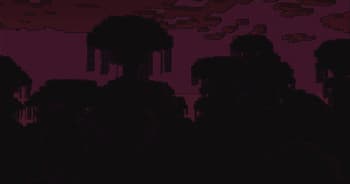
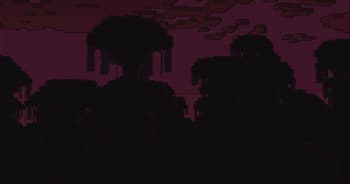
Jungle w/ Neon Profile
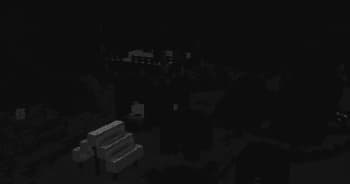
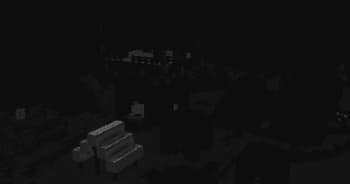
Pillager Outpost w/ Default Profile
Versions
ASCII Shader V1.2
1 year ago
ASCII Shader V1.1
1 year ago
ASCII Shader V1.0
1 year ago

BouncingElf10
Owner
Related Shaders

Clarity
FullBright2 is now named Clarity and it removes all shadows and fog wich makes you see clearly everywhere and can be used for mining or travelling at night.

CTR VCR
Retro stylized shader that brings artifacts from CRT and VCR / VHS

Cursed Fog
Creepy, tense shaders that will tickle your nerves.

Flashlight Shader
Iris shader that gives you a flashlight!