
B&W Shader
1.21.11SHADERby Cat4blep
About
A shader that turns your game into its black and white version. It does not affect performance and works with all versions from 1.12 to 26.1.2 Suitable for iris and optifine 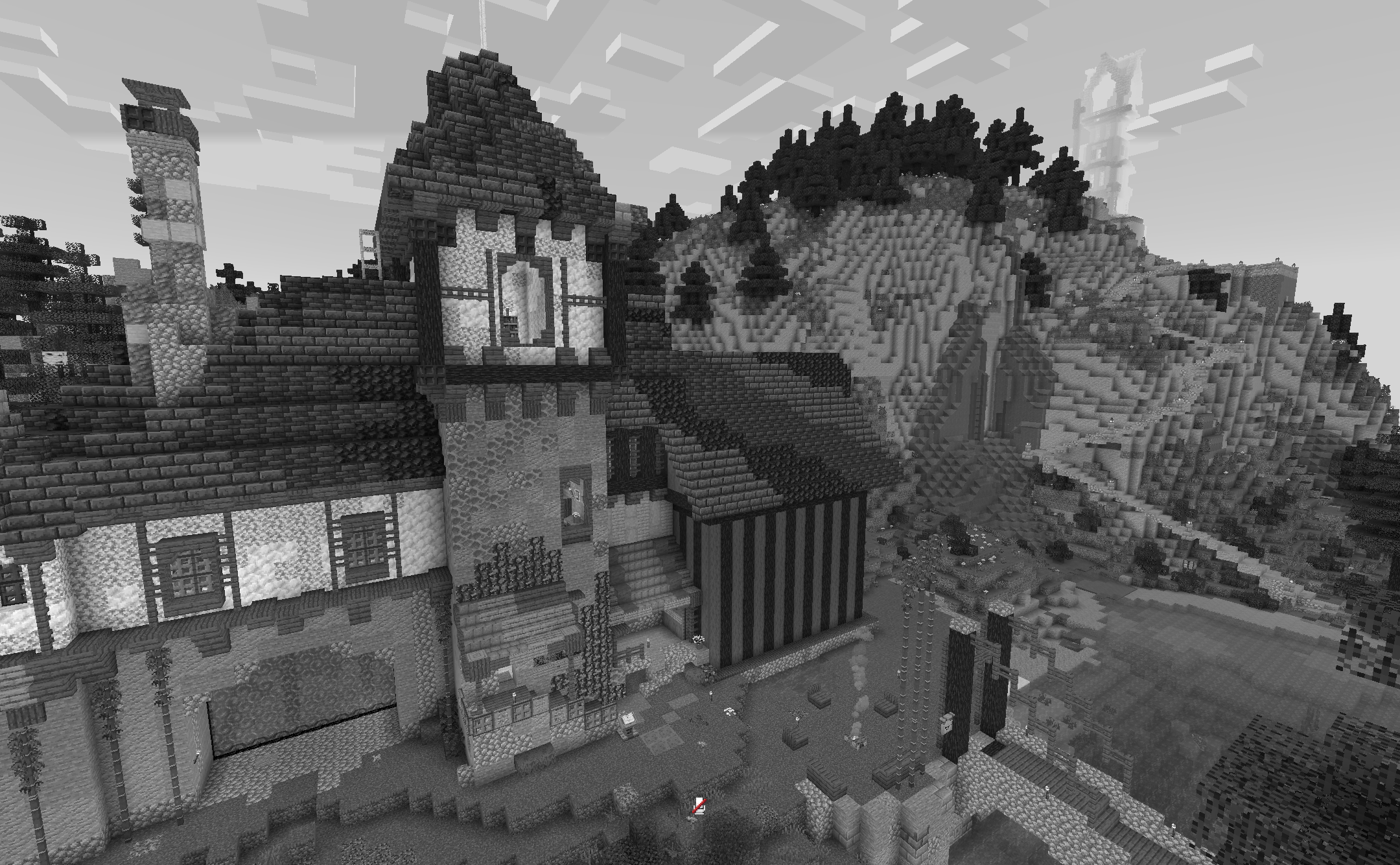
Preview
Versions
B&W Shader 1.0.4
9 months ago
B&W Shader 1.0.4
1 year ago
B&W Shader 1.0.3
1 year ago
B&W Shader 1.0.2
1 year ago
B&W shader 1.0.1
2 years ago
B&W shader 1.0
2 years ago
Cat4blep
Owner
Related Shaders

Complementary Shaders - Reimagined
Preserving the elements of Minecraft with exceptional quality, detail, and performance.

Complementary Shaders - Unbound
Transforming the visuals of Minecraft with exceptional quality, detail, and performance.

BSL Shaders
Shaderpack for Minecraft: Java Edition. It's bright, colorful, and distinct.

Photon Shaders
A gameplay-focused shader pack with a semi-realistic style