
BDS - Better Default Shaders
1.21.11SHADERby jbritain
Preview
About
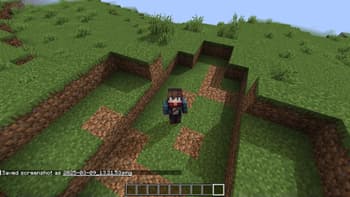
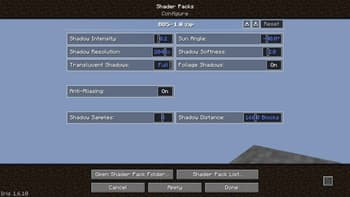
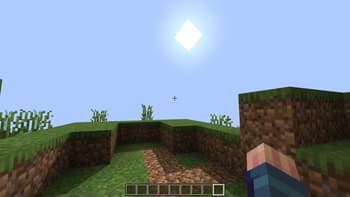
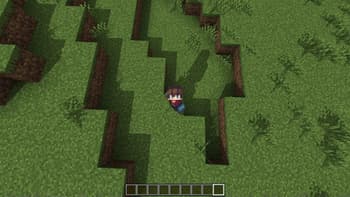
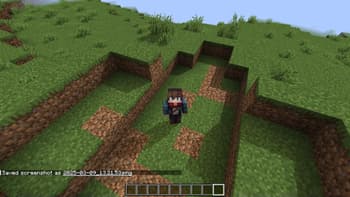
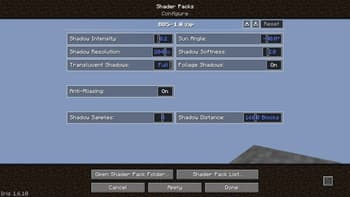
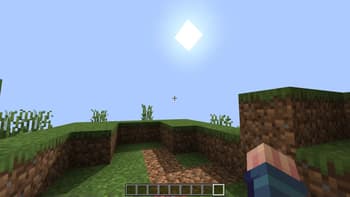
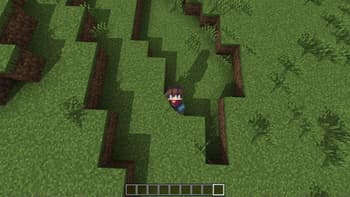
A simple shader made for creating vanilla-styled thumbnails. Includes sun direction and shadow settings. The purpose of the shader pack is to help thumbnail makers get good shadows without having to do any post-processing in Photoshop to try and recreate how shadows would've looked in a vanilla setting.
Preview
Settings
Versions
BDS-1.0
1 year ago
jbritain
Developer
Seltop
Owner
Related Shaders

Complementary Shaders - Reimagined
Preserving the elements of Minecraft with exceptional quality, detail, and performance.

Complementary Shaders - Unbound
Transforming the visuals of Minecraft with exceptional quality, detail, and performance.

MakeUp - Ultra Fast
MakeUp aims to provide the best quality / performance ratio, building a shader that can be adapted to anyone's resources.

Mellow
Shaderpack with a painterly aesthetic made for people who want to actually play the game. It's easy on your eyes and on your computer!