

Bloody Shaders
1.21.11SHADERby trece313
Preview
About
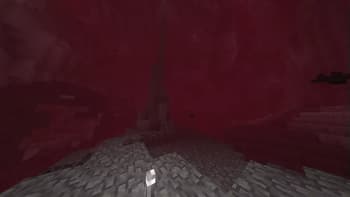
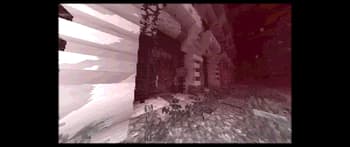
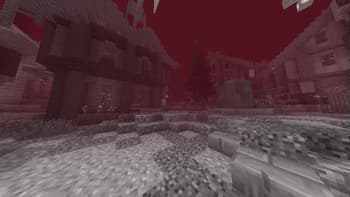
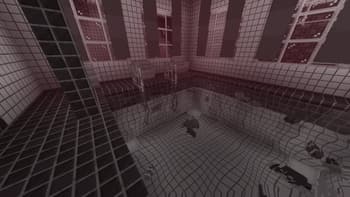
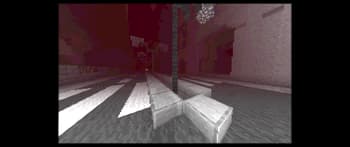
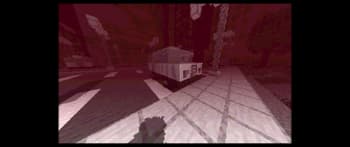
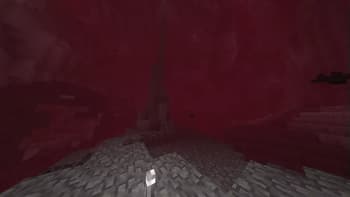
## Bloody Shaders  ### Description Bloody Shaders is designed to give Minecraft a darker, more apocalyptic atmosphere. By adding a red-tinted fog, this shader brings a gloomy, somber touch to the game, perfect for those who want an eerie and unsettling experience. Realistic Water: Replaces vanilla water with a highly optimized, realistic water effect, adding a more immersive experience. Pixelated Shadows: New pixelated shadows for a more atmospheric and unsettling vibe. Red Fog Effect: The shader adds a red fog that creates a haunting, end-of-the-world vibe across landscapes, making the game feel eerie and melancholic. Future Features: Stay tuned for upcoming updates, which will include: ...
Read more on ModrinthPreview

Forest
Mines
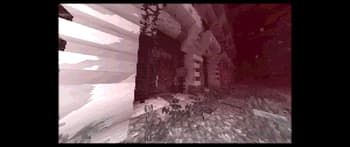
palace PS1 Style
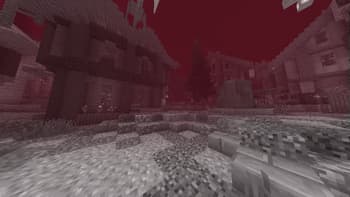
Village
Versions
BloodyShaders[1.3]
2 months ago
BloodyShaderPSX (ps1 graphics)
2 months ago
BloodyShader[1.2]
1 year ago
BloodyShaders[1.1]
1 year ago
BloodyShaders [1.0]
1 year ago

trece313
Owner
Related Shaders

Complementary Shaders - Reimagined
Preserving the elements of Minecraft with exceptional quality, detail, and performance.

Complementary Shaders - Unbound
Transforming the visuals of Minecraft with exceptional quality, detail, and performance.

BSL Shaders
Shaderpack for Minecraft: Java Edition. It's bright, colorful, and distinct.

Photon Shaders
A gameplay-focused shader pack with a semi-realistic style