
cel shader
1.21.11SHADERby idkWorker13
Preview
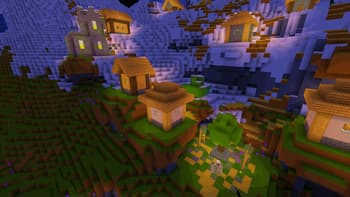
About
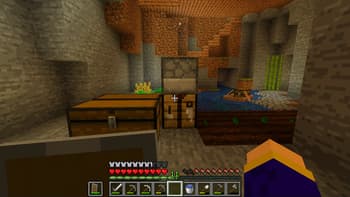
This project is a simple post-processing cel shader with 16 (configurable) brightness steps. It also increases saturation by 20%, but that can be changed In a normal rendering process the brightness is continues. With a cell shaders this is different. As here the calculated brightness is put trough a filter that results in a few steps of brightness instead of a continuum. This results in a cartoon like effect. To get the most out of this shader is recommend you use a texture pack with few colors per texture as possible or one that already has a cartoon like style.
Preview
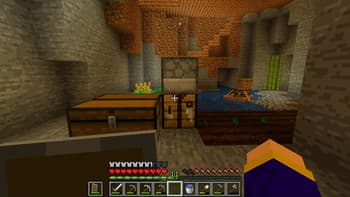
Base
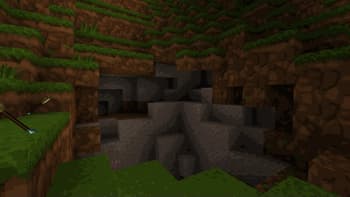
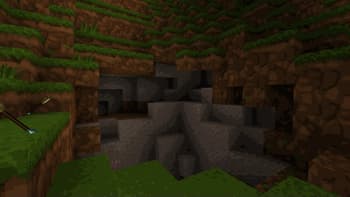
Creeper Destruction
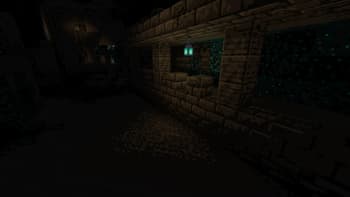
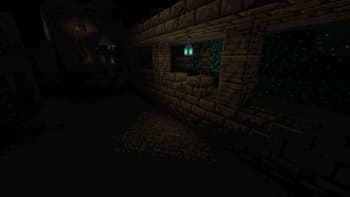
Ancient City
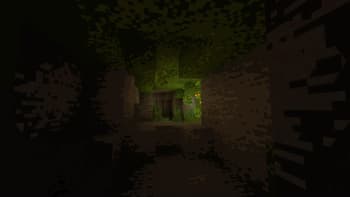
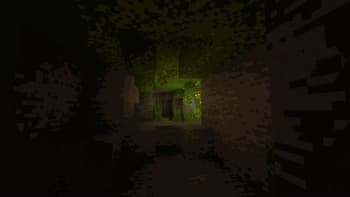
Lush Cave View
Versions
Cel shader v0.3
3 years ago
Cel Shader v0.2
3 years ago
Cel v0.1
3 years ago
idkWorker13
Owner
Related Shaders

Complementary Shaders - Reimagined
Preserving the elements of Minecraft with exceptional quality, detail, and performance.

Complementary Shaders - Unbound
Transforming the visuals of Minecraft with exceptional quality, detail, and performance.

BSL Shaders
Shaderpack for Minecraft: Java Edition. It's bright, colorful, and distinct.

Solas Shader
A modern fantasy stylized shaderpack with colored lighting and stunning visuals