
CH Motion
1.21.11SHADERby thompiejompie
About
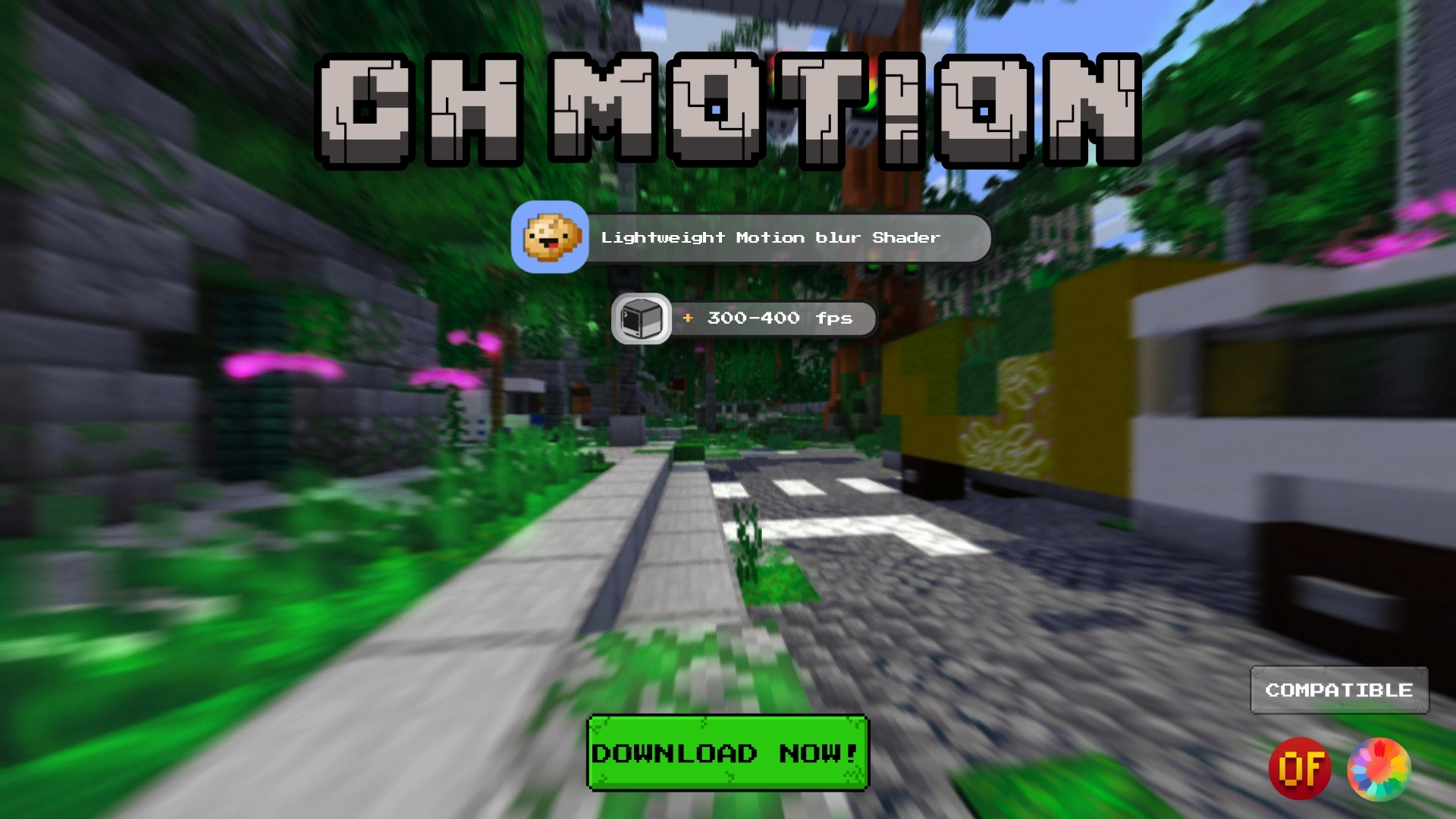 # CH Motion --- **CH Motion is a simple, super lightweight motion blur pack that enhances the vanilla experience — beautiful, smooth motion blur with virtually no performance cost.** It adds satisfying screen-space motion blur as a post-processing effect while keeping everything you love about vanilla intact. Just clean, smooth blur layered on top as you move and turn. --- ## Features - **Smooth camera motion blur** - that satisfying FPS-game feel when you turn and move - **Vanilla-faithful** - your world looks exactly like vanilla, just with blur on top - **Extremely lightweight** - a pure post-process effect; if you can run vanilla, you can run this - **Fully configurable** - tun...
Read more on ModrinthPreview
Motion Blur Effect
Versions
CH Motion V4
2 weeks ago
CH Motion V3
1 year ago
CH Motion V2
1 year ago

thompiejompie
Owner
Related Shaders

Complementary Shaders - Reimagined
Preserving the elements of Minecraft with exceptional quality, detail, and performance.

Complementary Shaders - Unbound
Transforming the visuals of Minecraft with exceptional quality, detail, and performance.

MakeUp - Ultra Fast
MakeUp aims to provide the best quality / performance ratio, building a shader that can be adapted to anyone's resources.

Mellow
Shaderpack with a painterly aesthetic made for people who want to actually play the game. It's easy on your eyes and on your computer!