

Colorless (Black and White)
1.21.11SHADERby RandomNari
Preview


About
With this lightweight shader you can turn your world black and white. Important Notes: -The colors are inverted when starting the Shader for the first time, please look into the shader settings -for better results, turn the brightness down to 0% 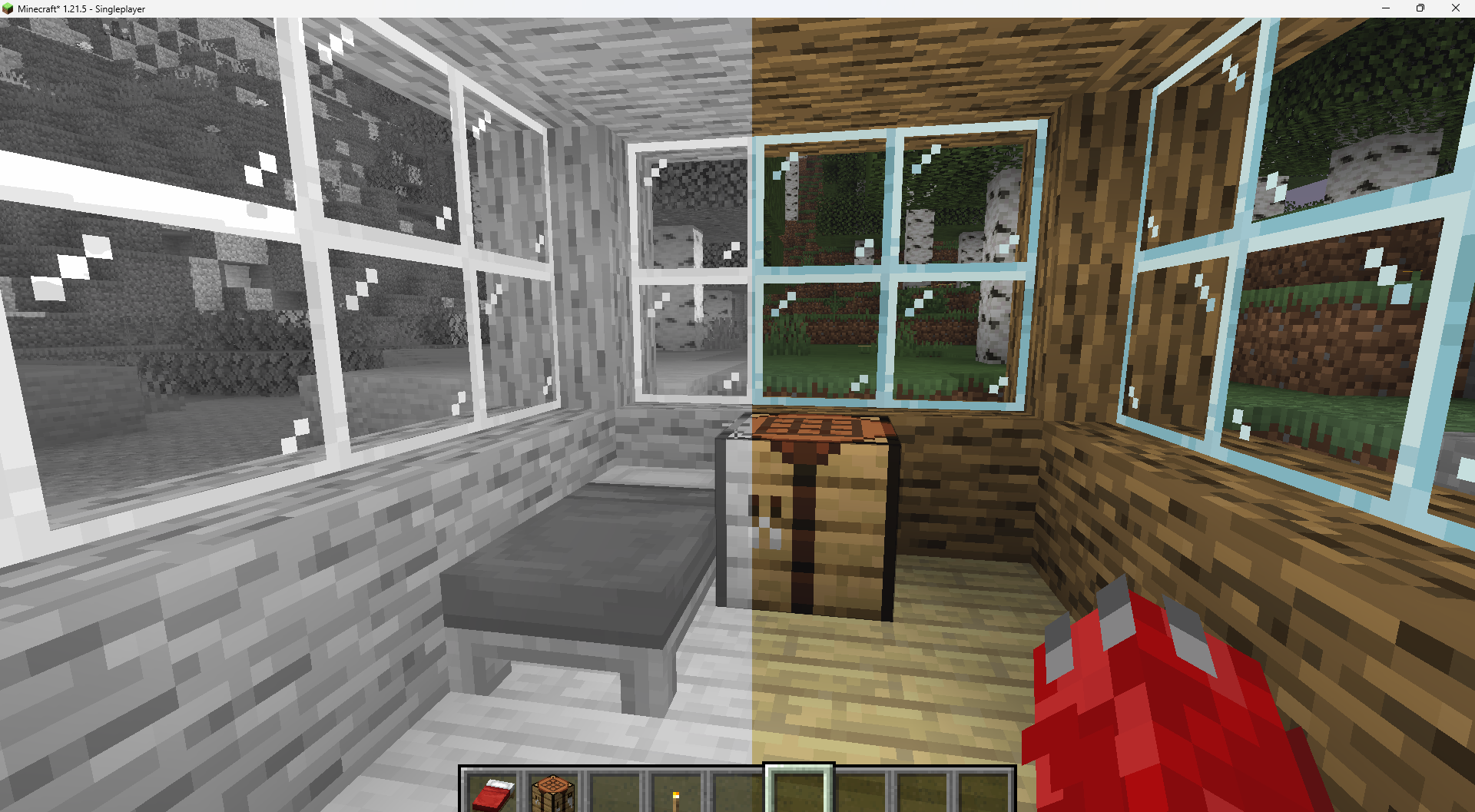 Features: -turn world black and white -optimised for PCs with a bad performance -holding an item like a torch emmits light around the player -shadows and fog -colored lighting -red light around player if hurt (can be deactivated) Configurable Settings: -inverted = if true, the colors are inverted -coloredGlassShadows = if true, the shadows of colored glass are colored 


Versions
Colorless-1.1
1 month ago
Colorless-1.0
1 month ago

RandomNari
Owner
Related Shaders

Complementary Shaders - Reimagined
Preserving the elements of Minecraft with exceptional quality, detail, and performance.

Complementary Shaders - Unbound
Transforming the visuals of Minecraft with exceptional quality, detail, and performance.

BSL Shaders
Shaderpack for Minecraft: Java Edition. It's bright, colorful, and distinct.

Photon Shaders
A gameplay-focused shader pack with a semi-realistic style