

Cozy & Light
1.21.11SHADERby vexinitycontent
Preview
About
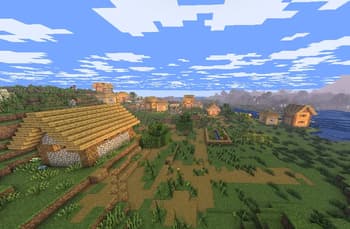
**About** Cozy & Light is a shader pack for Minecraft Java Edition. It's a simple, lightweight, shaderpack that adds better lighting, improves water, and more! This makes your game feel a bit more cozy than vanilla **Minecraft**. **_We strive to let people with low end devices feel good about how Minecraft looks._**  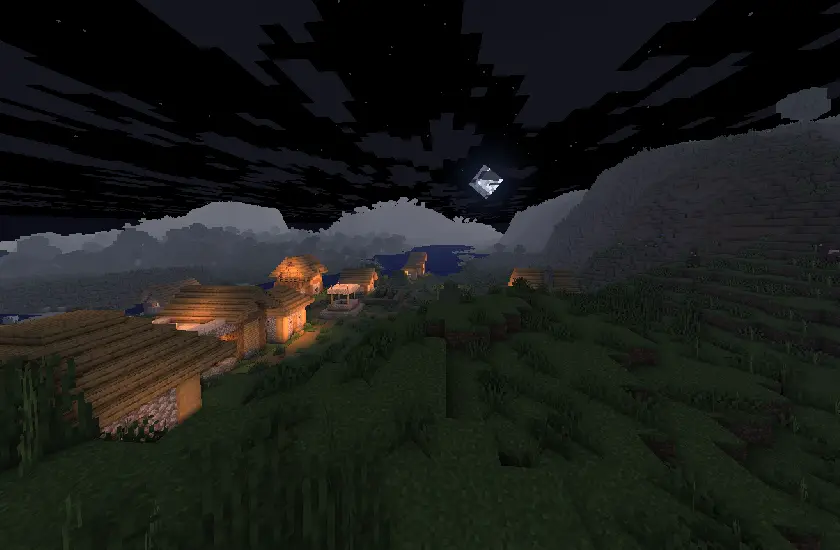
Preview

Versions
Cozy & Light
7 months ago

vexinitycontent
Owner
Related Shaders

Complementary Shaders - Reimagined
Preserving the elements of Minecraft with exceptional quality, detail, and performance.

Complementary Shaders - Unbound
Transforming the visuals of Minecraft with exceptional quality, detail, and performance.

BSL Shaders
Shaderpack for Minecraft: Java Edition. It's bright, colorful, and distinct.

Photon Shaders
A gameplay-focused shader pack with a semi-realistic style