

Cripe
1.21.11SHADERby xsoras
Preview


About
[](https://discord.gg/XgH4EpyPD2) > _A world that looks slightly broken, unstable, and fading away._ 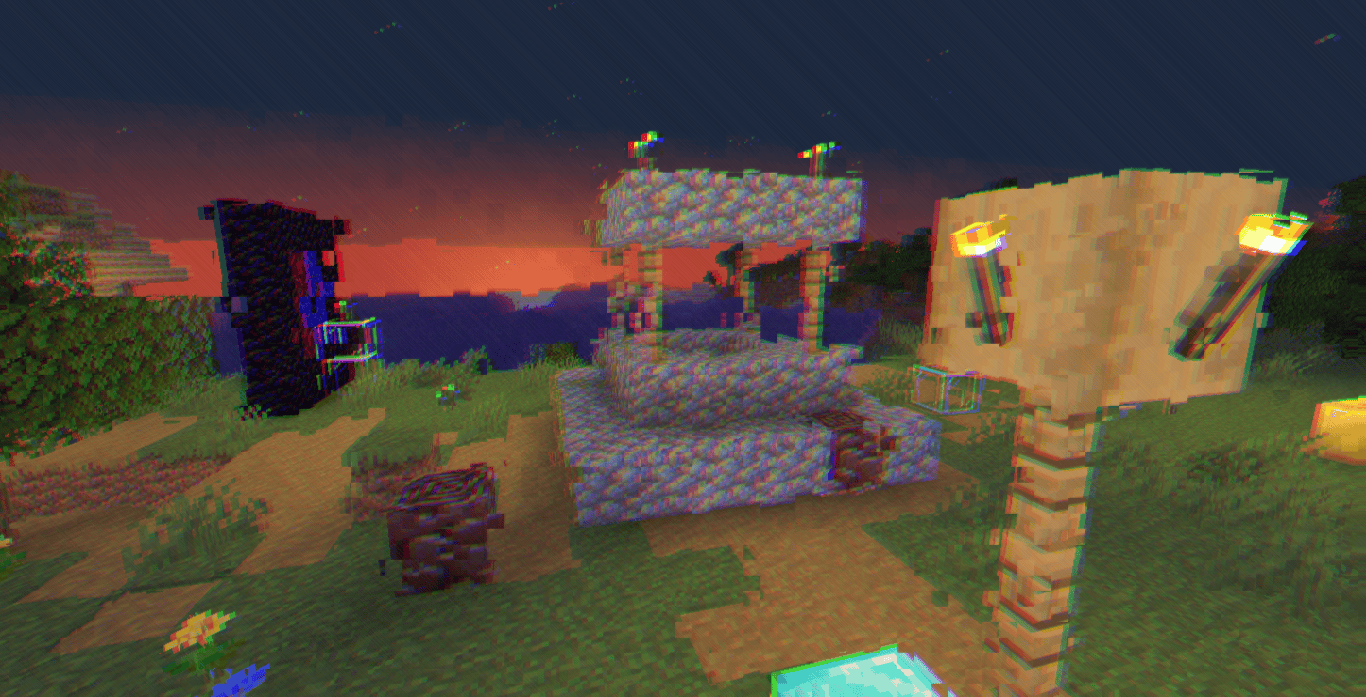 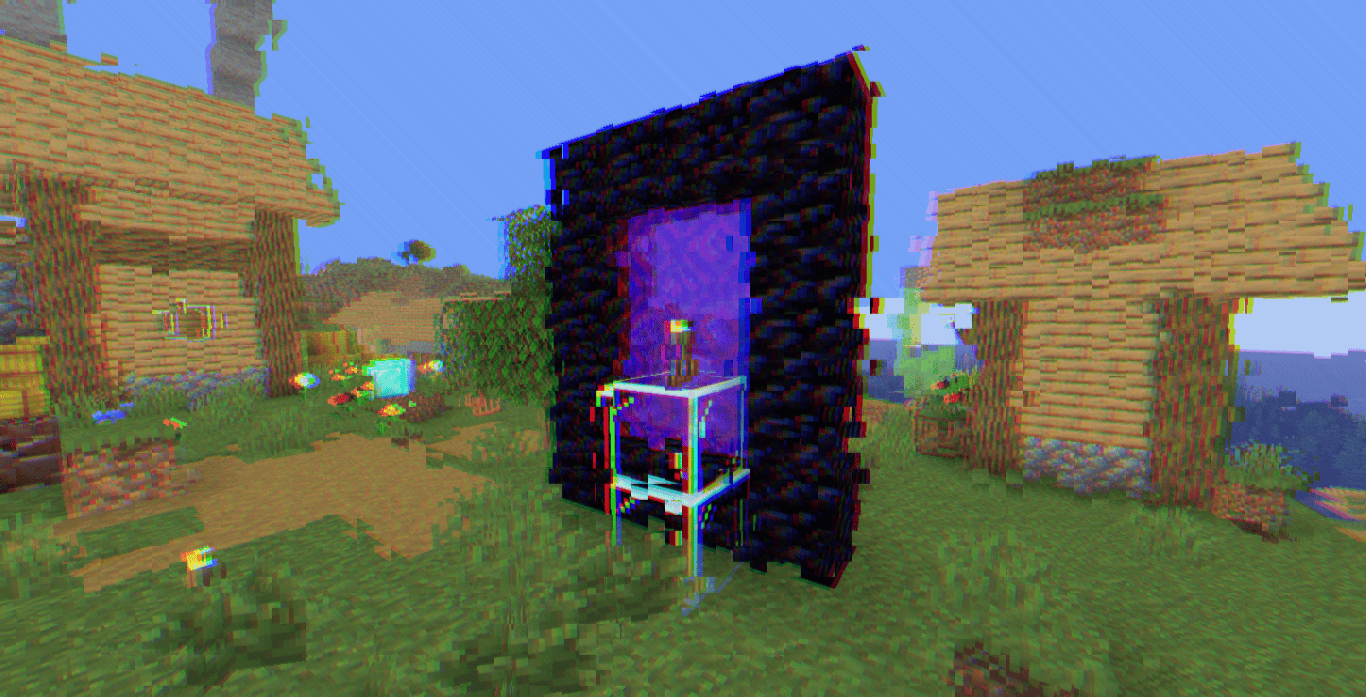 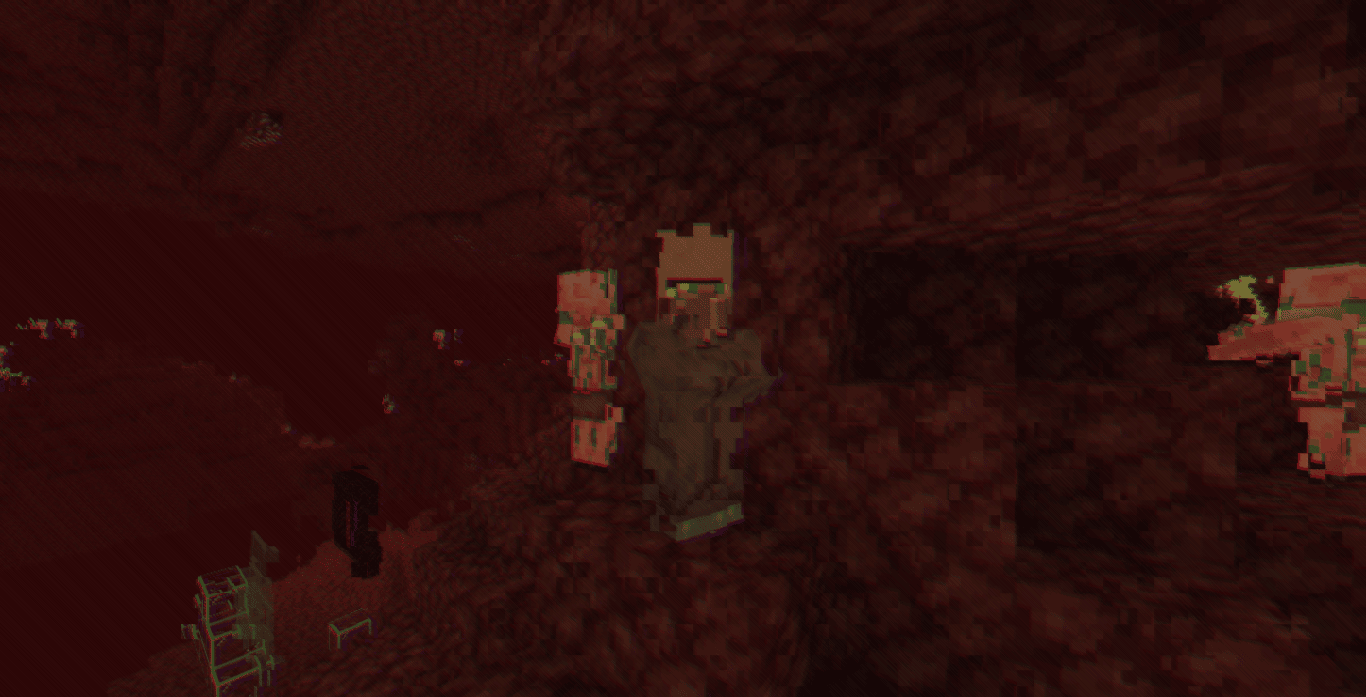 Cripe is a lightweight post-processing shader designed around visual corruption effects rather than realistic lighting. Instead of altering Minecraft's world rendering pipeline, it applies a series of screen-space distortions that make the image appear unstable, ...
Read more on ModrinthPreview


Versions
Cripe 1.0
4 weeks ago

xsoras
Owner
Related Shaders

Clarity
FullBright2 is now named Clarity and it removes all shadows and fog wich makes you see clearly everywhere and can be used for mining or travelling at night.

CTR VCR
Retro stylized shader that brings artifacts from CRT and VCR / VHS

Cursed Fog
Creepy, tense shaders that will tickle your nerves.

Flashlight Shader
Iris shader that gives you a flashlight!