Crusher
1.21.11SHADERby hexahedron1
Preview
About
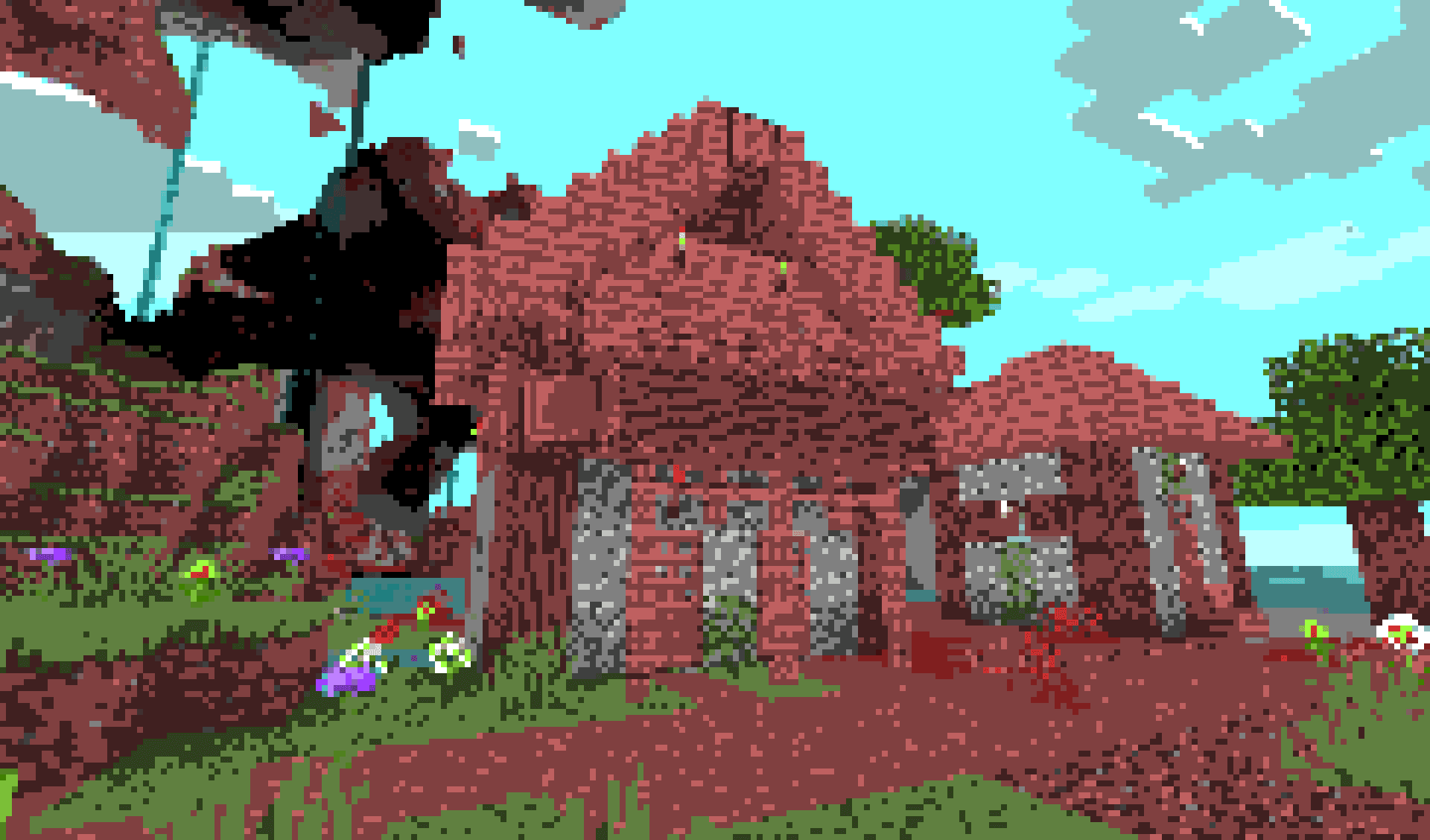
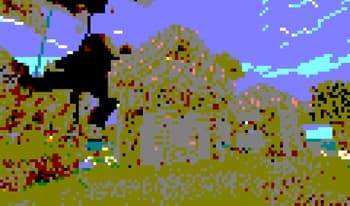
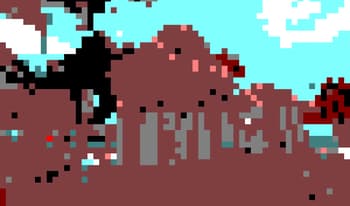
This shader can reduce both color count and resolution of the image (each function can be toggled on/off for your liking, see gallery for previews) # Colors Decreases the amount of colors that is displayed on the screen. This limits each channel to a certain number of values (the value set in settings + black). For example, if you set the color amount to 2, each color channel will now be able to be at only 0, 127 and 255. You can also toggle between RGB and HSV modes to change how colors are changed. ## Dithering This option applies 4x4 bayer matrix dithering to the image which makes the colors appear much smoother but introduce more flickering. Obeys color count and pixel size # Pixels Enlarges pixels and in turn decreases the resolution. The large pixels do not average the color of under...
Read more on ModrinthPreview
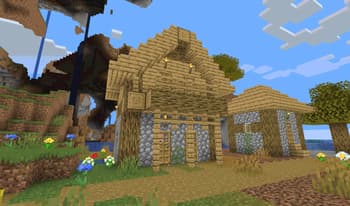
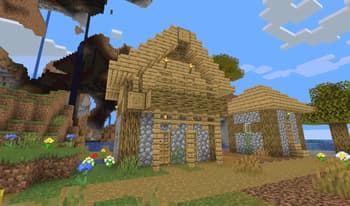
Slight preset
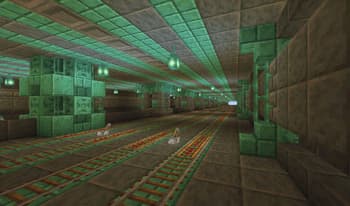
Dithering example
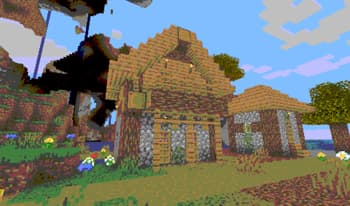
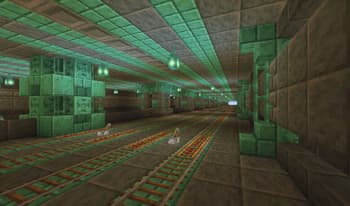
Mild preset
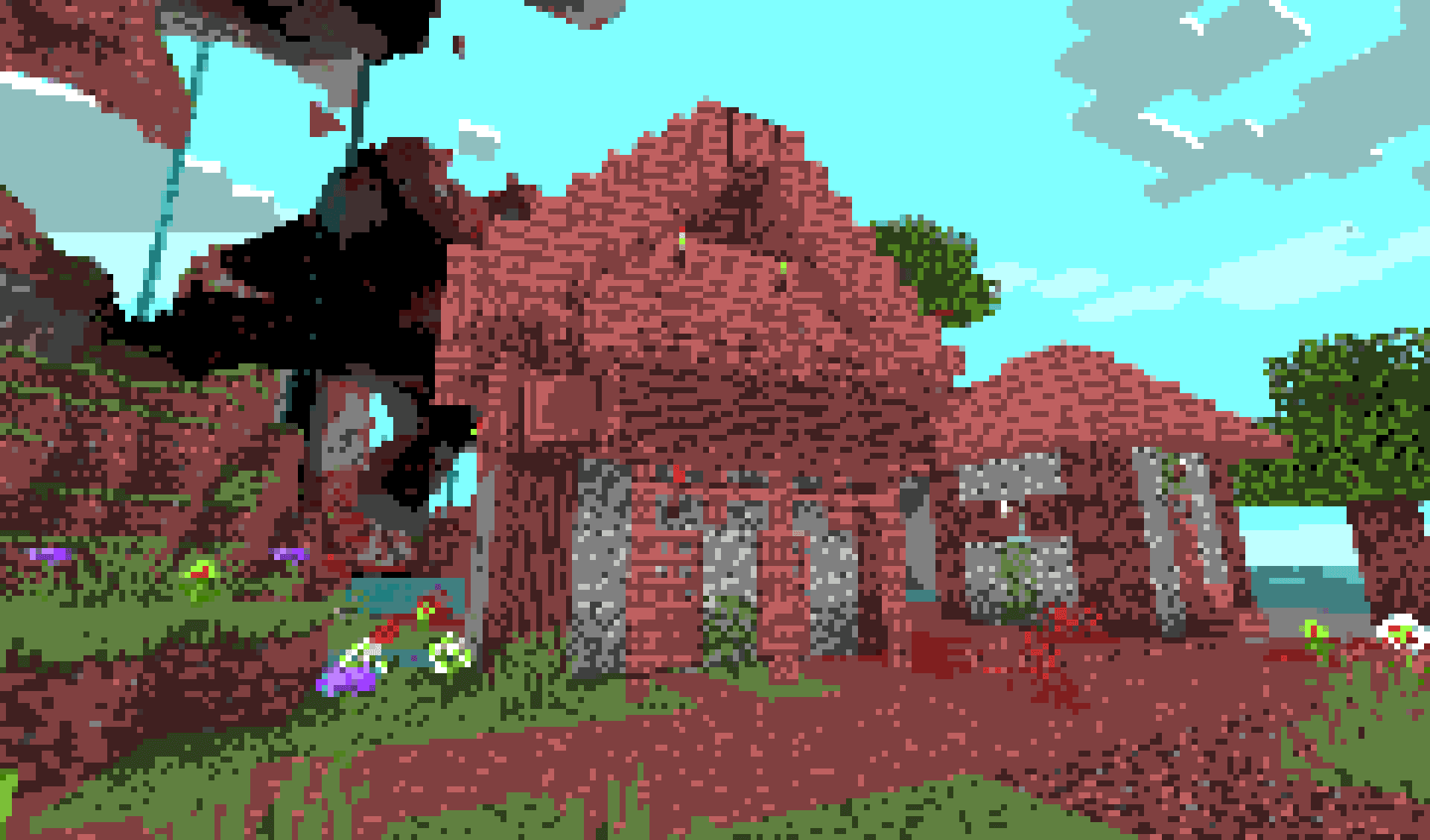
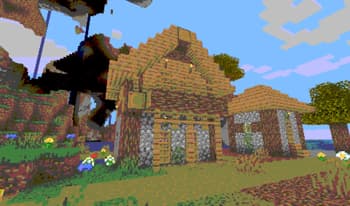
Medium preset
Versions
v1.3
3 months ago
v1.2
7 months ago
v1.1
10 months ago
v1
10 months ago

hexahedron1
Owner
Related Shaders

Clarity
FullBright2 is now named Clarity and it removes all shadows and fog wich makes you see clearly everywhere and can be used for mining or travelling at night.

CTR VCR
Retro stylized shader that brings artifacts from CRT and VCR / VHS

Cursed Fog
Creepy, tense shaders that will tickle your nerves.

Flashlight Shader
Iris shader that gives you a flashlight!