

DMS
1.21.11SHADERby Faentum
Preview


About
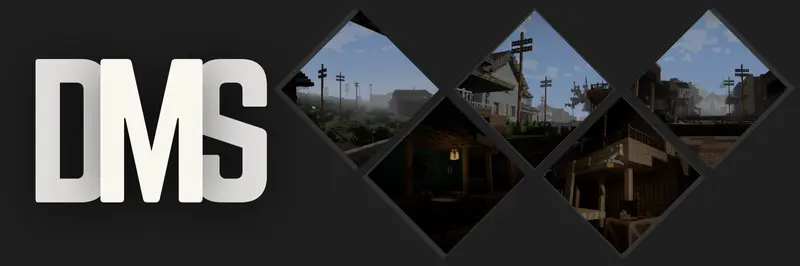 A gritty, desaturated, and deeply atmospheric overhaul for Minecraft, designed to transform your world into a dark fantasy or survival horror experience. **DMS** completely strips away the vibrant, saturated look of vanilla Minecraft, replacing it with a bleak, weathered color palette and harsh dynamic lighting.  - **Gritty, Realistic Colors:** No more bright, radioactive vanilla greens. The world is shifted to a weathered, cinematic palette. - **Heavy, Atmospheric Fog:** Distance fog rolls in cleanly to give you that perfect, moody, overcast weather vibe. ...
Read more on ModrinthPreview

DMS Shader Pack

DMS by Faentum

DMS

DMS Shader
Versions
1.0
2 days ago

Faentum
Owner
Related Shaders

Complementary Shaders - Reimagined
Preserving the elements of Minecraft with exceptional quality, detail, and performance.

Complementary Shaders - Unbound
Transforming the visuals of Minecraft with exceptional quality, detail, and performance.

BSL Shaders
Shaderpack for Minecraft: Java Edition. It's bright, colorful, and distinct.

Photon Shaders
A gameplay-focused shader pack with a semi-realistic style