
DrDestens Minecraft Shaders
1.21.11SHADERby DrDesten
Preview
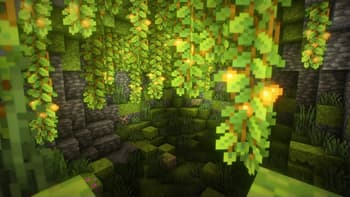
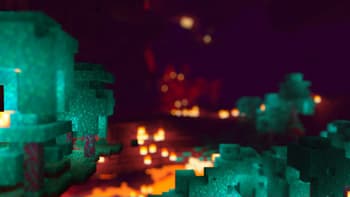
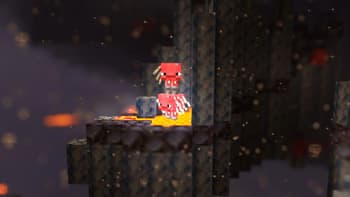
About
# DrDestens MinecraftShaders DrDestens MinecraftShaders is a shaderpack for Minecraft: Java Edition. It features water effects with reflections, ambient occlusion, bloom, realistic depth of field, motion blur, TAA and many other things. The shaderpack supports the LabPBR and OldPBR/SeusPBR standard, and you can use it with PBR texturepacks for added detail. ## Feature Overview - Screen Space Reflections - Depth of Field - Screen Space Ambient Occlusion (SSAO) - Temporal Anti-Aliasing (TAA) - Physically Based Rendering - Various Water Effects - Godrays - Bloom - Motion Blur - Realistic DoF Chromatic Aberration - Custom sky gradient - Improved Fog with Sunsets - Improved Dynamic Lighting - Directional Lightmaps - Outline - Custom Block Selection Outline ## Full Feature List ### Lighti...
Read more on ModrinthPreview
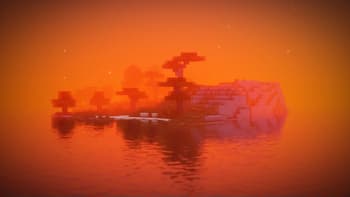
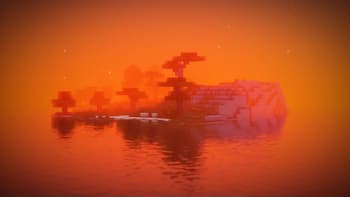
Sunset Island
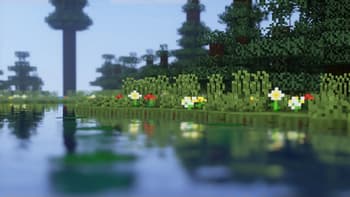
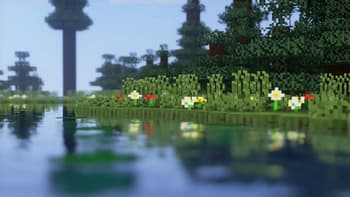
Lake
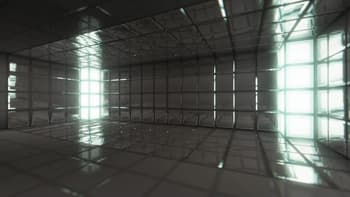
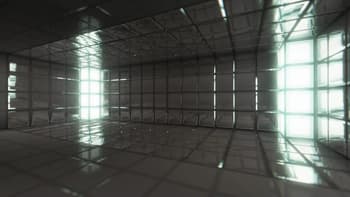
PBR: Iron
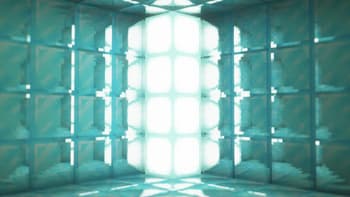
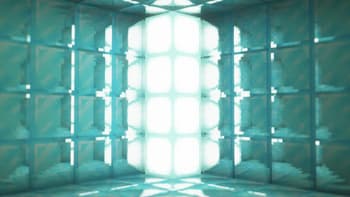
PBR: Diamonds
Versions
V2.1.5
4 months ago
V2.1.4
6 months ago
V2.1.3
1 year ago
V2.1.2
1 year ago
V2.1.1
1 year ago
V2.1
1 year ago

DrDesten
Owner
Related Shaders

Complementary Shaders - Reimagined
Preserving the elements of Minecraft with exceptional quality, detail, and performance.

Complementary Shaders - Unbound
Transforming the visuals of Minecraft with exceptional quality, detail, and performance.

BSL Shaders
Shaderpack for Minecraft: Java Edition. It's bright, colorful, and distinct.

Photon Shaders
A gameplay-focused shader pack with a semi-realistic style