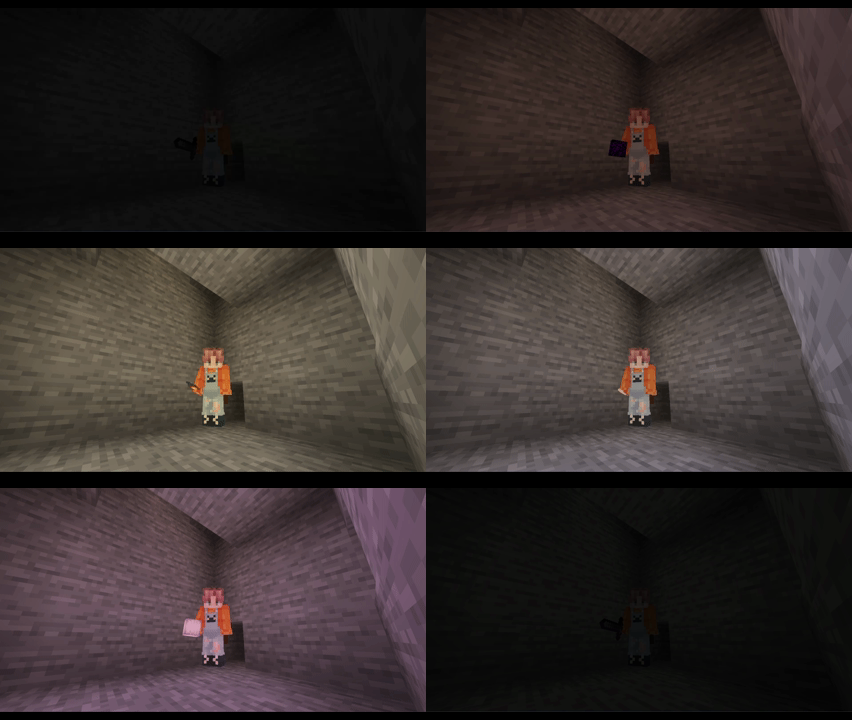

Dynamic Light Shader
1.21.11SHADERby quillphen
About
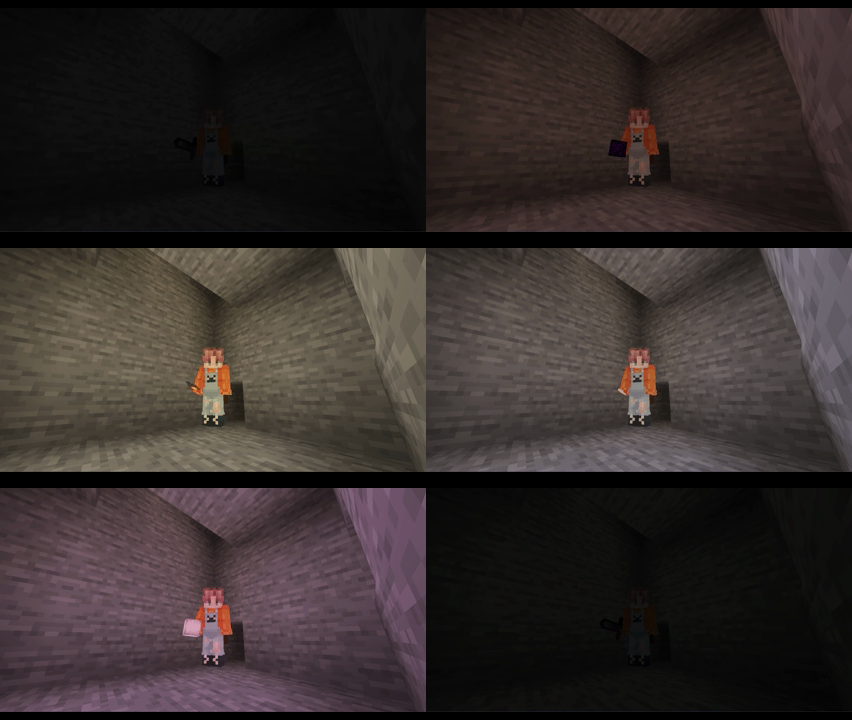
# Dynamic Light Shader > A simple baseline shader that glows/emits light from held items in your hand. Light color based on the item you are holding (torch, lantern, glowstone, redstone, soul items, etc.). >  You can **disable(0)/enable(1)** the held_color_light from shader pack settings thats it! contributions are welcome (https://github.com/Hiba550/Dynamic-Light-Shader)...
Read more on ModrinthPreview
Versions
Dynamic-Light-Shader 1.0
6 months ago

quillphen
Owner
Related Shaders

Complementary Shaders - Reimagined
Preserving the elements of Minecraft with exceptional quality, detail, and performance.

Complementary Shaders - Unbound
Transforming the visuals of Minecraft with exceptional quality, detail, and performance.

BSL Shaders
Shaderpack for Minecraft: Java Edition. It's bright, colorful, and distinct.

Photon Shaders
A gameplay-focused shader pack with a semi-realistic style