
EchoShift
1.21.11SHADERby KJS0
Preview
About
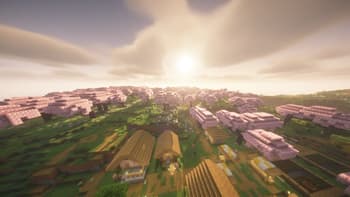
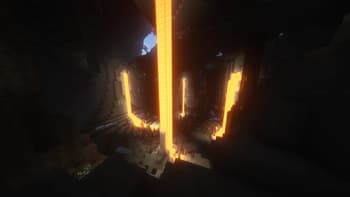
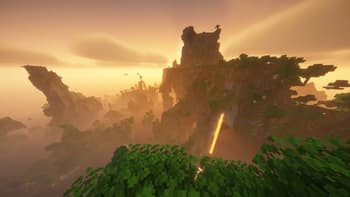
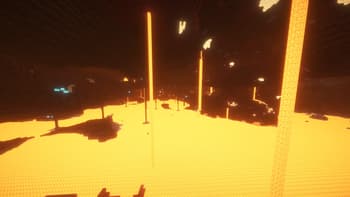
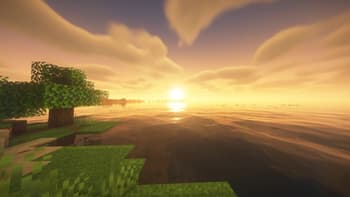
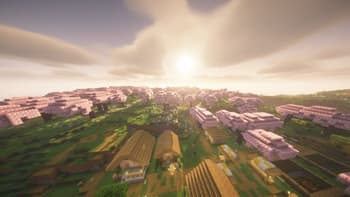
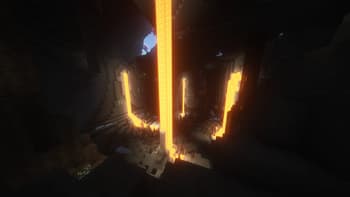
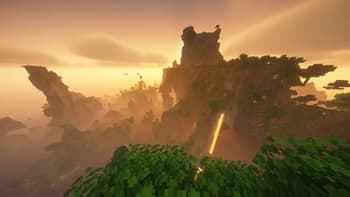
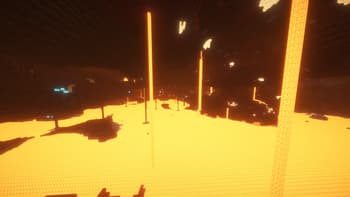
EchoShift is a Minecraft Java shader focused on making the game look more immersive, atmospheric, and detailed while still keeping the Minecraft feel. It improves sunlight, shadows, reflections, glow, foliage movement, clouds, glass, and dimension visuals to create a world that feels richer and more realistic. In the Overworld, EchoShift adds cleaner lighting, better sharpness, improved reflections, moving grass and plants, and a more natural sky. Water feels smoother and more realistic, glass looks clearer, and ores and special blocks catch light in a more satisfying way. In the Nether, EchoShift gives lava, fire, and glowing materials a stronger visual presence while keeping the dimension darker and more dramatic. Nether structures and blocks look better under the improved lighting, an...
Read more on ModrinthPreview
Versions
EchoShift 1.0.0
2 months ago
Related Shaders

Kappa Shader
A high-quality realistic, yet also somewhat stylized shaderpack.

Noble Shaders
Using clever lighting techniques and powerful customization to create clean, immersive, and enjoyable visuals.

FastPBR
A fast and high-quality shaderpack with realistic visuals and PBR atmospherics.

Body Camera
Adds a body camera effect