
Escheridia
1.21.11SHADERby QuirkyPlague
Preview
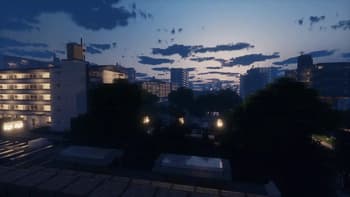
About
Esheridia is a semi-realistic shaderpack that aims to add a touch of natural realism to the vanilla visual style. **IRIS REQUIRED & MAC NOT SUPPORTED** It provides: * Realtime shadow maps * Custom sky * Atmospheric border fog * Custom Weather effects * LabPBR Resourcepack support * Advanced Volumetric Lighting * Screenspace Reflections * Custom water lighting * Bloom * Volumetric clouds If you encounter any bugs, want development updates, or just want to chat, join the discord [here](https://discord.gg/BQAJxnQHMb) **NOTE** Majority of images are taken using the Patrix resource pack. # IMAGES BELOW  
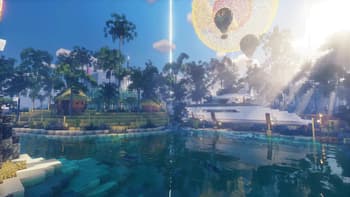
daytime rays
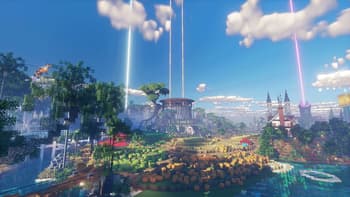
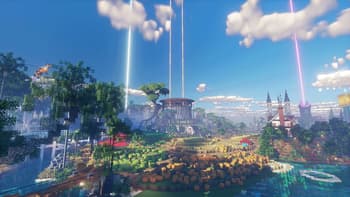
open field
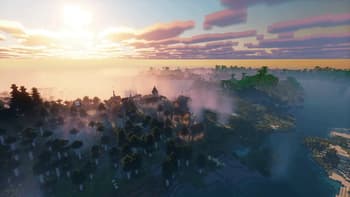
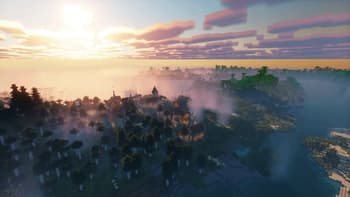
sunrise fog
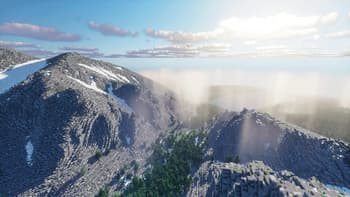
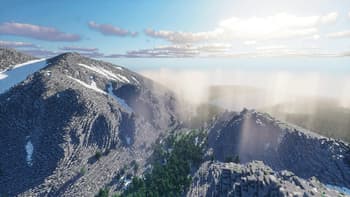
mountain fog
Versions
Escheridia 4.1
3 months ago
Escheridia 4.0
4 months ago
3.0.1
5 months ago
3.0.0
5 months ago
Escheridia V2.4.0
10 months ago
Escheridia V2.3.3.1
11 months ago

QuirkyPlague
Owner
Related Shaders

Complementary Shaders - Reimagined
Preserving the elements of Minecraft with exceptional quality, detail, and performance.

Complementary Shaders - Unbound
Transforming the visuals of Minecraft with exceptional quality, detail, and performance.

Photon Shaders
A gameplay-focused shader pack with a semi-realistic style

Solas Shader
A modern fantasy stylized shaderpack with colored lighting and stunning visuals