
Fantasy.VT
1.21.11SHADERby Vo1odyamorT
Preview
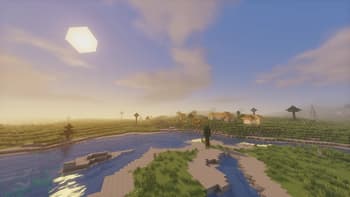
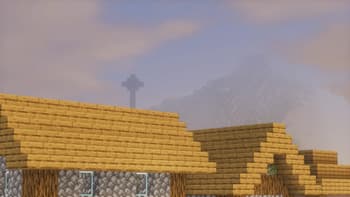
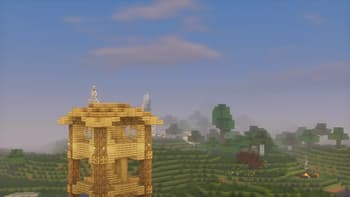
About
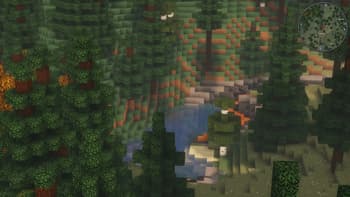
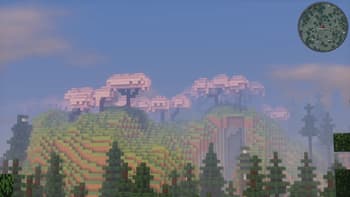
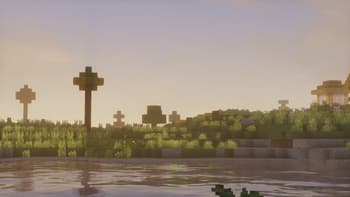
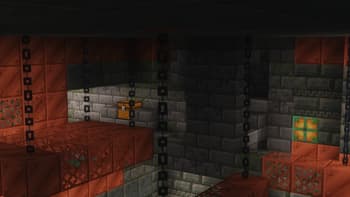
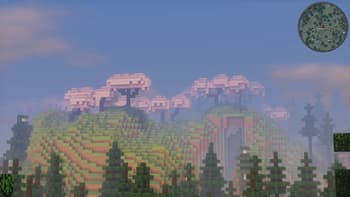
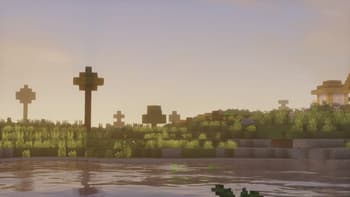
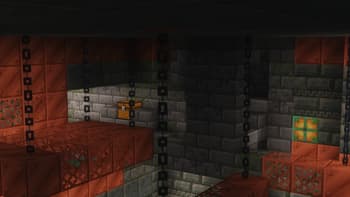
Features: Distant Horizons, Voxy, Colorwheel and other mods easily integrate with this shader! The package includes several color schemes, the best one is VT Color, which is not available anywhere! The fog system can be customized according to your preferences! There are many cloud styles available! Shadows can be created based on a light map or a shadow map! An extensive color palette is available with the ability to adjust saturation, exposure, and balance! Very easy to set up! Compatibility: At the moment, the software has been tested only for versions 1.17 and higher. Earlier versions may or may not work. Modern Nvidia, AMD, and Intel GPUs are supported on both Windows and Linux. Macs may or may not work. Please use the latest version of Iris. It should...
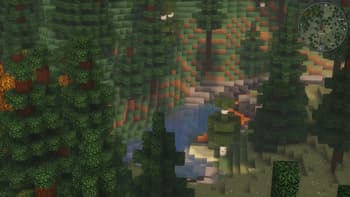
Read more on ModrinthPreview
Versions
Fantasy.VT - 1.0
1 month ago

Vo1odyamorT
Owner
Related Shaders

Complementary Shaders - Reimagined
Preserving the elements of Minecraft with exceptional quality, detail, and performance.

Complementary Shaders - Unbound
Transforming the visuals of Minecraft with exceptional quality, detail, and performance.

BSL Shaders
Shaderpack for Minecraft: Java Edition. It's bright, colorful, and distinct.

Solas Shader
A modern fantasy stylized shaderpack with colored lighting and stunning visuals