
Fisheye Shaders
1.21.11SHADERby Krash220
Preview
About
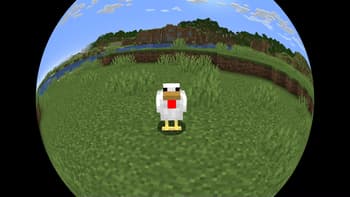
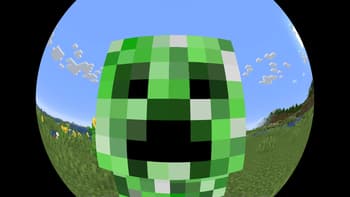
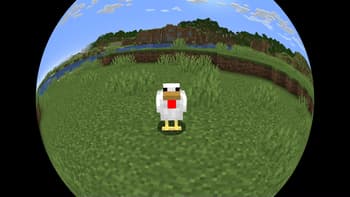
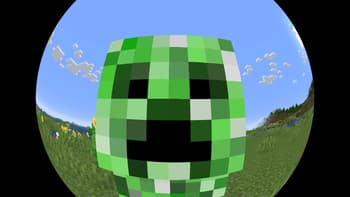
___**This shaderpack may cause symptoms such as 3D motion sickness while playing. If you experience such symptoms, please stop playing immediately.**___ This shaderpack provides a 180-degree fisheye lens effect based on the vanilla graphics. It is created by stitching together images from five different camera angles. This shaderpack is not compatible with the Iris mod. I am unsure of the cause of this issue and therefore unable to resolve it. 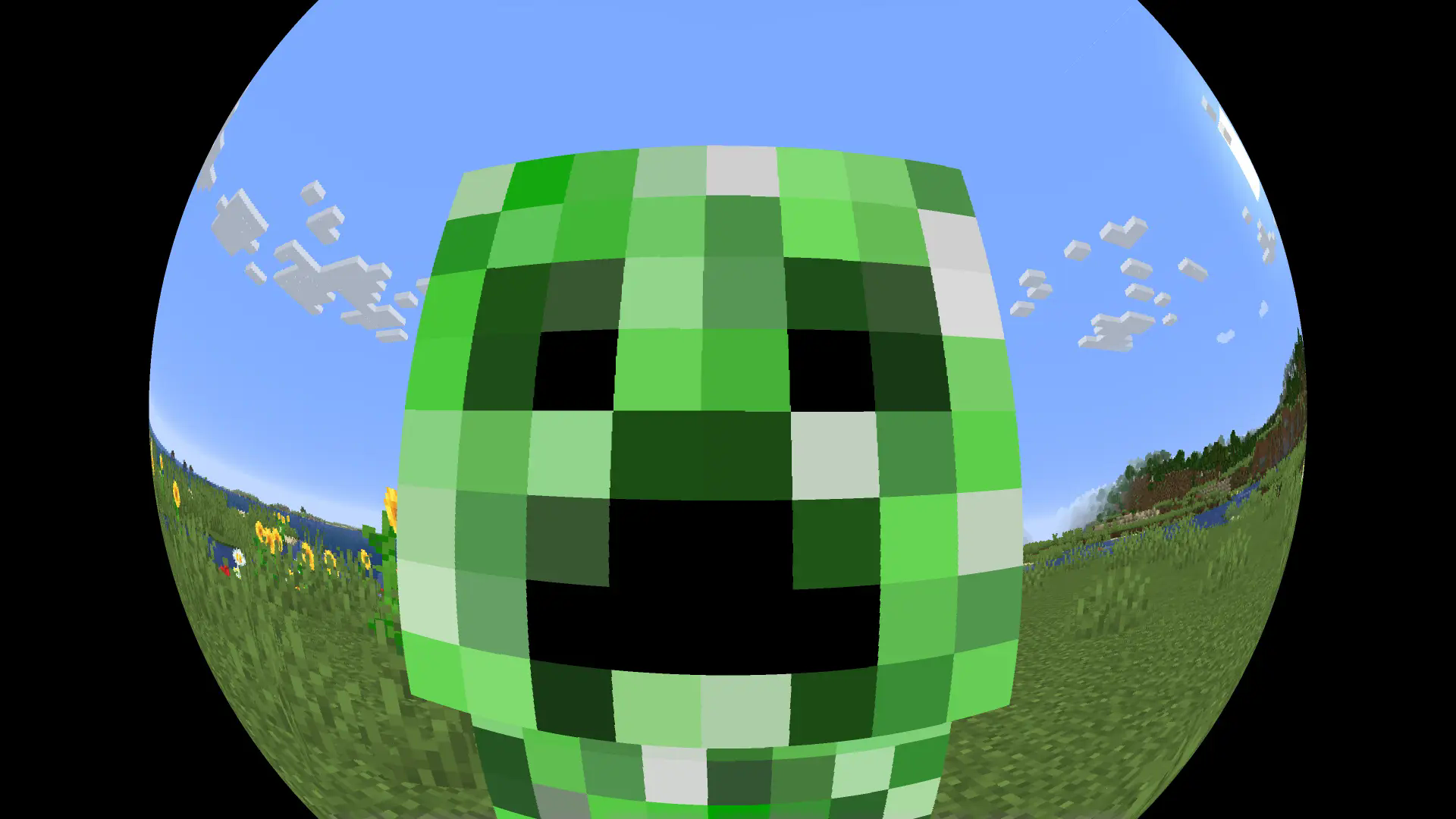
Preview
Versions
Fisheye-Shaders
1 year ago

Krash220
Owner
Related Shaders

Complementary Shaders - Reimagined
Preserving the elements of Minecraft with exceptional quality, detail, and performance.

Complementary Shaders - Unbound
Transforming the visuals of Minecraft with exceptional quality, detail, and performance.

MakeUp - Ultra Fast
MakeUp aims to provide the best quality / performance ratio, building a shader that can be adapted to anyone's resources.

Mellow
Shaderpack with a painterly aesthetic made for people who want to actually play the game. It's easy on your eyes and on your computer!