

FOOTAGE
1.21.11SHADERby skeeder461
Preview
About
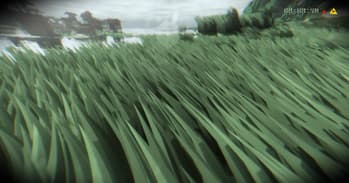
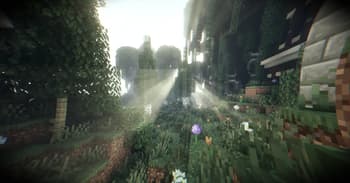
A DERCODE Body Camera / VHS DERCODE fork Based off of Derivative shaders with tons of other realistic and cool effects, like shader grass, water simulation, GI etc. Footage also has 100% physics mod (pro) support proformance at 12 chunks: gtx 1650 laptop ~100 fps rtx 4070 laptop ~130 fps rtx 3090 ~160 fps amd 6700 ~120 fps changelogs can be found on curseforge at https://www.curseforge.com/minecraft/shaders/project-1512050 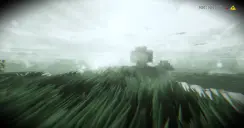 Dercode Discord: https://discord.gg/dfTK72W3Y5 Great Oak Mods: https://discord.gg/gGRgHg9nn9
Preview

sunset
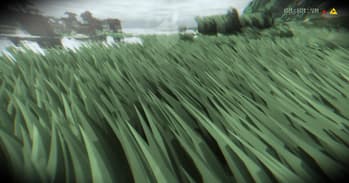
grass
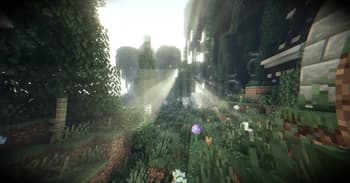
uhhhh
Versions
FOOTAGE 1.0
1 week ago

skeeder461
Owner
Related Shaders

Kappa Shader
A high-quality realistic, yet also somewhat stylized shaderpack.

Noble Shaders
Using clever lighting techniques and powerful customization to create clean, immersive, and enjoyable visuals.

FastPBR
A fast and high-quality shaderpack with realistic visuals and PBR atmospherics.

Body Camera
Adds a body camera effect