For the real potatoes
1.21.11SHADERby Creeperc
About
# DO YOU PLAY ON A POTATOE? these shaders are made for the lowest end of pcs getting over 60fps on a gt730 these shaders are also made to be very minimal VERY MINIMAL but also keep a good aesthetic while not frying your pc. Thanks for downloading if you like the shaders support me by subbing to me on youtube https://www.youtube.com/@Creepercgaming i would also reccomend using custom sky resource packs cause it looks kinda bad :/
Preview
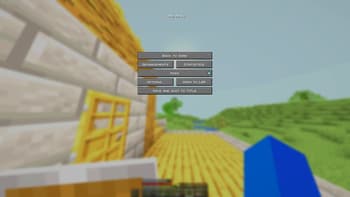
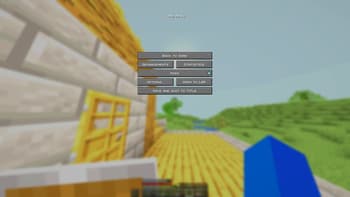
sorry bout the pause menu
Versions
Version 1
3 months ago

Creeperc
Owner
Related Shaders

Complementary Shaders - Reimagined
Preserving the elements of Minecraft with exceptional quality, detail, and performance.

Complementary Shaders - Unbound
Transforming the visuals of Minecraft with exceptional quality, detail, and performance.

MakeUp - Ultra Fast
MakeUp aims to provide the best quality / performance ratio, building a shader that can be adapted to anyone's resources.

Mellow
Shaderpack with a painterly aesthetic made for people who want to actually play the game. It's easy on your eyes and on your computer!