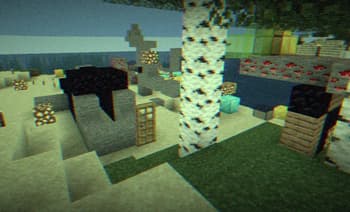

Found Footage
1.21.11SHADERby xsoras
Preview
About
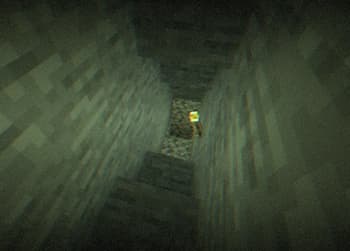
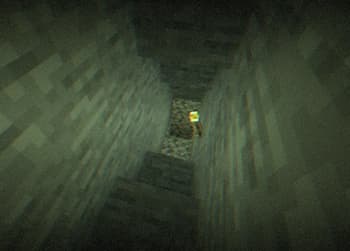
[](https://discord.gg/XgH4EpyPD2) **Found Footage** turns Minecraft into something it was never meant to be. 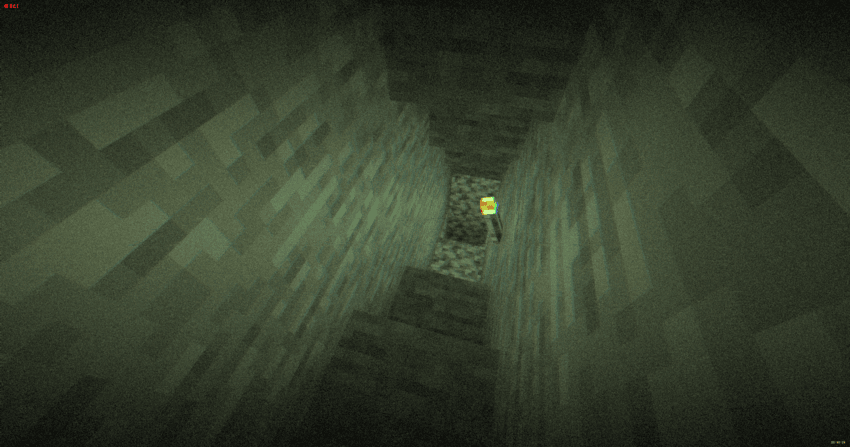 Inspired by old VHS tapes and analog horror, this shader adds subtle film grain, light distortion, soft camera shake and atmospheric noise that reacts to darkness. Nights feel heavier. Caves feel deeper. Empty spaces feel… wrong. It doesn’t change the gameplay. It changes how it *feels*. Torches flicker through the grain. Distant terrain fades into haze. The world looks like it was recorded on a damaged tape you weren’t supposed to find. 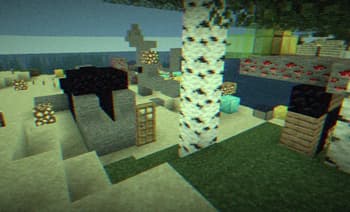
Versions
Found Footage 1.0.0
4 months ago

xsoras
Owner
Related Shaders

Complementary Shaders - Reimagined
Preserving the elements of Minecraft with exceptional quality, detail, and performance.

Complementary Shaders - Unbound
Transforming the visuals of Minecraft with exceptional quality, detail, and performance.

BSL Shaders
Shaderpack for Minecraft: Java Edition. It's bright, colorful, and distinct.

Photon Shaders
A gameplay-focused shader pack with a semi-realistic style