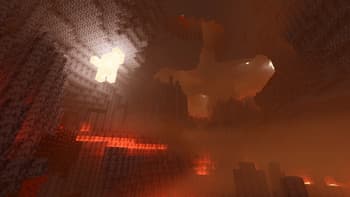

Glint
1.21.11SHADERby jbritain
Preview


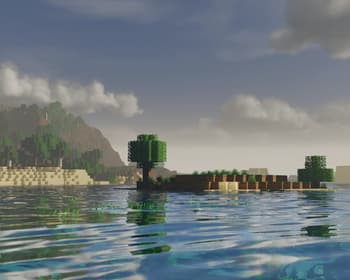
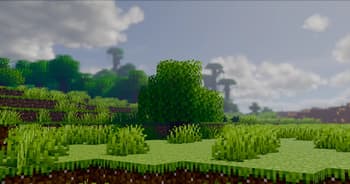

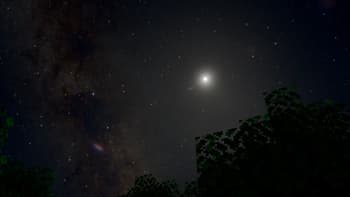
About
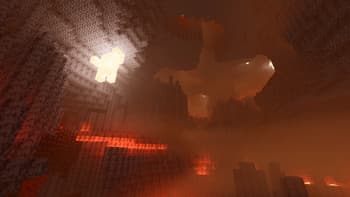
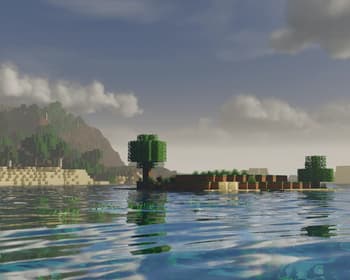
## Glint 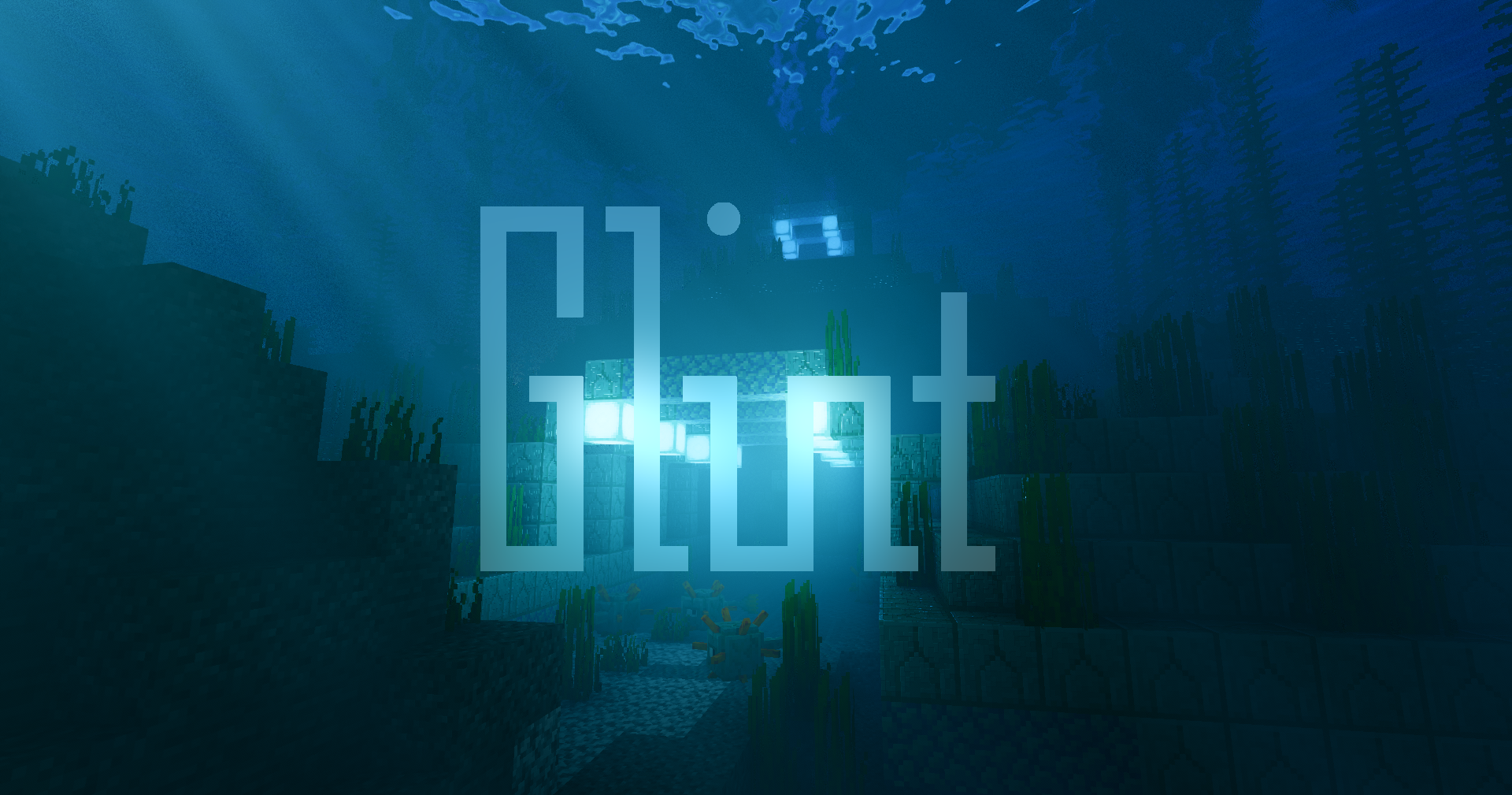 Glint is a physically based shaderpack for Minecraft. ## Features - Volumetric fog, water, and clouds - Coloured lighting - Global illumination - Physically based camera - Voxy support - Full LabPBR support - Much more... ## Compatibility The following is required - OpenGL version 4.3 or greater - Iris version 1.10.5 or greater OptiFine is not supported. MacOS is not supported. Oculus probably won't work. ## Acknowledgements I would like to thank... - Bob and Lipesto, for helping me make my code faster. - Andrew Hilmer, for his [Shadertoy implementation](https://www.shadertoy.com/view/slSXRW) of Sébastien Hillaire's ['A Scalable and Production Ready Sky and Atmosphere R...
Read more on ModrinthPreview


Versions
alpha-four
6 days ago
Alpha Three
4 weeks ago

jbritain
Owner
Related Shaders

Complementary Shaders - Reimagined
Preserving the elements of Minecraft with exceptional quality, detail, and performance.

Complementary Shaders - Unbound
Transforming the visuals of Minecraft with exceptional quality, detail, and performance.

BSL Shaders
Shaderpack for Minecraft: Java Edition. It's bright, colorful, and distinct.

Photon Shaders
A gameplay-focused shader pack with a semi-realistic style