
Haste
1.21.11SHADERby skotah
Preview
About
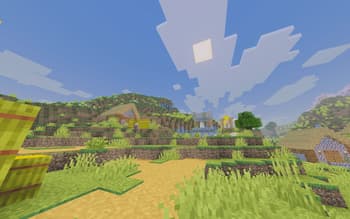
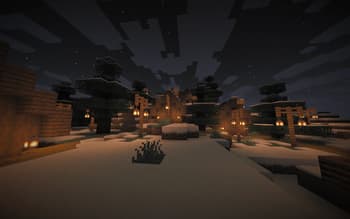
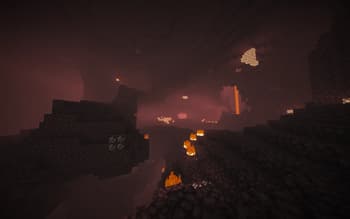
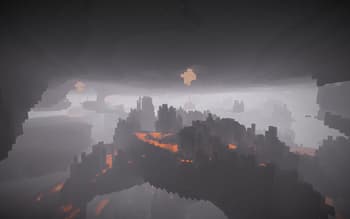
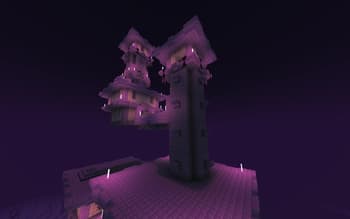
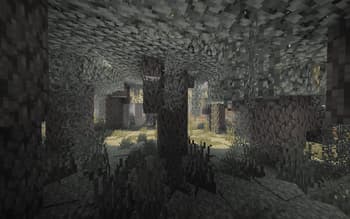
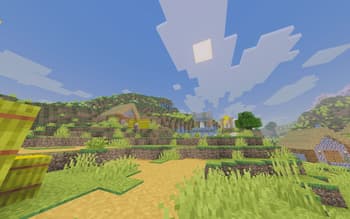
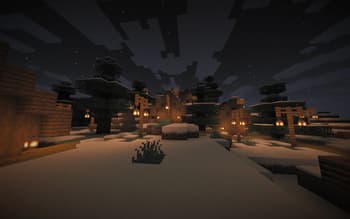
# Haste ### This shader is archived, but you can use a better alternative that i made here: - https://modrinth.com/shader/aerosol Haste is a shader that enhances lighting without any heavy impact on gameplay or visuals Haste uses high dynamic range colors to get a result thats brighter and more vibrant It has - Better lighting with fake sharp shadows - High dynamic range color processing - Sphere radius fog Is planned - Better looking water - Sun and moon glow - Sky reflections on reflective materials - Other fixes and improvements
Preview
0.1
0.1
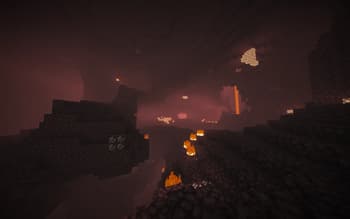
0.1
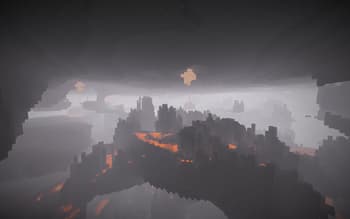
0.1
Versions
Haste 0.11
5 months ago
Haste 0.1
5 months ago

skotah
Owner
Related Shaders

Complementary Shaders - Reimagined
Preserving the elements of Minecraft with exceptional quality, detail, and performance.

Complementary Shaders - Unbound
Transforming the visuals of Minecraft with exceptional quality, detail, and performance.

MakeUp - Ultra Fast
MakeUp aims to provide the best quality / performance ratio, building a shader that can be adapted to anyone's resources.

Mellow
Shaderpack with a painterly aesthetic made for people who want to actually play the game. It's easy on your eyes and on your computer!