
Haze Shader
1.21.11SHADERby Smyight
Preview
About
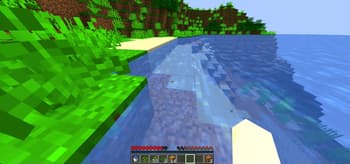
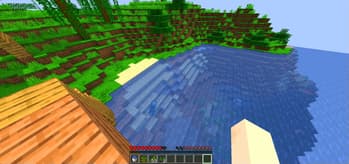
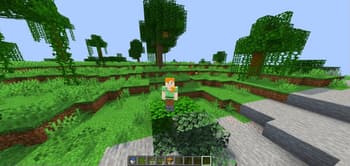
### ✨ Haze Shader – Classic Minecraft, Beautifully Enhanced Haze Shader is a lightweight shader pack that enhances Minecraft's visuals without losing its iconic blocky style. 🧱 Stylized blocky shadows that stay true to the game's design 🌊 Clean reflections on water, ice, and other shiny blocks 💡 Soft, refined emissive lighting for naturally glowing elements ⚡ Optimized for performance – ideal for all systems, even low-end PCs Haze Shader focuses on subtle, smart upgrades that make your world feel more alive—without ever stepping away from what makes Minecraft, Minecraft.
Preview
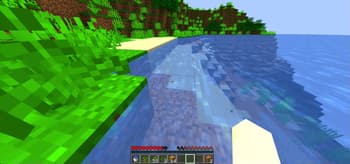
The Water Looks Default and Cool
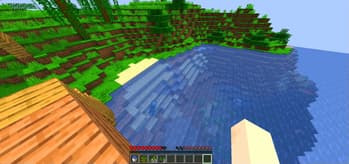
In 1.21.1
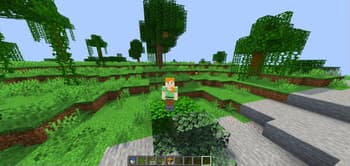
In 1.21.1
Versions
Haze Shader 1.21-1-2-3-4
1 year ago

Smyight
Owner
Related Shaders

Complementary Shaders - Reimagined
Preserving the elements of Minecraft with exceptional quality, detail, and performance.

Complementary Shaders - Unbound
Transforming the visuals of Minecraft with exceptional quality, detail, and performance.

BSL Shaders
Shaderpack for Minecraft: Java Edition. It's bright, colorful, and distinct.

Photon Shaders
A gameplay-focused shader pack with a semi-realistic style