

Hyperopia
1.21.11SHADERby xsoras
Preview


About
[](https://discord.gg/XgH4EpyPD2) > *A perceptual experiment in inverted spatial focus.* 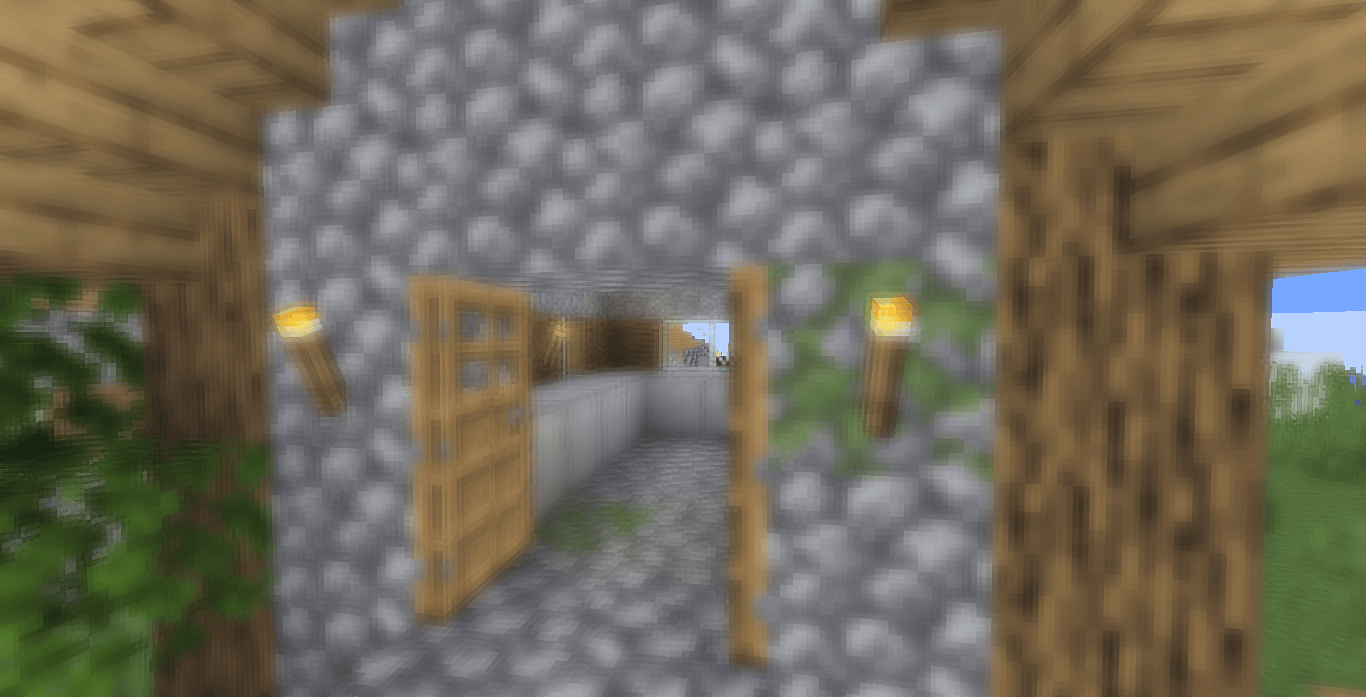 Hyperopia is an experimental Minecraft shader that explores depth perception by reversing the relationship between distance and focus. Instead of enhancing realism, the shader intentionally disrupts familiar visual cues by making distant geometry appear visually prioritized while nearby objects gradually lose sharpness. 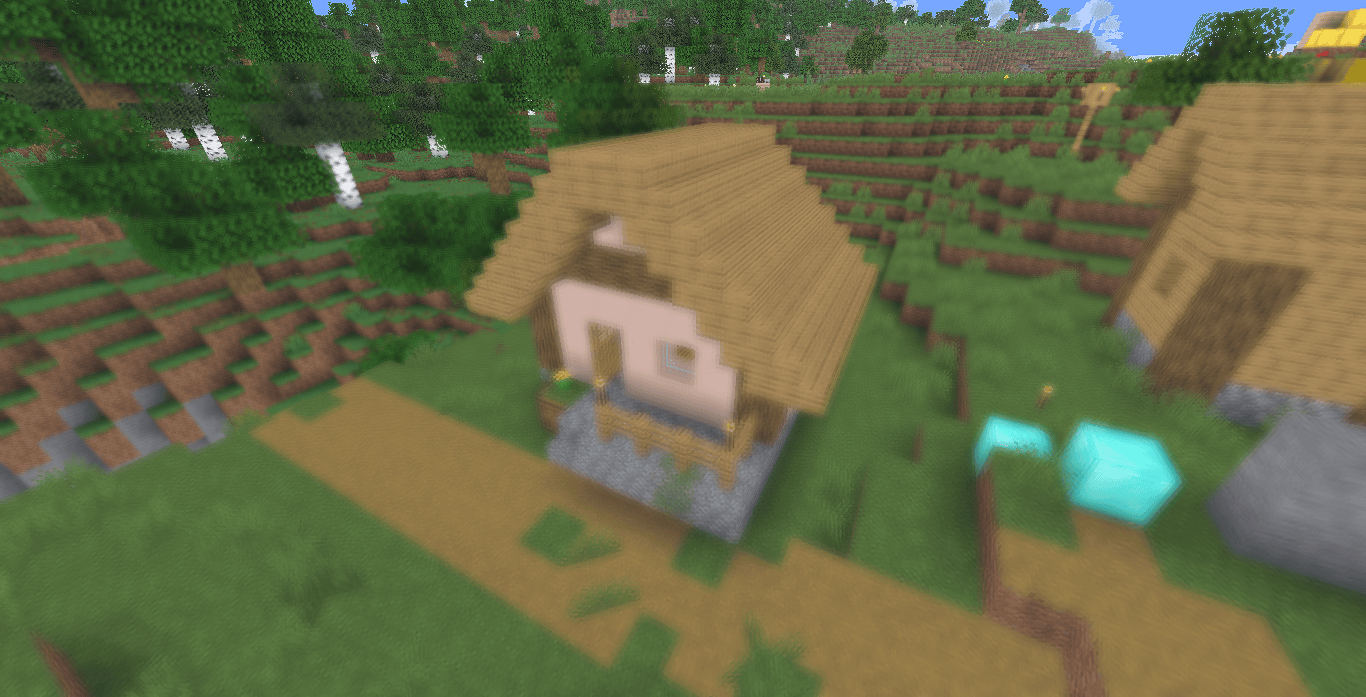 The effect is achieved through a depth-dependent post-processing pass t...
Read more on ModrinthPreview


Versions
Hyperopia 1.0
2 weeks ago

xsoras
Owner
Related Shaders

Clarity
FullBright2 is now named Clarity and it removes all shadows and fog wich makes you see clearly everywhere and can be used for mining or travelling at night.

CTR VCR
Retro stylized shader that brings artifacts from CRT and VCR / VHS

Cursed Fog
Creepy, tense shaders that will tickle your nerves.

Flashlight Shader
Iris shader that gives you a flashlight!