
HyShaders - Fantasy Edition
1.21.11SHADERby Hybred
Preview
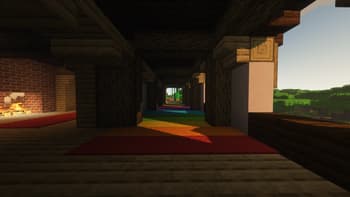
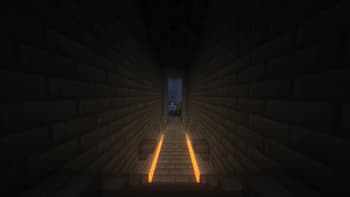
About
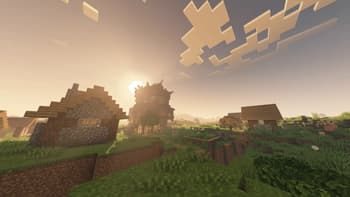
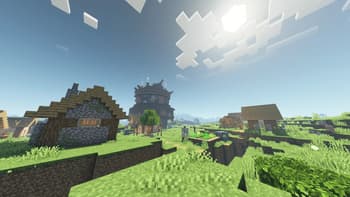
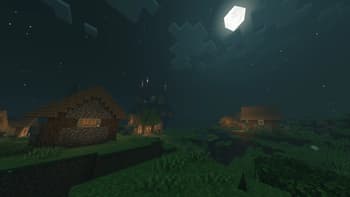
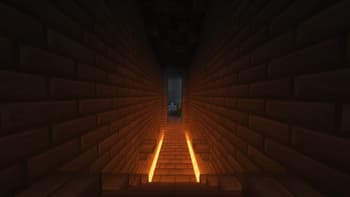
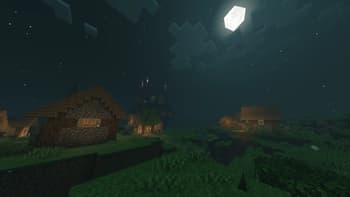
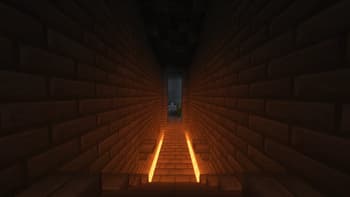
This is a lightweight, fantasy shader designed to give you a bright, vibrant, atmospheric experience while keeping Minecraft's blocky, pixel aesthetic ### Modes **Ultra vs Lite:** Ultra costs more performance but looks better, lite is my super optimized version of the shader that looks really great but still delivers top notch performance ### Manual Installation **1.** Download the mod & unzip it **2.** Install Iris **3.** Put the file(s) found in the mod download into your "shaderpacks" folder (if it doesn't exist, create one) **4.** Launch the game and enjoy! **Note:** It's recommened to install manually so you can choose which exact version of the shader you want (Lite or Ultra). By default it will autoinstall the "Lite" version. If that is the version you want then disregard th...
Read more on ModrinthPreview
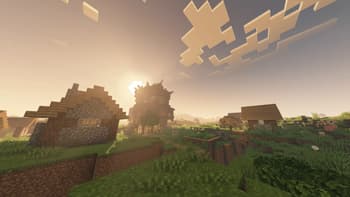
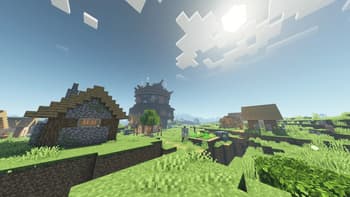
Versions
5.0
4 months ago
4.0
4 months ago
3.0
4 months ago
2.3
6 months ago
Stylized
6 months ago
Vanilla
6 months ago

Hybred
Owner
Related Shaders

Complementary Shaders - Reimagined
Preserving the elements of Minecraft with exceptional quality, detail, and performance.

Complementary Shaders - Unbound
Transforming the visuals of Minecraft with exceptional quality, detail, and performance.

BSL Shaders
Shaderpack for Minecraft: Java Edition. It's bright, colorful, and distinct.

Photon Shaders
A gameplay-focused shader pack with a semi-realistic style