
Image Shader
1.21.11SHADERby lanzhan5656
Preview
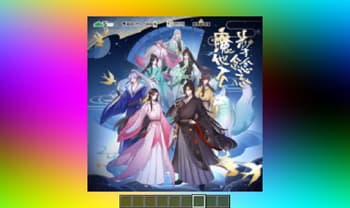
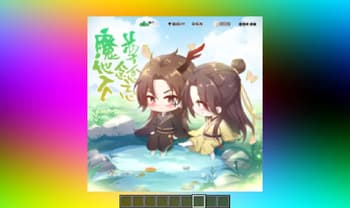
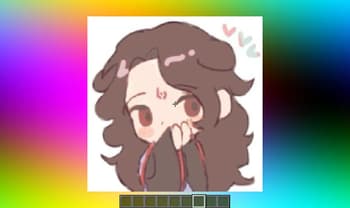
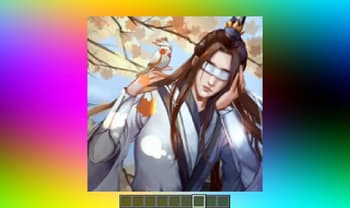
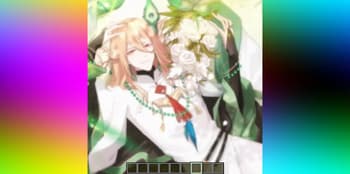
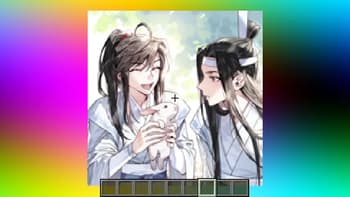
About
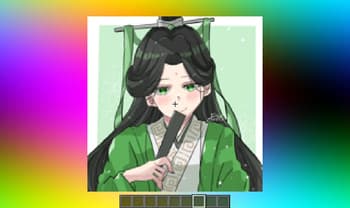
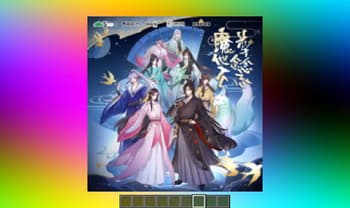
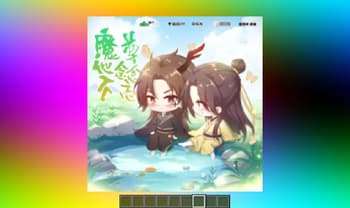
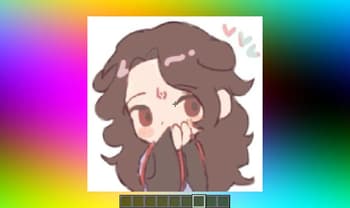
# Image Shader Only use a shader to display an image on your screen~ **Note: compiling the shader may take some time!** 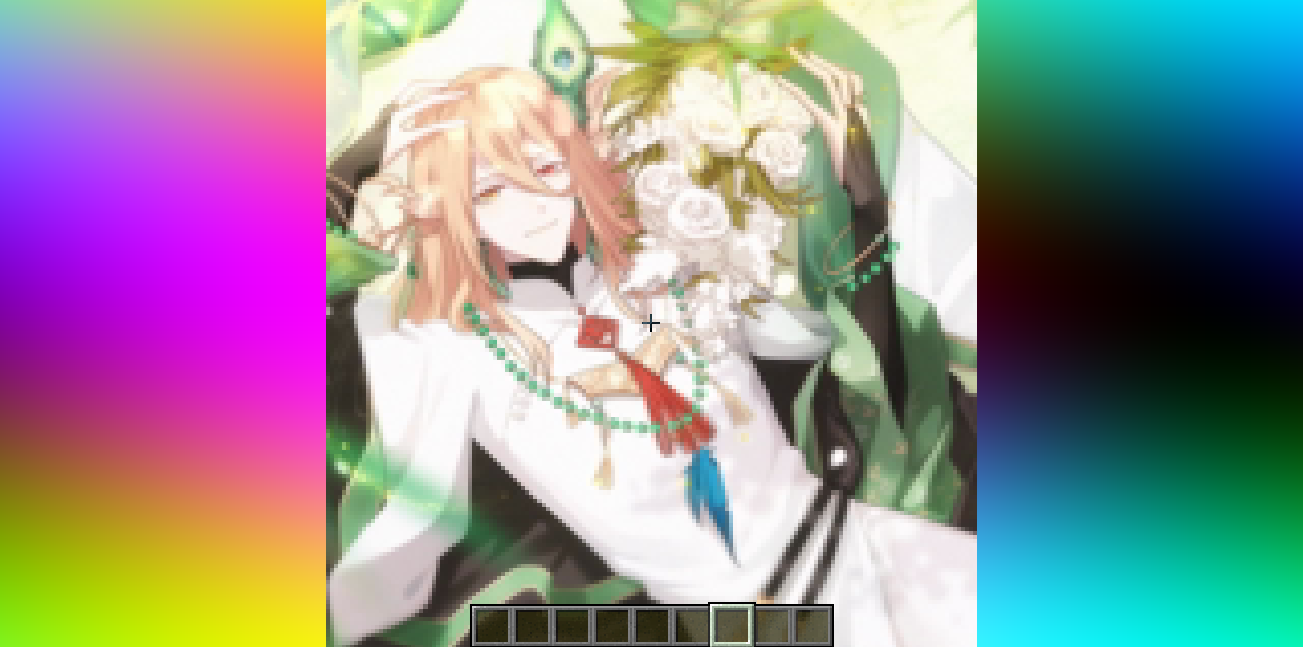 ### How to prepare a custom image~ First, use ffmpeg (or any tool) to resize your image to **160×160 pixels**. ```bash Using ffmpeg: ffmpeg -i Input.png -vf scale=160:160 image.png ``` Then place the resized image in the same directory as the Python script below. Run the script to produce an `image_chunks` folder, then copy the 16 **.glsl files** inside into `shaders/data/image_chunks` (you need to unpack the shader pack first). Enter the game, enable the custom image option in the shader settings, and wait for the shader to finish compiling — Th...
Read more on ModrinthPreview
Versions
1.0.0
9 months ago

lanzhan5656
Owner
Related Shaders

Clarity
FullBright2 is now named Clarity and it removes all shadows and fog wich makes you see clearly everywhere and can be used for mining or travelling at night.

CTR VCR
Retro stylized shader that brings artifacts from CRT and VCR / VHS

Cursed Fog
Creepy, tense shaders that will tickle your nerves.

Flashlight Shader
Iris shader that gives you a flashlight!