
Ink Shader
1.21.11SHADERby BouncingElf10
Preview
About
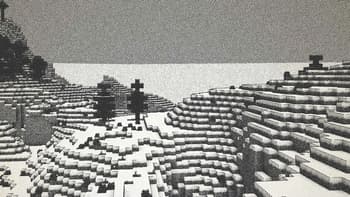
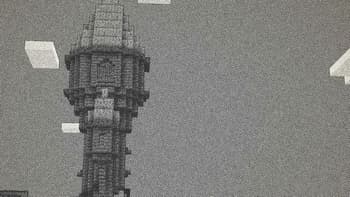
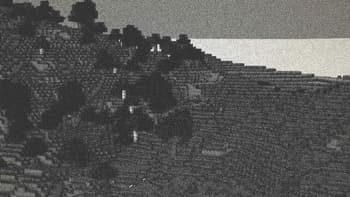
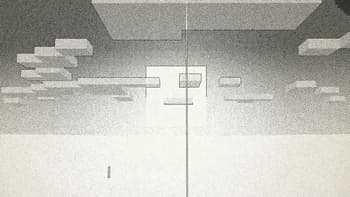
## Ink Shader tries to visualise Minecraft as if it was printed with ink! Current features include: - Color Customisation - Blur Effect - Stippling - Edge Detection - and more! _This shader was heavily inspired on Acerolas video and uses the paper asset that he uses_ ### I mostly tested on Iris 1.21, other versions might not work. If you find any bugs or incompatibilities, you can always report them, it helps me and others out :D 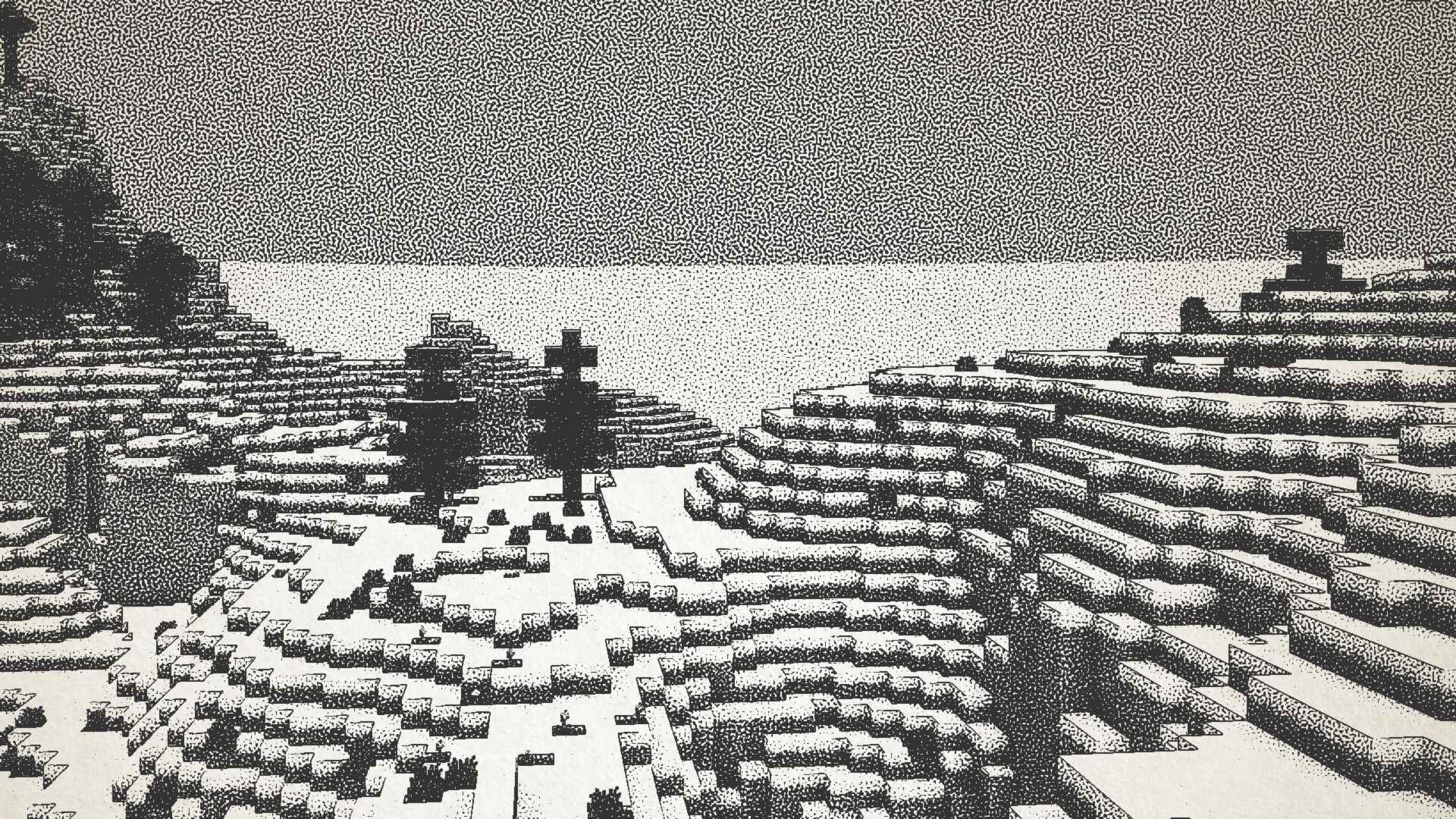 ### Installation 1. First you need to install either OptiFine or the Iris mod to be able to load shaderpacks. (Choose Iris if you are unsure) 1. Then you need to launch the game, and get to the Shaderpac...
Read more on ModrinthPreview
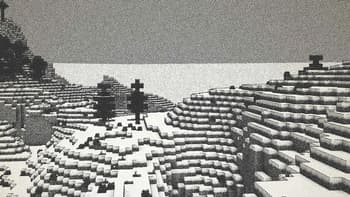
Snowy Landscape
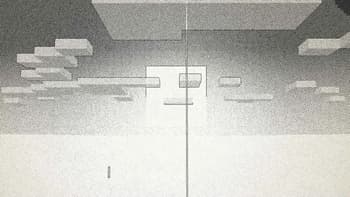
Sunset
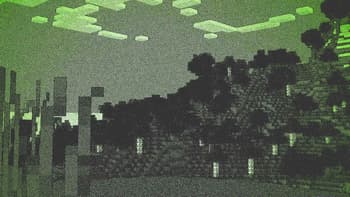
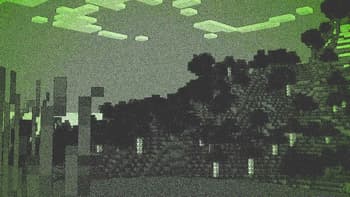
Green Tinted Forest
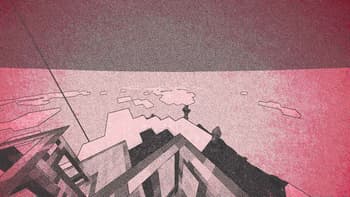
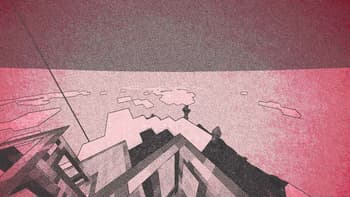
Red Tinted Sky
Versions
Ink Shader V1.1
1 year ago
Ink Shader V1.0
1 year ago

BouncingElf10
Owner
Related Shaders

Complementary Shaders - Reimagined
Preserving the elements of Minecraft with exceptional quality, detail, and performance.

Complementary Shaders - Unbound
Transforming the visuals of Minecraft with exceptional quality, detail, and performance.

BSL Shaders
Shaderpack for Minecraft: Java Edition. It's bright, colorful, and distinct.

Photon Shaders
A gameplay-focused shader pack with a semi-realistic style