
InvertColors-Shader
1.21.11SHADERby laman28
Preview
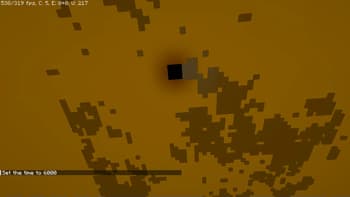
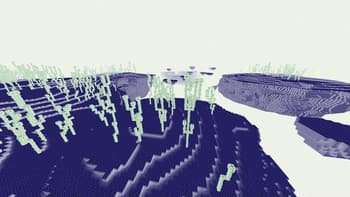
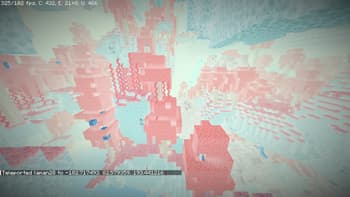
About
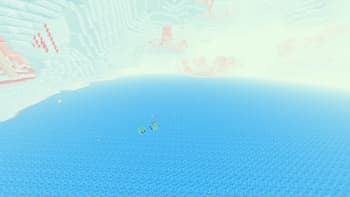
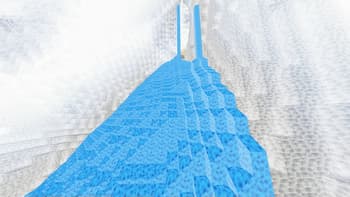
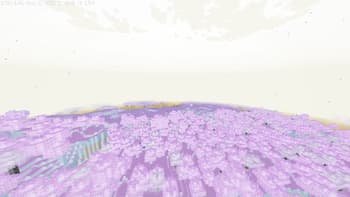
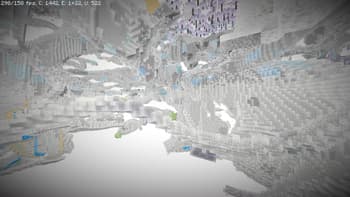
This is a shader pack that makes your minecraft graphics render in inverted colors. It supports the default view fog of minecraft and it could toggle the rendering of light level of the blocks. It supports OptiFine HD and IRIS Shader (1.1.0 supported iris shader, do not run 1.0.0 under iris shader because it will crash your game!) It supports English and Chinese in shaderpack settings
Preview
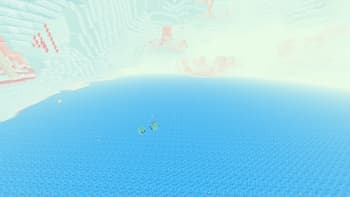
lava in nether
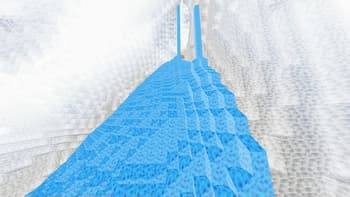
lava and cave
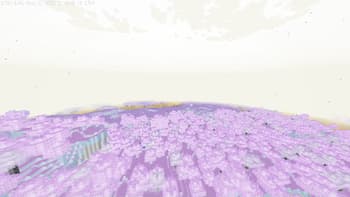
midnight in the overworld
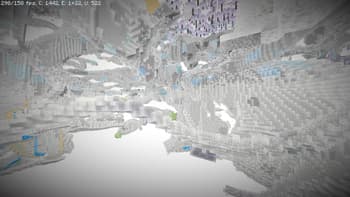
caves in spectator mode
Versions
1.1.0 - Supported IRIS Shader
1 year ago
1.0.0
1 year ago
laman28
Owner
Related Shaders

Complementary Shaders - Reimagined
Preserving the elements of Minecraft with exceptional quality, detail, and performance.

Complementary Shaders - Unbound
Transforming the visuals of Minecraft with exceptional quality, detail, and performance.

MakeUp - Ultra Fast
MakeUp aims to provide the best quality / performance ratio, building a shader that can be adapted to anyone's resources.

Mellow
Shaderpack with a painterly aesthetic made for people who want to actually play the game. It's easy on your eyes and on your computer!