
Javier's improved fog
1.21.11SHADERby javierbendezuv
Preview
About
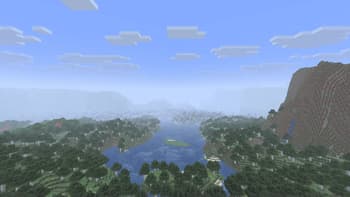
Javier's Improved Fog – Minecraft Java Shader Javier's Improved Fog replaces Minecraft’s default fog system with a custom density curve for a more realistic and immersive visual experience. Unlike vanilla fog, which can appear too close or fade abruptly, this shader delivers a smooth, natural transition.  Main Features: Distant & soft fog – starts farther from the player, giving clear visibility nearby and gradual haze in the distance. Custom progressive curve – almost linear at first, then smoothly blending into full fog, avoiding sharp cutoffs. Enhanced realism – perfect for exploration and scenic builds. Fully compatible with vanilla shaders and resource packs that don’t modify the fog core shader. Recommended settings: Set your render dis...
Read more on ModrinthPreview
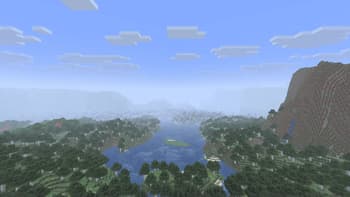
foggy day
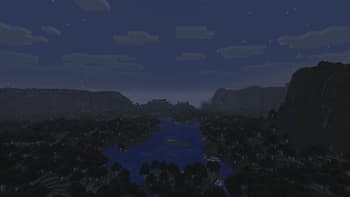
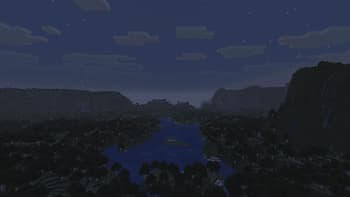
normal night
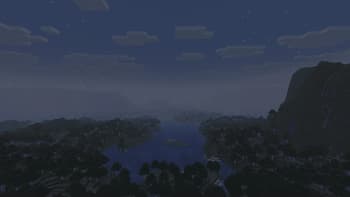
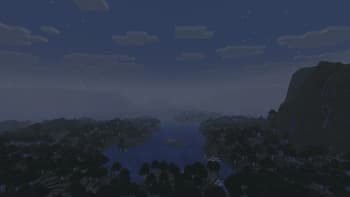
foggy night
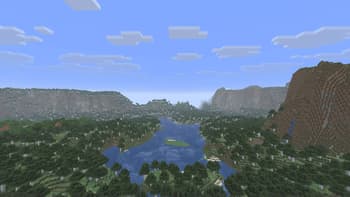
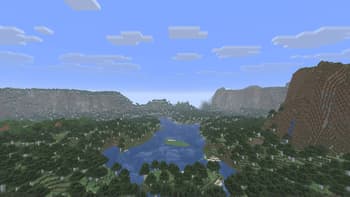
normal day
Versions
Javier's Improved Fog
4 months ago
Javier's improved fog
10 months ago

javierbendezuv
Owner
Related Shaders

Complementary Shaders - Reimagined
Preserving the elements of Minecraft with exceptional quality, detail, and performance.

Complementary Shaders - Unbound
Transforming the visuals of Minecraft with exceptional quality, detail, and performance.

BSL Shaders
Shaderpack for Minecraft: Java Edition. It's bright, colorful, and distinct.

Photon Shaders
A gameplay-focused shader pack with a semi-realistic style