
john
1.21.11SHADERby inuk
Preview
About
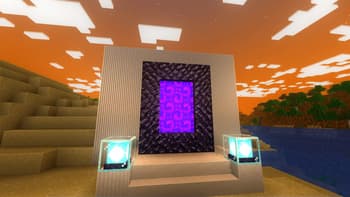
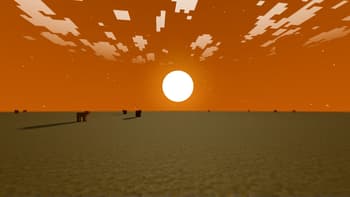
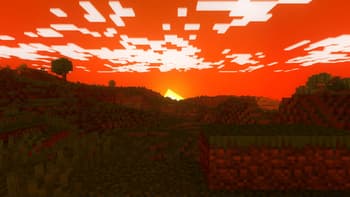
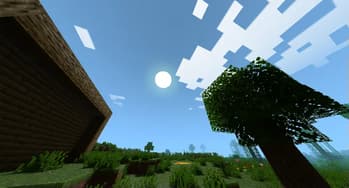
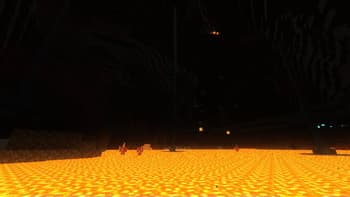
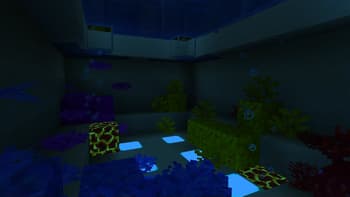
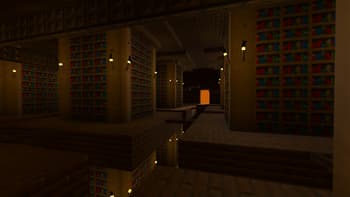
# john John is a really fast shader, high fps anywhere from intergrated graphics to high end GPU's! It looks best when you use PBR resource packs! 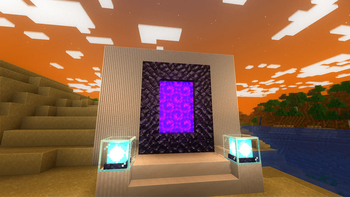 **This shader has:** - waving plants/leaves/water - simple specular sky reflections - emmisive textures support - colored shadows - fog - clouds - outlines - high fps on any machine _Iris only at the moment_
Preview
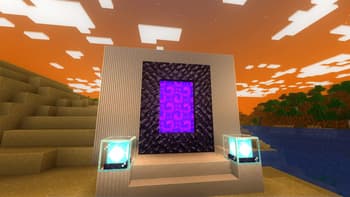
nether portal sunrise
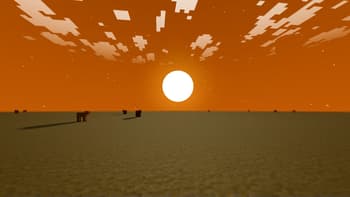
superflat sunrise (old version)
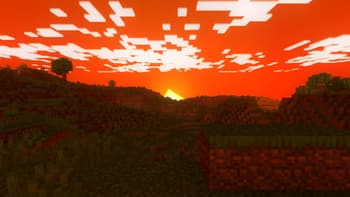
sunset
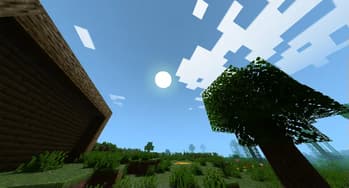
screenshot with clouds (old version)
Versions
john v1.2
11 months ago
john v1.1
11 months ago
john v1.0
11 months ago
john v0.3
1 year ago
john v0.2
1 year ago

inuk
Owner
Related Shaders

Complementary Shaders - Reimagined
Preserving the elements of Minecraft with exceptional quality, detail, and performance.

Complementary Shaders - Unbound
Transforming the visuals of Minecraft with exceptional quality, detail, and performance.

BSL Shaders
Shaderpack for Minecraft: Java Edition. It's bright, colorful, and distinct.

Photon Shaders
A gameplay-focused shader pack with a semi-realistic style