
LiDAR Visualizer
1.21.11SHADERby Unequal
Preview
About
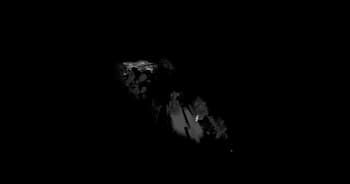
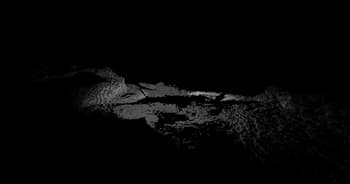
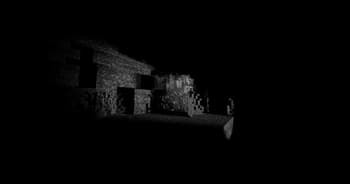
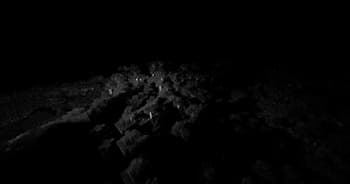
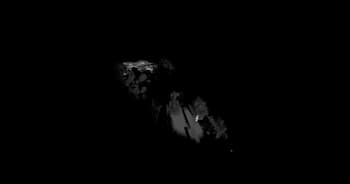
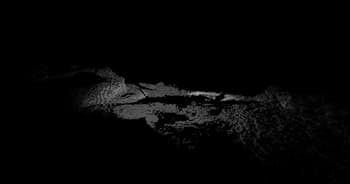
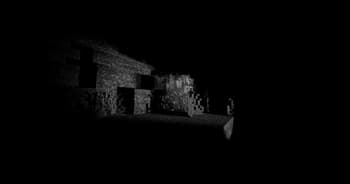
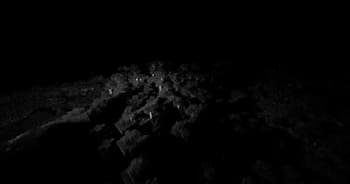
A shader that imitates LiDAR scan visualization software. Crouching shoots hundreds rays each frame in a circular pattern from the crosshair, creating points where they land. These points are persistent and allows for "mapping" of an area. Reloading the shader will erase all points. There is a limit of 2048000 points at any given moment, replacing the oldest point when reaching the limit.
Preview
Versions
Depth
2 months ago
1.1
2 months ago
Release
2 months ago

Unequal
Owner
Related Shaders

Complementary Shaders - Reimagined
Preserving the elements of Minecraft with exceptional quality, detail, and performance.

Complementary Shaders - Unbound
Transforming the visuals of Minecraft with exceptional quality, detail, and performance.

Solas Shader
A modern fantasy stylized shaderpack with colored lighting and stunning visuals

Bliss Shaders
A well performing fantasy styled shaderpack with emphasis on scene variation and customization.