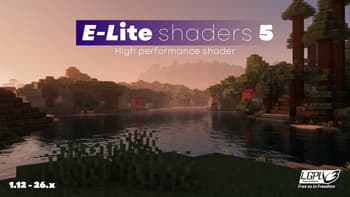

E-LITE shaders (MakeUp edit)
1.21.11SHADERby Entokito
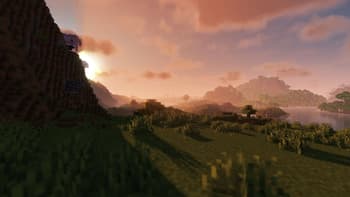
Preview


About
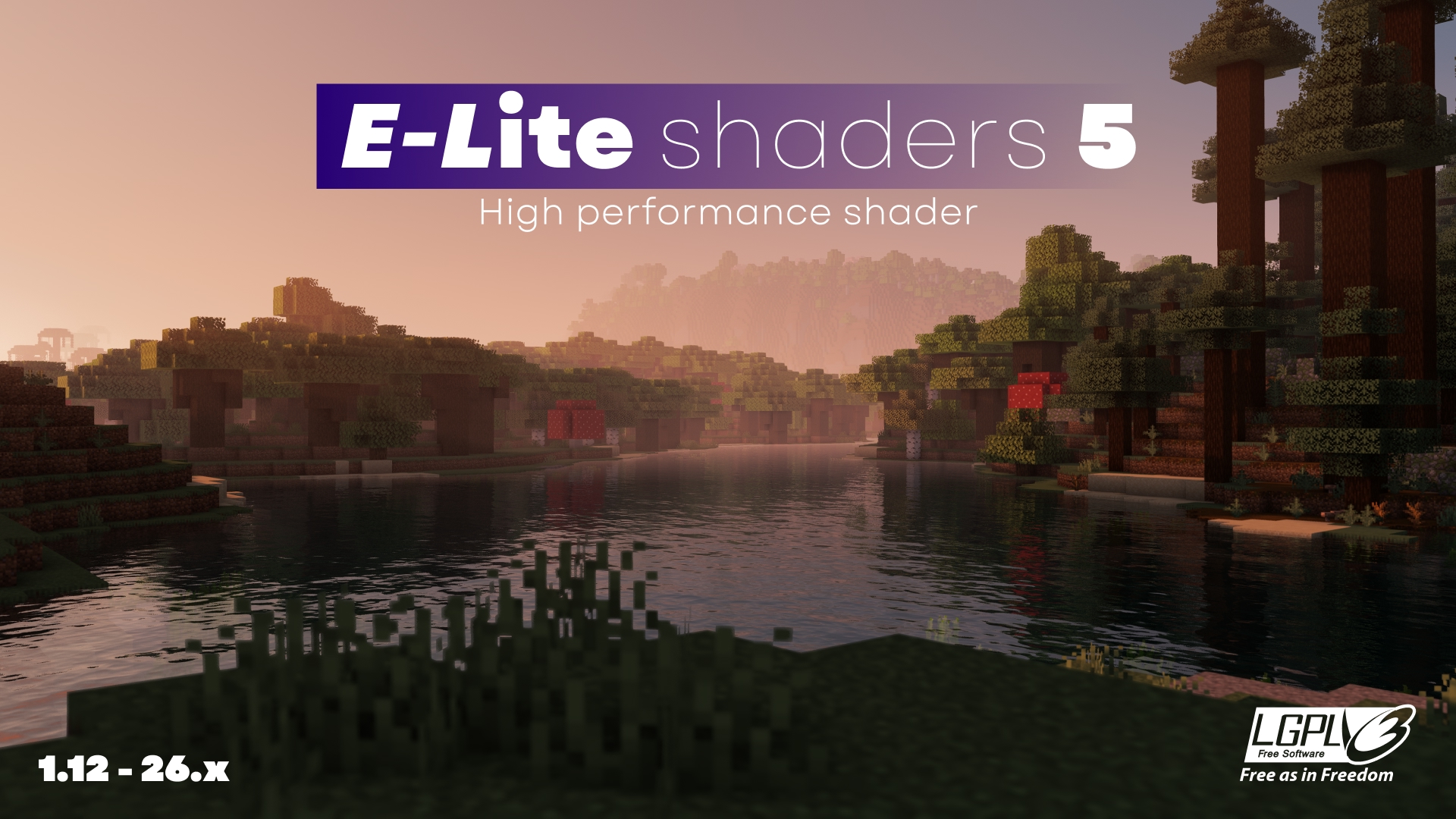 # There is a bug in sky in Minecraft 26.2 (Iris 1.11.1). Set the shadow quality to MAX as a temporary fix. # ABOUT E-LITE shaders (formerly known as LITE) is a modification of [MakeUp - Ultra Fast](https://modrinth.com/shader/makeup-ultra-fast-shaders) that aims to make it fancier while maintaining great performance. It adds a lot of customisation as well as a Portuguese translation, and is ideal for use on most PCs, with highly adaptable graphics profiles. **_DO NOT use OptiFine preview versions, they are very buggy._** # TESTED ON: - Minecraft 1.12.2 - 26.1.x - NVIDIA, AMD and Intel, NO warranty that it works on all hardware. - Windows 10 and 11. # Features: Majority of these fea...
Read more on ModrinthPreview
E-LITE shaders 5
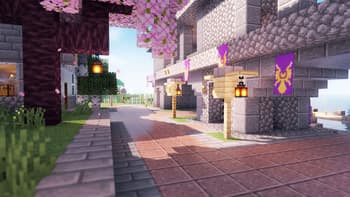
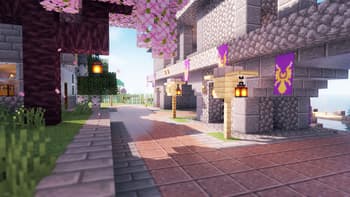
Walkway.
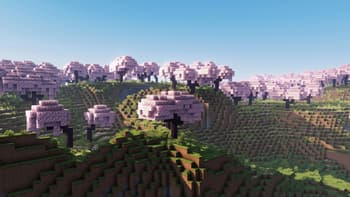
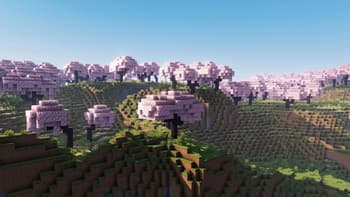
Cherry blossoms.
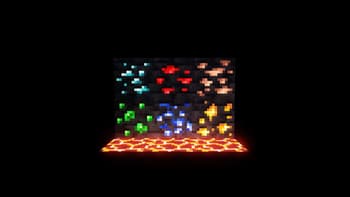
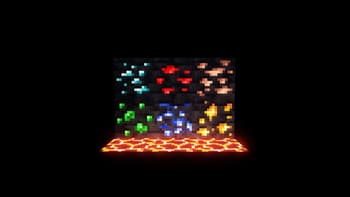
Glow!
Versions
E-LITE shaders 5.1.1
5 days ago
E-LITE shaders 5.1
2 weeks ago
E-LITE shaders 5.0.1
3 months ago
E-LITE shaders 5
4 months ago
LITE shaders 4.9
5 months ago
LITE shaders 4.8
6 months ago

Entokito
Owner

tasxatzial
Beta Tester
avc1657
Beta Tester
Related Shaders

Complementary Shaders - Reimagined
Preserving the elements of Minecraft with exceptional quality, detail, and performance.

Complementary Shaders - Unbound
Transforming the visuals of Minecraft with exceptional quality, detail, and performance.

MakeUp - Ultra Fast
MakeUp aims to provide the best quality / performance ratio, building a shader that can be adapted to anyone's resources.

Mellow
Shaderpack with a painterly aesthetic made for people who want to actually play the game. It's easy on your eyes and on your computer!