
Lumeau
1.21.11SHADERby Neoz30
Preview
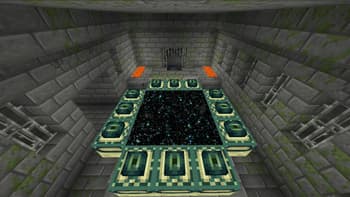
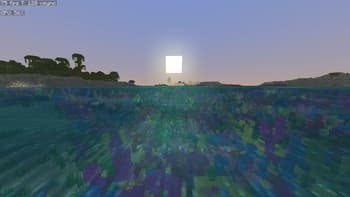
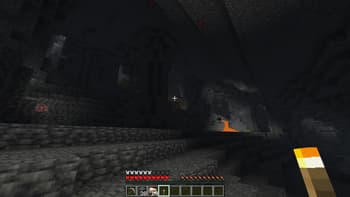
About
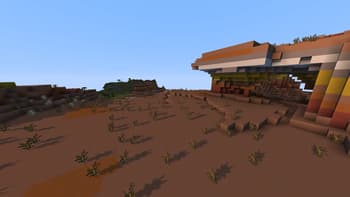
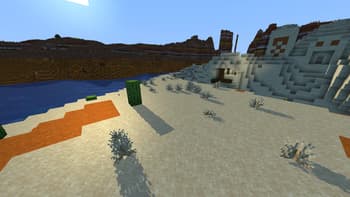
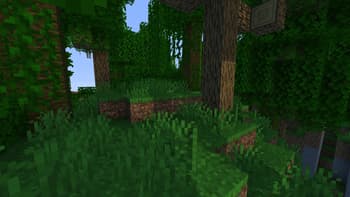
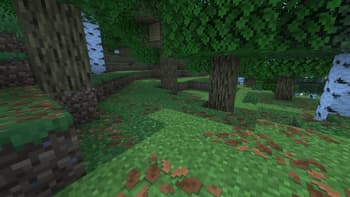
# Description Lumeau is lighweight shader built to have simple and good visual imitating minecraft color pallette and light color in general but in some cases I added some of my own choice to have a more pleasing look 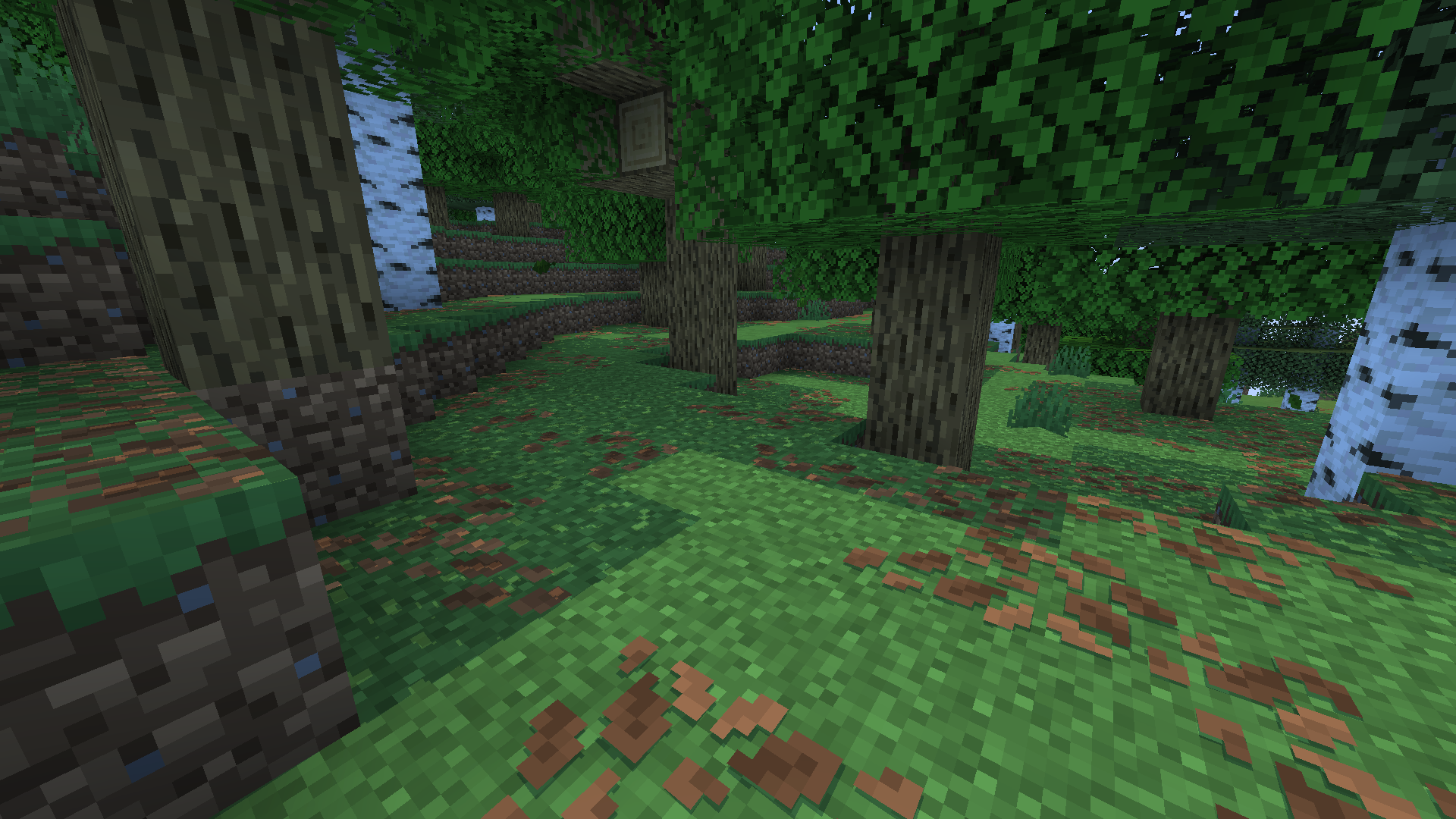 # Features Lumeau additions: - Sunlight color will change depending on the sun angle in the sky, this will add red-orange color to blocks when the sun rise or set and more yellow-white color at noon - Moonlight color is subtle with a white color - Shadows are clear and crisp, no blur is added by default (can be change in settings menu) - Waves are simple (no reflexion for now) - Lighting calculation are a little different from vanilla minecraft with little...
Read more on ModrinthPreview
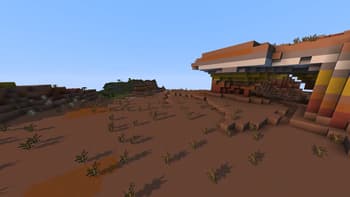
Badlands
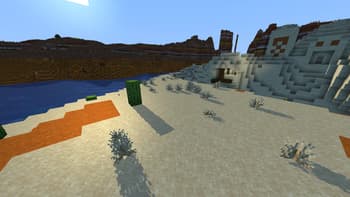
Desert
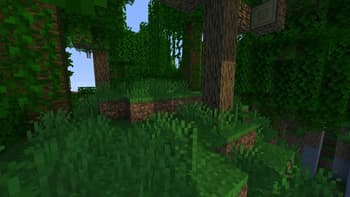
Jungle
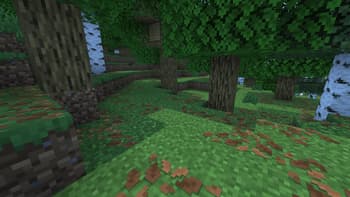
Forest, Ground leaves
Versions
Beta 1.2
2 weeks ago
Beta 1.1
2 months ago
Alpha 1.0
6 months ago

Neoz30
Owner
Related Shaders

Complementary Shaders - Reimagined
Preserving the elements of Minecraft with exceptional quality, detail, and performance.

Complementary Shaders - Unbound
Transforming the visuals of Minecraft with exceptional quality, detail, and performance.

BSL Shaders
Shaderpack for Minecraft: Java Edition. It's bright, colorful, and distinct.

Photon Shaders
A gameplay-focused shader pack with a semi-realistic style