
Lumina Shader - Lite
1.21.11SHADERby Benjiaa
Preview
About
Lumina Shader: Lite Edition is the definitive high-performance version of the Lumina series. It is specifically engineered to deliver a vibrant and beautiful visual experience for players using low-end PCs, laptops, or integrated graphics. Enjoy Minecraft with amazing colors and fluid performance (60+ FPS on most systems) without the lag of heavy shader packs! 🚀 Key Features Maximum Performance: Highly optimized GLSL code tailored for maximum FPS stability and zero stuttering. Vanilla+ Aesthetic: Features classic 2D stylized clouds and clean, lightweight fog transitions. Smart Shadows: Balanced shadow mapping techniques designed to save massive hardware resources while keeping depth intact. Vibrant Colors: Enhanced contrast and saturation curves that keep the iconic "Lumina" visual i...
Read more on ModrinthPreview
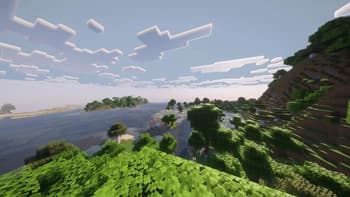
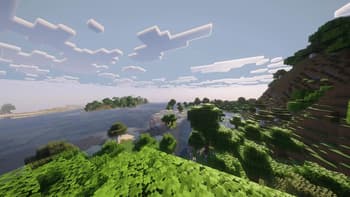
Beautiful Day & High Performance
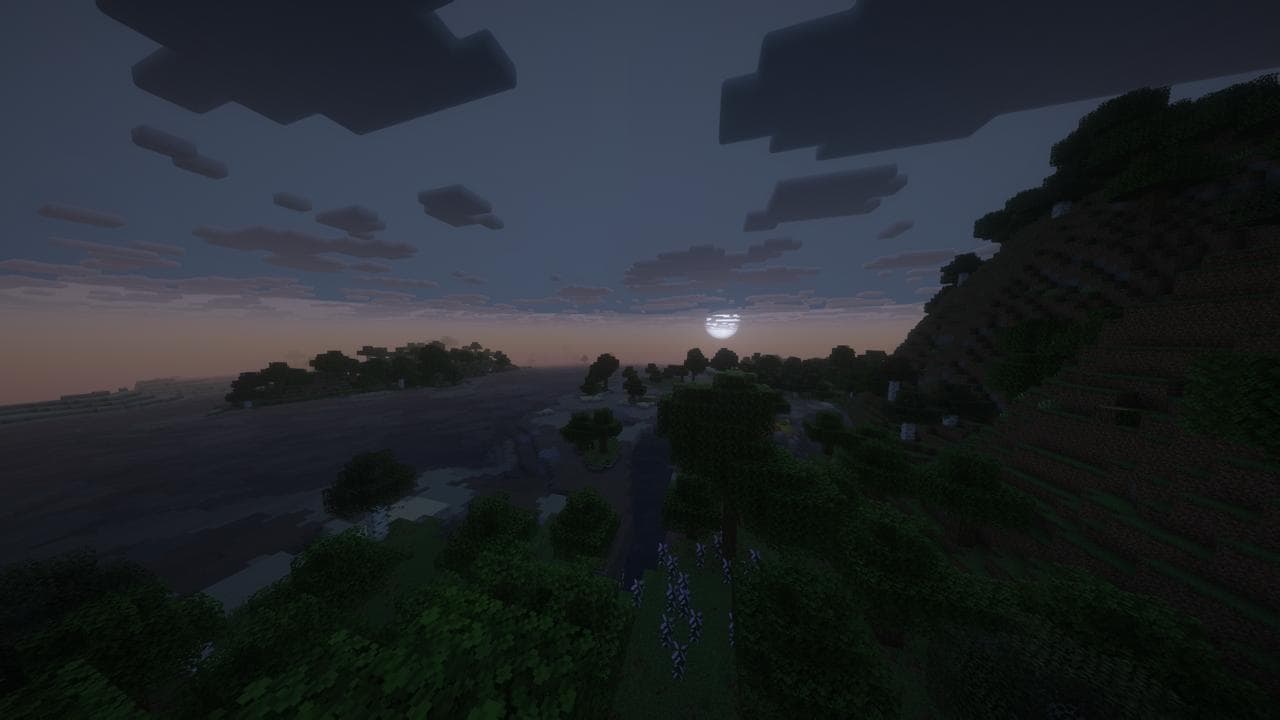
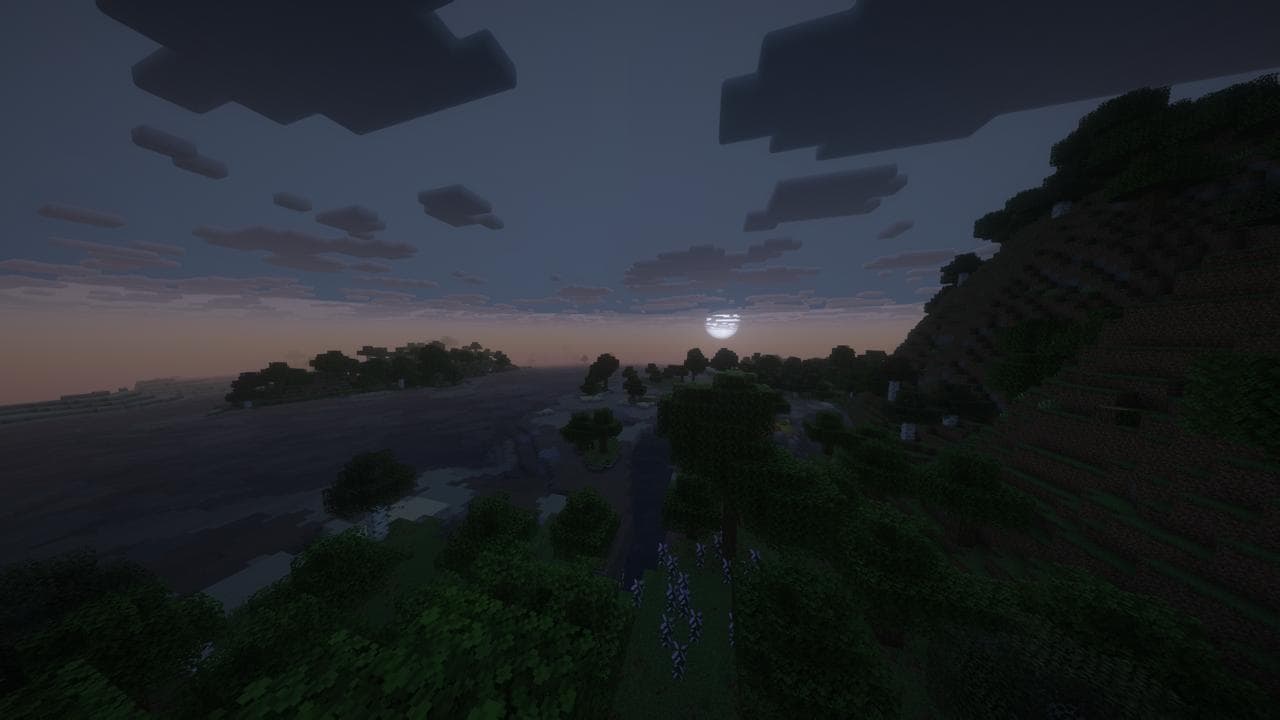
Atmospheric Night & Optimized Sky
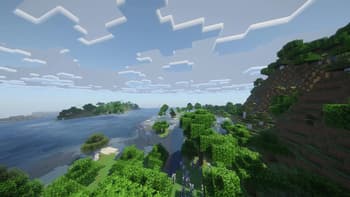
Crystal Clear Noon
Versions
Lumina Shader - Lite 1.2.2
1 month ago
Lumina Shader - Lite 1.2.1
2 months ago
Lumina Shader - Lite 1.1.1
3 months ago
Lumina Shader - Lite 1.1.0
3 months ago
The Ultimate Performance Edition
3 months ago

Benjiaa
Owner
Related Shaders

Complementary Shaders - Reimagined
Preserving the elements of Minecraft with exceptional quality, detail, and performance.

Complementary Shaders - Unbound
Transforming the visuals of Minecraft with exceptional quality, detail, and performance.

BSL Shaders
Shaderpack for Minecraft: Java Edition. It's bright, colorful, and distinct.

Photon Shaders
A gameplay-focused shader pack with a semi-realistic style