
Lumora Shader
1.21.11SHADERby KJS0
Preview
About
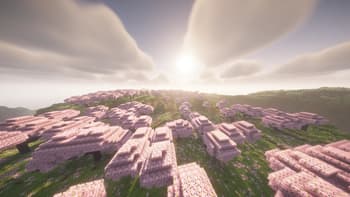
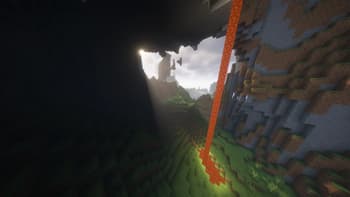
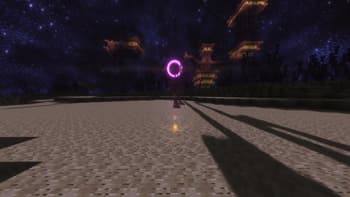
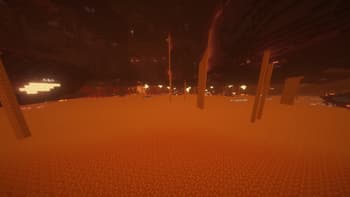
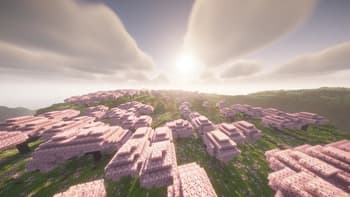
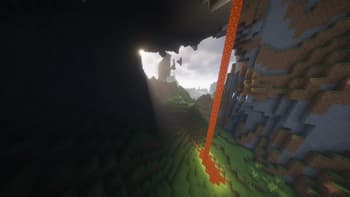
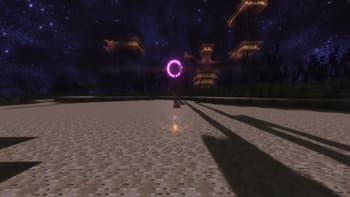
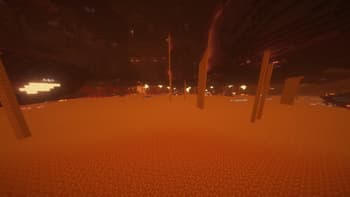
Lumora is a cinematic Minecraft shader pack made to improve the game’s atmosphere while keeping the classic Minecraft feeling. It adds realistic lighting, improved clouds, reflective surfaces, glowing portals, detailed block effects, and a custom End sky for a more immersive experience. The shader focuses on making worlds feel more alive with smoother visuals, better brightness balance, enhanced water, cleaner skies, and stronger dimension atmosphere. The Nether feels warmer and more intense, while the End has a unique space-like style with a darker and more cinematic look. Lumora is designed for players who want Minecraft to look more beautiful, modern, and atmospheric without completely changing the original style of the game. [CurseForge](https://www.curseforge.com/minecraft/shaders/l...
Read more on ModrinthPreview
Versions
Lumora Shader 1
2 months ago
Related Shaders

Complementary Shaders - Reimagined
Preserving the elements of Minecraft with exceptional quality, detail, and performance.

Complementary Shaders - Unbound
Transforming the visuals of Minecraft with exceptional quality, detail, and performance.

Solas Shader
A modern fantasy stylized shaderpack with colored lighting and stunning visuals

Bliss Shaders
A well performing fantasy styled shaderpack with emphasis on scene variation and customization.