
Luxora Shaders
1.21.11SHADERby HoneyStudios
Preview

About
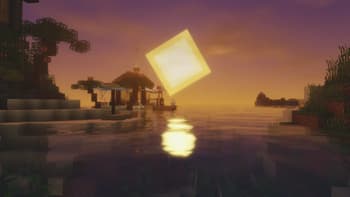
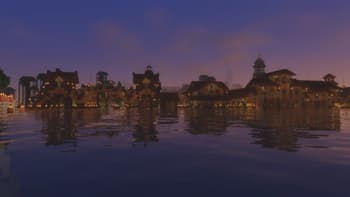
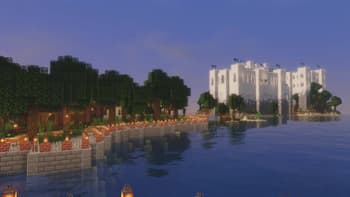
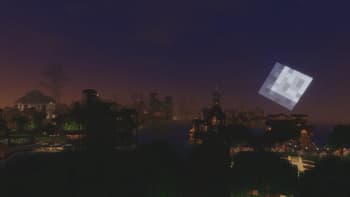
 # Luxora Shaders A cinematic, realistic shader pack for Minecraft Java Edition. Luxora Shaders delivers warm, film-like visuals with golden lighting, natural sky gradients, and clean post-processing. Designed for players who want their worlds to look stunning without the over-processed look. ## Features * **Cinematic Lighting** — Warm golden sunlight with natural color grading across all times of day * **4 Color Schemes** — Cinematic, Natural, Golden Hour, and Moonlit * **Beautiful Water** — Reflections, caustics, wave normals, and optional foam * **God Rays** — Screen-space lightshafts around the sun * **Bloom** — Soft glow on lanterns, torches, and bright surfaces * ...
Read more on ModrinthPreview
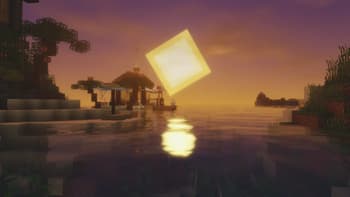
Luxora Shaders - Sunset

Luxora Shaders - Day
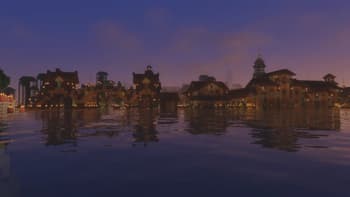
Luxora Shaders - Sunrise
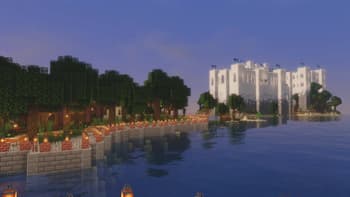
Luxora Shaders - Noon
Versions
Luxora Shaders v1.0
3 months ago

HoneyStudios
Owner
Related Shaders

Complementary Shaders - Reimagined
Preserving the elements of Minecraft with exceptional quality, detail, and performance.

Complementary Shaders - Unbound
Transforming the visuals of Minecraft with exceptional quality, detail, and performance.

MakeUp - Ultra Fast
MakeUp aims to provide the best quality / performance ratio, building a shader that can be adapted to anyone's resources.

Mellow
Shaderpack with a painterly aesthetic made for people who want to actually play the game. It's easy on your eyes and on your computer!