
Lymbo Shader
1.21.11SHADERby DorNell8
Preview
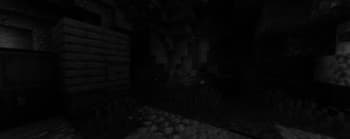
About
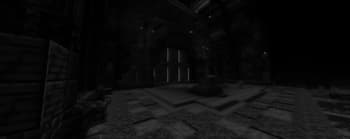
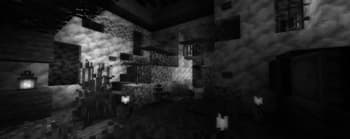
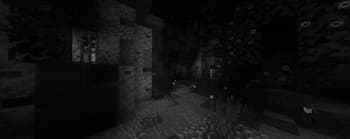
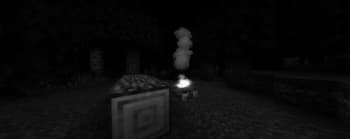
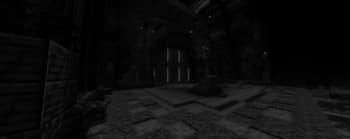
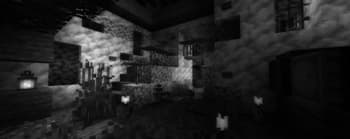
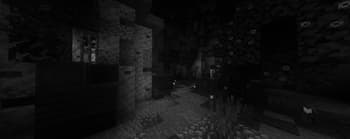
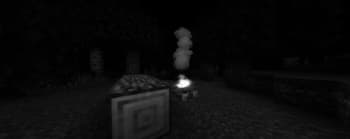
### ABOUT A simple Minecraft shaderpack that adds grayscale, bloom and noise effects. Explore a Minecraft world transformed by a scary shader of the unnatural. When you go into this gray world, you might feel curious. The landscapes you know from Minecraft look different now, covered in a ghostly covering of shades. ### ADDITIONAL INFORMATION who sitting on V1.0 please update to the new version of the shader, as it does not work with Iris. ### INSTALLATION - Download and install Optifine - Download the shaderpack - Put the shaderpack inside `.minecraft\shaderpacks` - Launch Minecraft - Enjoy! thank you for accepting my idea and using it for different scenarios and scenes
Preview
Versions
V1.2
2 years ago
V1.1b
2 years ago
V1.0
2 years ago
DorNell8
Owner
Related Shaders

Complementary Shaders - Reimagined
Preserving the elements of Minecraft with exceptional quality, detail, and performance.

Complementary Shaders - Unbound
Transforming the visuals of Minecraft with exceptional quality, detail, and performance.

BSL Shaders
Shaderpack for Minecraft: Java Edition. It's bright, colorful, and distinct.

Photon Shaders
A gameplay-focused shader pack with a semi-realistic style