
MakeUp - Breezy
1.21.11SHADERby ENA-QWQ
Preview

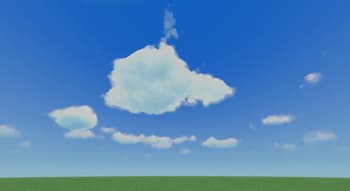
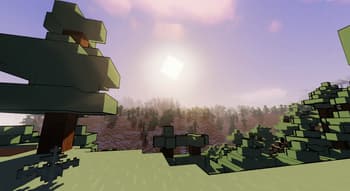
About
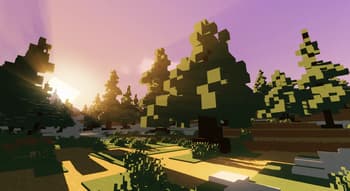
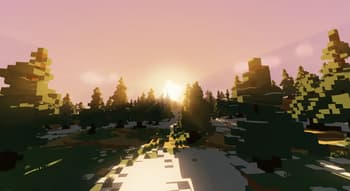
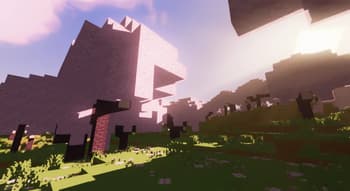
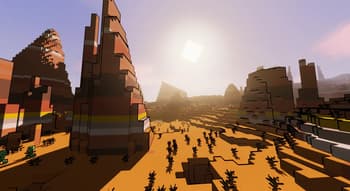
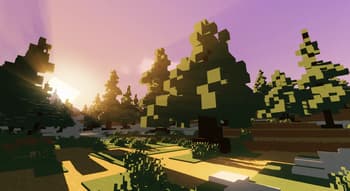
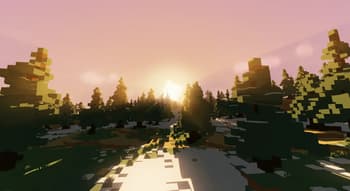
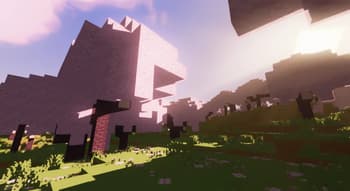
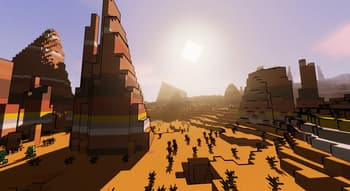
# MakeUp Breezy This is a modified version of [MakeUp-UltraFast](https://github.com/javiergcim/MakeUpUltraFast) by javiergcim. Original version 9.5a. Modifications by ENA_QWQ. Works with OptiFine and Iris 1.5.1+. ## Changes from original MakeUp-Breezy gives Minecraft a cel‑shaded, anime‑like look. - Replaced smooth lighting with luminance‑based binary thresholding. Dark areas shift to purple, bright areas get boosted blue tone. - Candle colors are quantized to 16 luma levels - Specular highlights from glossy materials are removed. - Black outlines based on depth differences. - Clouds turn magenta during dawn and dusk. - Increased saturation and contrast of the sky, especially at sunrise and sunset. ## Credits - Original project: [GitHub](https://github.com/javiergcim/MakeUpUltraFast)...
Read more on ModrinthPreview
MakeUp - Breezy
Versions
MakeUp - Breezy 1.0.1
2 weeks ago
MakeUp - Breezy 1.0.0
3 weeks ago
MakeUp - Breezy 9.5a-reedited
1 month ago

ENA-QWQ
Owner
Related Shaders

Complementary Shaders - Reimagined
Preserving the elements of Minecraft with exceptional quality, detail, and performance.

Complementary Shaders - Unbound
Transforming the visuals of Minecraft with exceptional quality, detail, and performance.

BSL Shaders
Shaderpack for Minecraft: Java Edition. It's bright, colorful, and distinct.

Solas Shader
A modern fantasy stylized shaderpack with colored lighting and stunning visuals