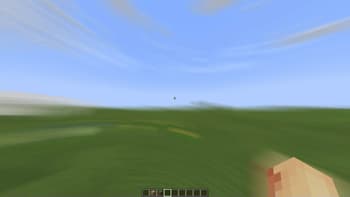

Motion Blur FX
1.21.11SHADERby marctgamer
About
# Motion Blur FX **Motion Blur FX** is designed to deliver stunning motion blur effects without compromising performance. Tailor the intensity of the motion blur to suit your system's capabilities, ensuring a smooth experience no matter your setup. ### Important Note: Motion blur effects can be disorienting for some users, particularly those sensitive to visual motion. If you find yourself feeling uncomfortable, please lower the motion blur strength or disable the effect entirely for a more pleasant experience. **Compatible with:** Iris and Optifine --- ### Optional Features: - **Motion Blur:** Enhance your visuals with dynamic motion blur. - **Saturation:** Infuse your world with vibrant colors for an eye-catching look. --- ### Compatibility: - **Tested on:** Minecraft versions 1.1...
Read more on ModrinthPreview
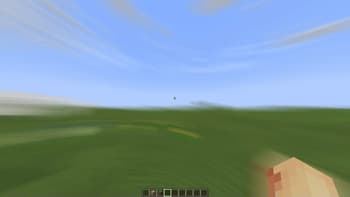
Motion Blur Strength: 1.50
Versions
motionblur_v1.41
1 year ago
Motion Blur v1.4
1 year ago
Motion Blur v1.3
1 year ago
Motion Blur v1.2
1 year ago
Motion Blur v1.1
1 year ago
Motion Blur 1.0
1 year ago

marctgamer
Owner
Related Shaders

Complementary Shaders - Reimagined
Preserving the elements of Minecraft with exceptional quality, detail, and performance.

Complementary Shaders - Unbound
Transforming the visuals of Minecraft with exceptional quality, detail, and performance.

MakeUp - Ultra Fast
MakeUp aims to provide the best quality / performance ratio, building a shader that can be adapted to anyone's resources.

Mellow
Shaderpack with a painterly aesthetic made for people who want to actually play the game. It's easy on your eyes and on your computer!