
Night Vision Shaders
1.21.11SHADERby linusdev
Preview
About
# Night Vision Shaders A shaderpack/resourcepack that aims on giving brightness everywhere while keeping the game aesthetic. It makes the game brighter, so you see well in caves, in the nether, underwater and everywhere else. But it also keeps slight light difference so that the aesthetic is not destroyed. 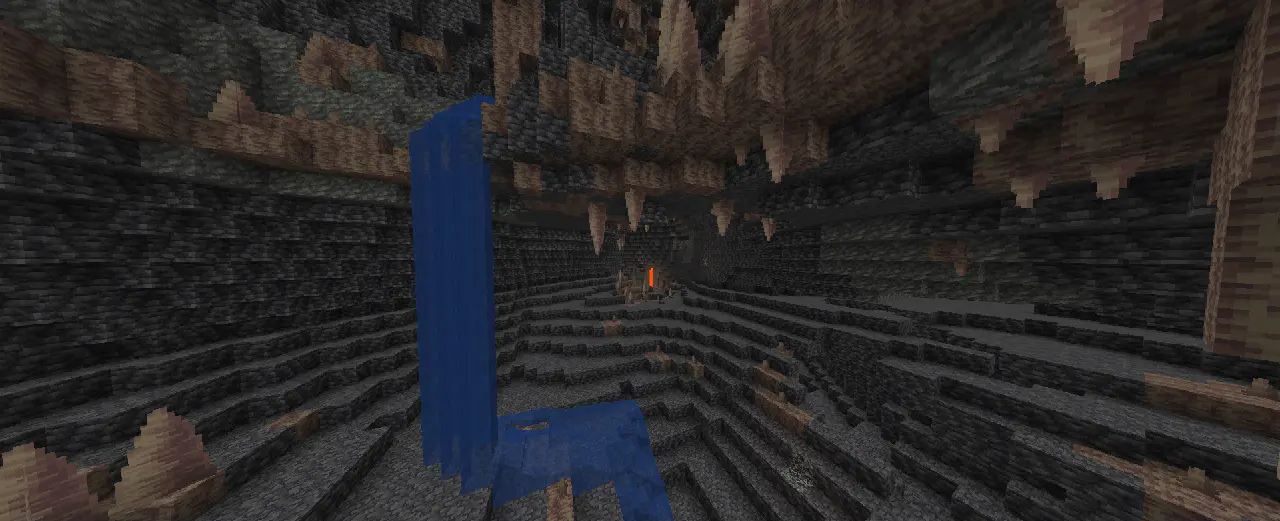 If you like this pack consider supporting the development by [buying me a coffee](https://ko-fi.com/T6T41BS1C9). ### Enabling the resourcepack You can simply enable it as resourcepack (Copy the `.zip` into the `resourcepack` directory). If you are using Sodium before 26.2, the [Sodium Core Shader Support](https://modrinth.com/mod/sodium-core-shader-support) mod is required. The pack...
Read more on ModrinthPreview
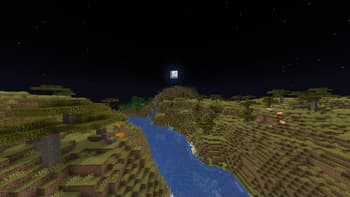
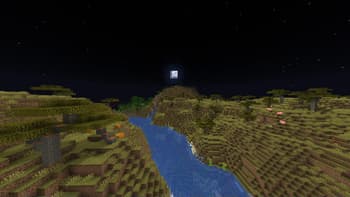
Night
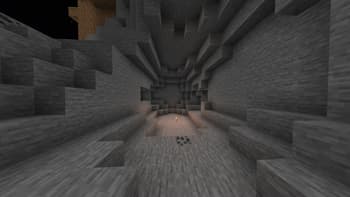
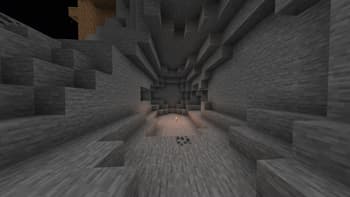
Torch light
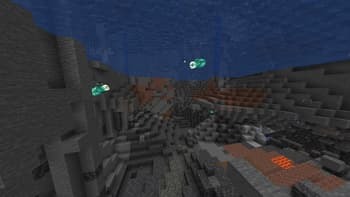
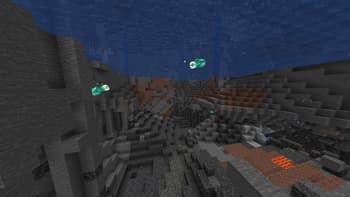
Underwater
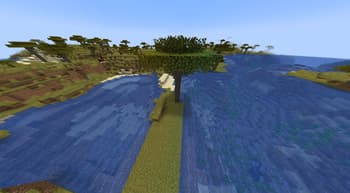
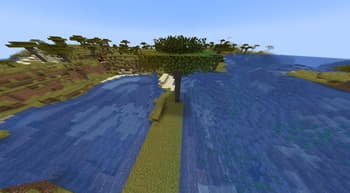
Day
Versions
Night Vision Shaders [Java] v. 1.0.36
1 week ago
Night Vision Shaders [Java] v. 1.0.35
2 months ago
Night Vision Shaders [Java] v. 1.0.34
3 months ago
Night Vision Shaders [Java] v. 1.0.33
5 months ago
Night Vision Shaders [Java] v. 1.0.32
6 months ago
Night Vision Shaders [Java] v. 1.0.31
6 months ago

linusdev
Owner
Related Shaders

Complementary Shaders - Reimagined
Preserving the elements of Minecraft with exceptional quality, detail, and performance.

Complementary Shaders - Unbound
Transforming the visuals of Minecraft with exceptional quality, detail, and performance.

MakeUp - Ultra Fast
MakeUp aims to provide the best quality / performance ratio, building a shader that can be adapted to anyone's resources.

Mellow
Shaderpack with a painterly aesthetic made for people who want to actually play the game. It's easy on your eyes and on your computer!