
NOIR
1.21.11SHADERby xsoras
Preview
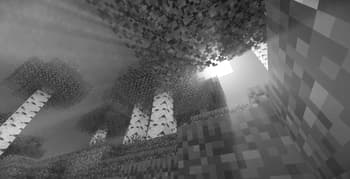
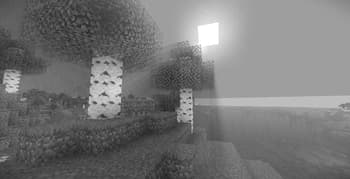
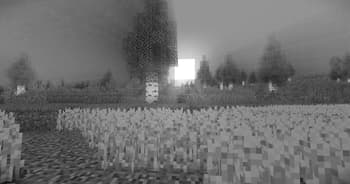
About
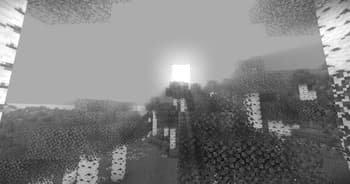
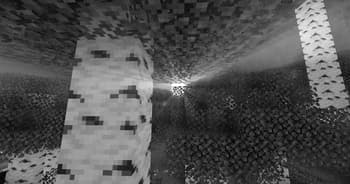
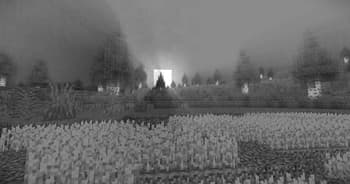
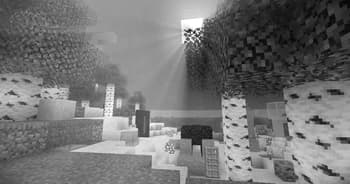
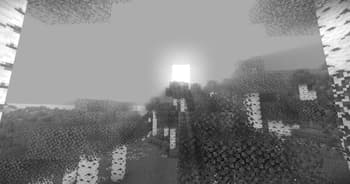
[](https://discord.gg/XgH4EpyPD2) **NOIR Cinematic** NOIR is a lightweight shader designed to give Minecraft a darker, cinematic atmosphere inspired by classic noir visuals. The shader focuses on contrast, mood, and subtle lighting rather than heavy visual effects, keeping the game recognizable while giving it a dramatic look. Deep godrays, controlled highlights, and muted tones create a world that feels more atmospheric and immersive without sacrificing performance or the vanilla aesthetic.  NOIR is built for players who want a moody visual...
Read more on ModrinthPreview
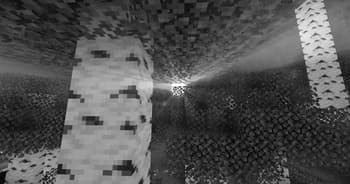
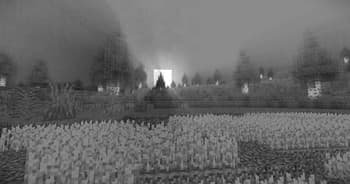
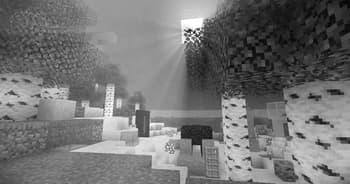
Versions
NOIR 0.6
3 months ago

xsoras
Owner
Related Shaders

Complementary Shaders - Reimagined
Preserving the elements of Minecraft with exceptional quality, detail, and performance.

Complementary Shaders - Unbound
Transforming the visuals of Minecraft with exceptional quality, detail, and performance.

BSL Shaders
Shaderpack for Minecraft: Java Edition. It's bright, colorful, and distinct.

Photon Shaders
A gameplay-focused shader pack with a semi-realistic style