
Nostalgia Shader
1.21.11SHADERby RRe36
Preview

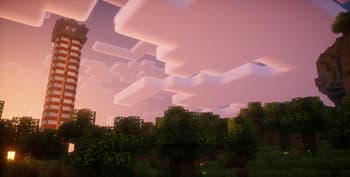
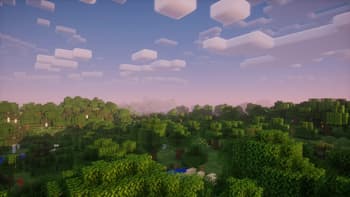
About
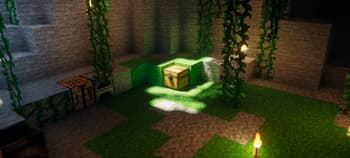
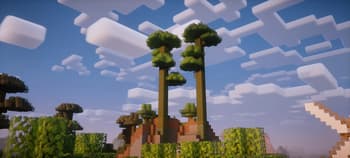
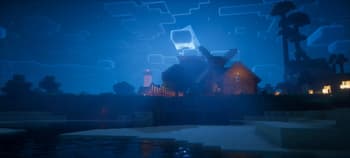
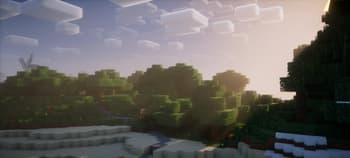
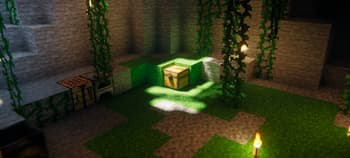
 ## **What is the Nostalgia Shader?** This shaderpack is intended to reproduce the look and feel of the "old" shaderpacks from back when the shadersmod was new. However it also builds ontop of that with new features and superior performance. Accidentally it also has some similarities to the now cancelled "Super Duper Graphics Pack". ## **What features does it offer?** * Dynamic soft shadows * Optional screen-space path-tracing (SSPT) * Temporal Anti-Aliasing (TAA) * Vanilla style volumetric clouds with multiple cloud layers (the first of their kind) * they also rely on the cloud texture provided by your resourcepack * Screen-space reflections and optional offscreen environment reflections (whe...
Read more on ModrinthPreview
Nostalgia Shader v5.0
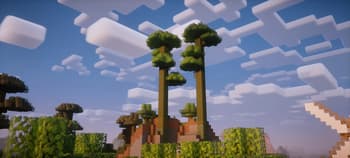
Nostalgia Shader v5.0

Nostalgia Shader v5.0
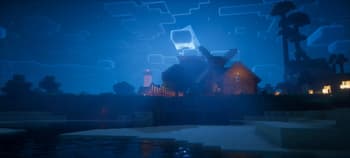
Nostalgia Shader v5.0
Versions
Nostalgia Shader v5.1
1 year ago
Nostalgia Shader v5.0
3 years ago
Nostalgia Shader v4.0a
3 years ago
RRe36
Owner
Related Shaders

Complementary Shaders - Reimagined
Preserving the elements of Minecraft with exceptional quality, detail, and performance.

Complementary Shaders - Unbound
Transforming the visuals of Minecraft with exceptional quality, detail, and performance.

Solas Shader
A modern fantasy stylized shaderpack with colored lighting and stunning visuals

Bliss Shaders
A well performing fantasy styled shaderpack with emphasis on scene variation and customization.