
Nostalgia-Ultra
1.21.11SHADERby maxlananass
Preview
About
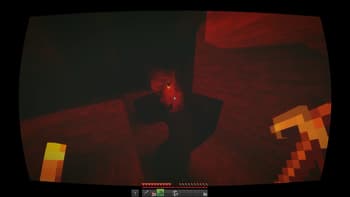
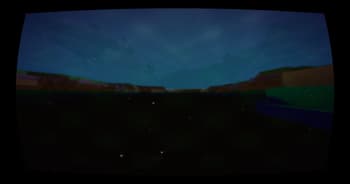
# Nostalgia Ultra **Relive the golden age of Minecraft (2011-2013) in modern 4K quality.** This shader recreates the exact visual atmosphere of Minecraft Beta 1.7 to Release 1.5.2 — the era of legendary servers and unforgettable memories. --- ## Features ### Visual Style - **Warm, saturated colors** like old CRT monitors - **Optional CRT effect** with screen curvature and scanlines - **Electric blue sky** — the iconic 2011 look - **Vibrant green grass** like Alpha/Beta versions ### Water - **Turquoise translucent water** like version 1.3 - **Smooth animated waves** - **Reflections and caustics** - **Shore foam** ### Sky & Lighting - **Large sun with yellow halo** - **Big visible stars** at night - **Soft realistic shadows** - **Volumetric sun rays** (godrays) - **Warm orange torch l...
Read more on ModrinthPreview
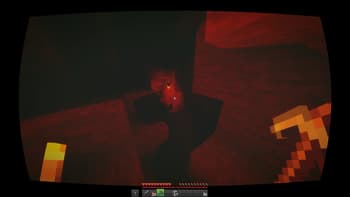
Mine
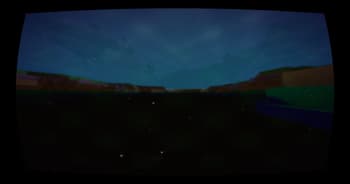
Under the sea
Versions
V10
6 months ago
V9
6 months ago
V8
6 months ago
V7
6 months ago
V6
6 months ago
V5
6 months ago

maxlananass
Owner
Related Shaders

Complementary Shaders - Reimagined
Preserving the elements of Minecraft with exceptional quality, detail, and performance.

Complementary Shaders - Unbound
Transforming the visuals of Minecraft with exceptional quality, detail, and performance.

BSL Shaders
Shaderpack for Minecraft: Java Edition. It's bright, colorful, and distinct.

Photon Shaders
A gameplay-focused shader pack with a semi-realistic style