
Nostalgic Crisp
1.21.11SHADERPreview
About
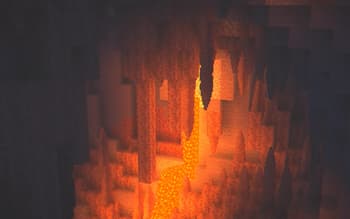
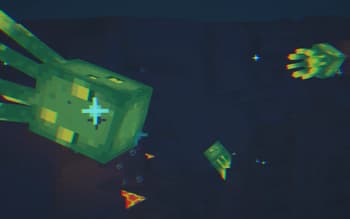
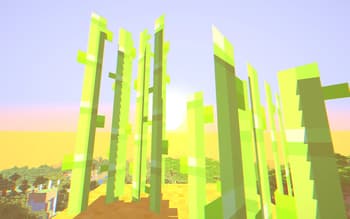
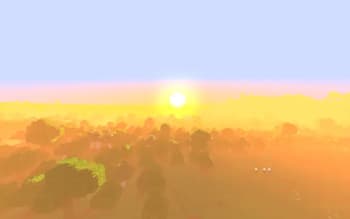
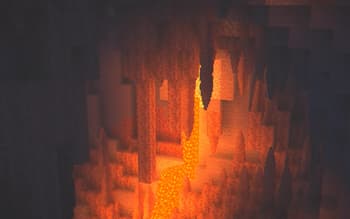
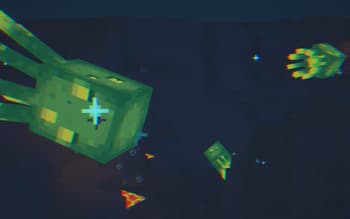
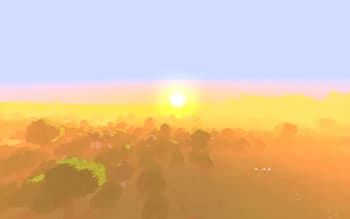
Currently shader is **WIP**, **_expect many bugs._** ## Features 1. Fast and low quality shadows, (pixel locked shadows) 2. Special sunrise and sunset event where the whole world becomes a lot more redder and brighter. 3. Handheld lighting, and more softer lighting for light sources 4. Wavy plants 5. Atmosphere/fog 6. Watershader, makes your screen wavy 7. Chromatic aberration That should be all, fixing the shadows is my top priority along with foxing the light leak issue. The End kind of just doesn't have any features and is the same, and the Nether is bearable (in my minimal testing), but I will definitely revist tje dimensions after fixing the shadows. That's all so have fun! *Note: Nuking the entire shadow logic and rewriting it from ground up to support iris. Also it technically ...
Read more on ModrinthPreview
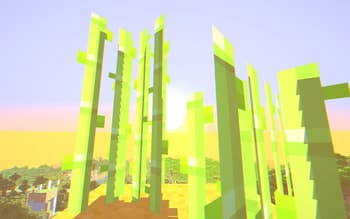
Golden Hour
Versions
0.0.1
5 months ago
Related Shaders

Complementary Shaders - Reimagined
Preserving the elements of Minecraft with exceptional quality, detail, and performance.

Complementary Shaders - Unbound
Transforming the visuals of Minecraft with exceptional quality, detail, and performance.

BSL Shaders
Shaderpack for Minecraft: Java Edition. It's bright, colorful, and distinct.

Photon Shaders
A gameplay-focused shader pack with a semi-realistic style