

Nuar
1.21.11SHADERby X1Xun
About
Nuar Shader is a shader that will make a 60s movie out of your game. 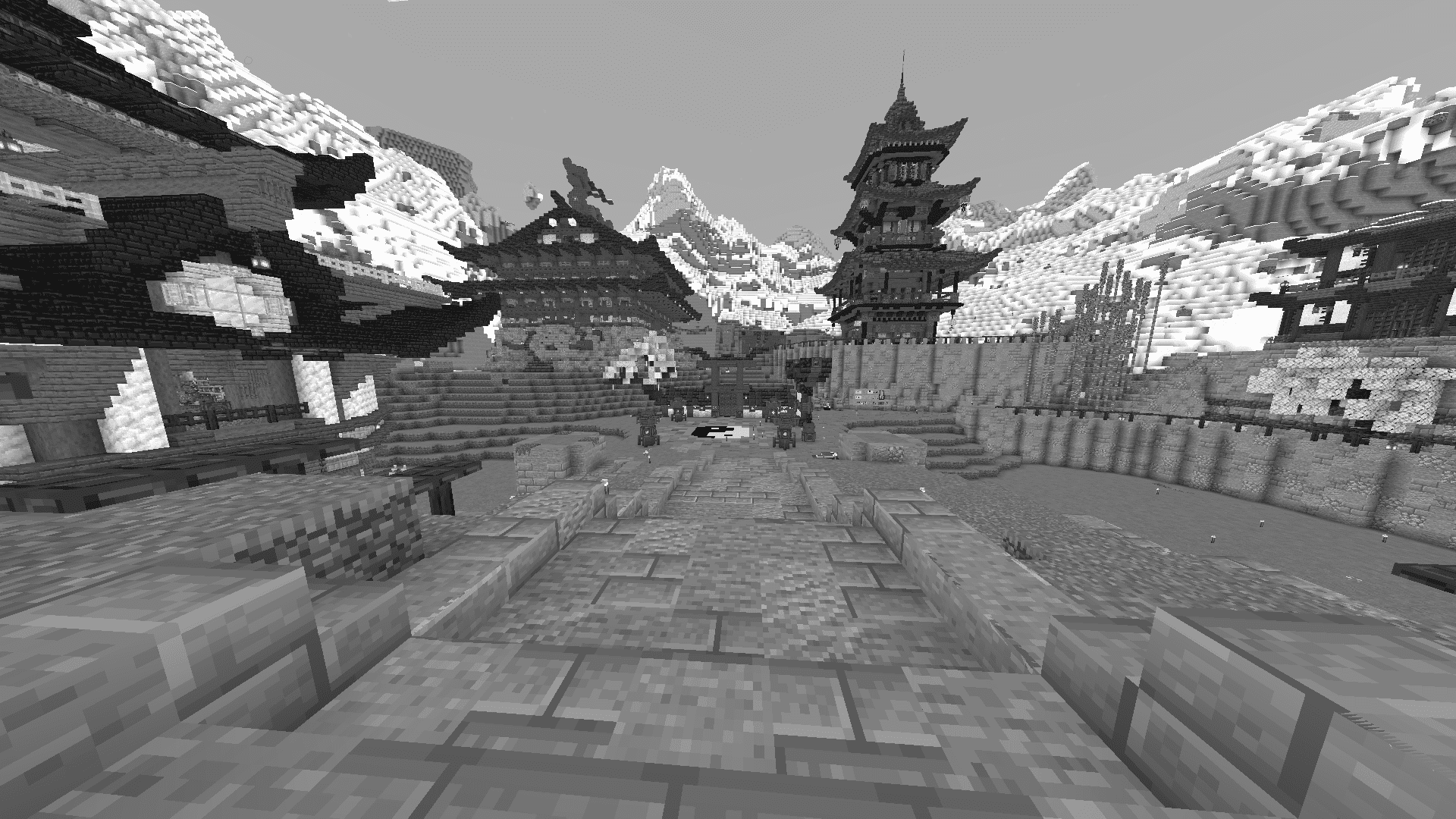 The shader makes your whole world black and white, it's great for feeling like a hero of old movies, or taking beautiful screenshots. # _INSTALL GUIDE:_ To make the shader work, you need to install the Optifine/[Iris](https://modrinth.com/mod/iris)(requires [Sodium](https://modrinth.com/mod/sodium)) After installation, download the shader archive and upload it to the shaderpacks folder in the minecraft root folder 
Preview

it works!
Versions
Dark Edition
1 year ago
Beta-Release 1.0
1 year ago

X1Xun
Owner
Related Shaders

Complementary Shaders - Reimagined
Preserving the elements of Minecraft with exceptional quality, detail, and performance.

Complementary Shaders - Unbound
Transforming the visuals of Minecraft with exceptional quality, detail, and performance.

BSL Shaders
Shaderpack for Minecraft: Java Edition. It's bright, colorful, and distinct.

Photon Shaders
A gameplay-focused shader pack with a semi-realistic style