

NyxaVora
1.21.11SHADERby xEnif
Preview


About
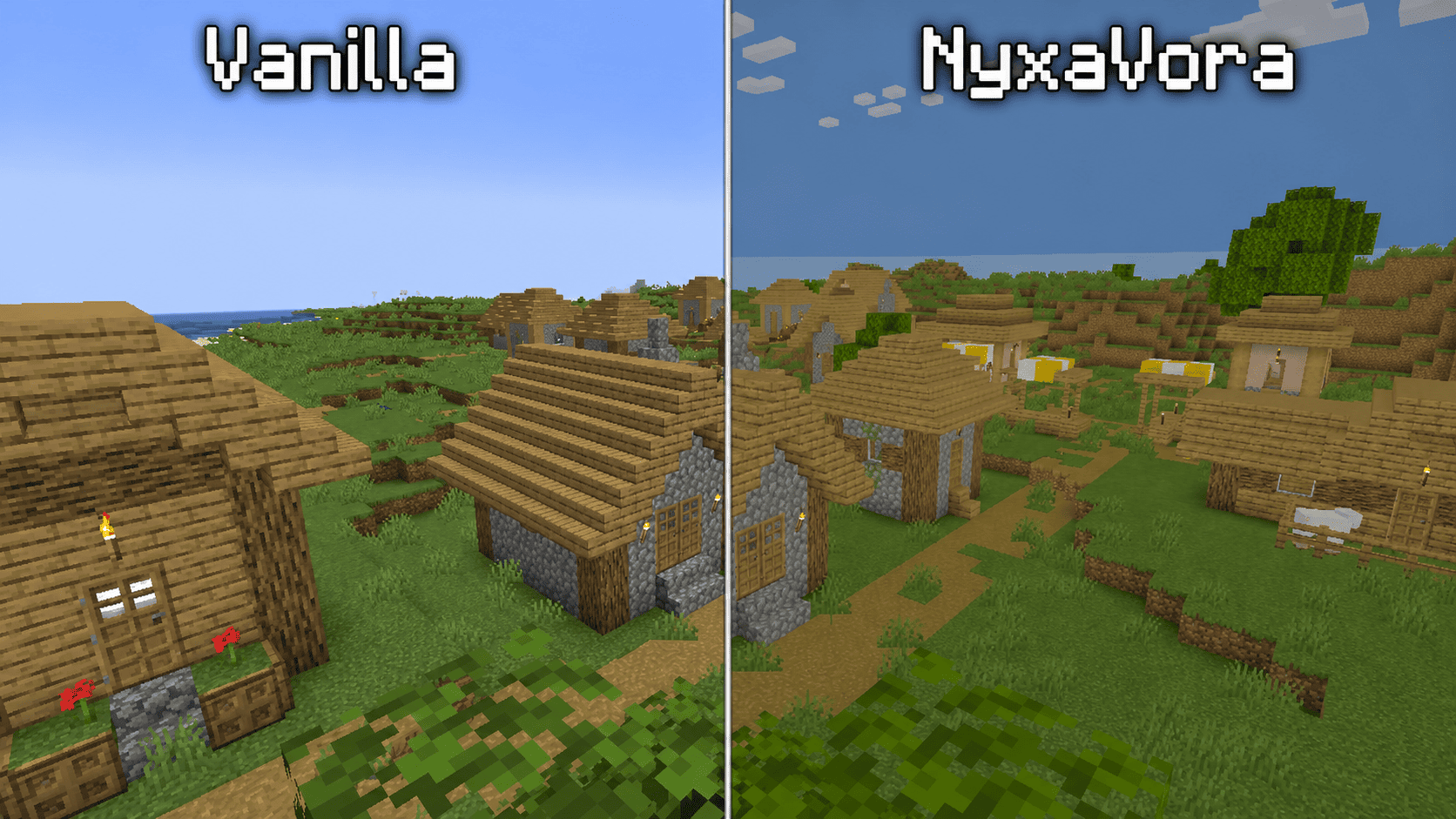 NyxaVora Shaders is a colorful Minecraft shaderpack designed to make the game feel brighter, softer, and more atmospheric while keeping the classic vanilla style recognizable. It enhances Minecraft with pleasant colors, gentle lighting, and a clean fantasy-inspired look. NyxaVora Shaders is made for players who want their worlds to feel more vivid, cozy, and magical without making the game overly realistic or too demanding on performance. Features Brighter and more colorful lighting Softer and more atmospheric visuals Vanilla-friendly style that still feels like Minecraft Clean fantasy-like look for survival, building, and exploration Pleasant colors that make biomes feel more lively ...
Read more on ModrinthPreview


Versions
1.0
2 weeks ago

xEnif
Owner
Related Shaders

Complementary Shaders - Reimagined
Preserving the elements of Minecraft with exceptional quality, detail, and performance.

Complementary Shaders - Unbound
Transforming the visuals of Minecraft with exceptional quality, detail, and performance.

Solas Shader
A modern fantasy stylized shaderpack with colored lighting and stunning visuals

Bliss Shaders
A well performing fantasy styled shaderpack with emphasis on scene variation and customization.